
How General Contractors Use Software to Manage Estimates, Subs, and Clients in One Place
General contractors manage estimates, subcontractors, and clients in one place by running every job through a single system where each stage feeds the next: the estimate becomes the proposal, the signed proposal becomes the budget and schedule, subs are assigned to that schedule, and clients see progress, approvals, and invoices through a portal. The payoff isn't any one feature. It's eliminating the handoffs where information gets retyped, lost, or misunderstood.
This guide walks through the residential general contractor workflow step by step, where it usually breaks, and what "one place" looks like in practice.
Key takeaways
- A GC's job has three hubs of information: the estimate, the subs, and the client. Most problems happen where they connect.
- The goal is to enter information once and let it flow forward through the job.
- Project-based communication and written change orders protect both margin and relationships.
The General Contractor Workflow, Step by Step
Hub 1: Managing Estimates
The estimate is the foundation of the job. Everything downstream, including the proposal, budget, schedule, purchase orders, and change orders, inherits its accuracy or its mistakes.
In a connected system, the estimate starts where the information starts:
- At the site visit. Record a narrated walkthrough on your phone and let an AI video estimator draft the scope of work and line items while the details are fresh.
- From plans. Upload PDF drawings to AI takeoff software to extract quantities instead of measuring by hand.
- From a description or past jobs. Use AI estimating or saved templates to build a line-item draft you review and adjust.
Once approved, the estimate becomes a proposal the client can review and sign online, without retyping anything.
Hub 2: Managing Subcontractors and Vendors
Subs are where a GC's schedule and margin are most exposed. The workflow that works:
- Request bids from the job. Send scope and plans to multiple subs and compare responses side by side.
- Confirm scope in writing. What's included, what's not, and when.
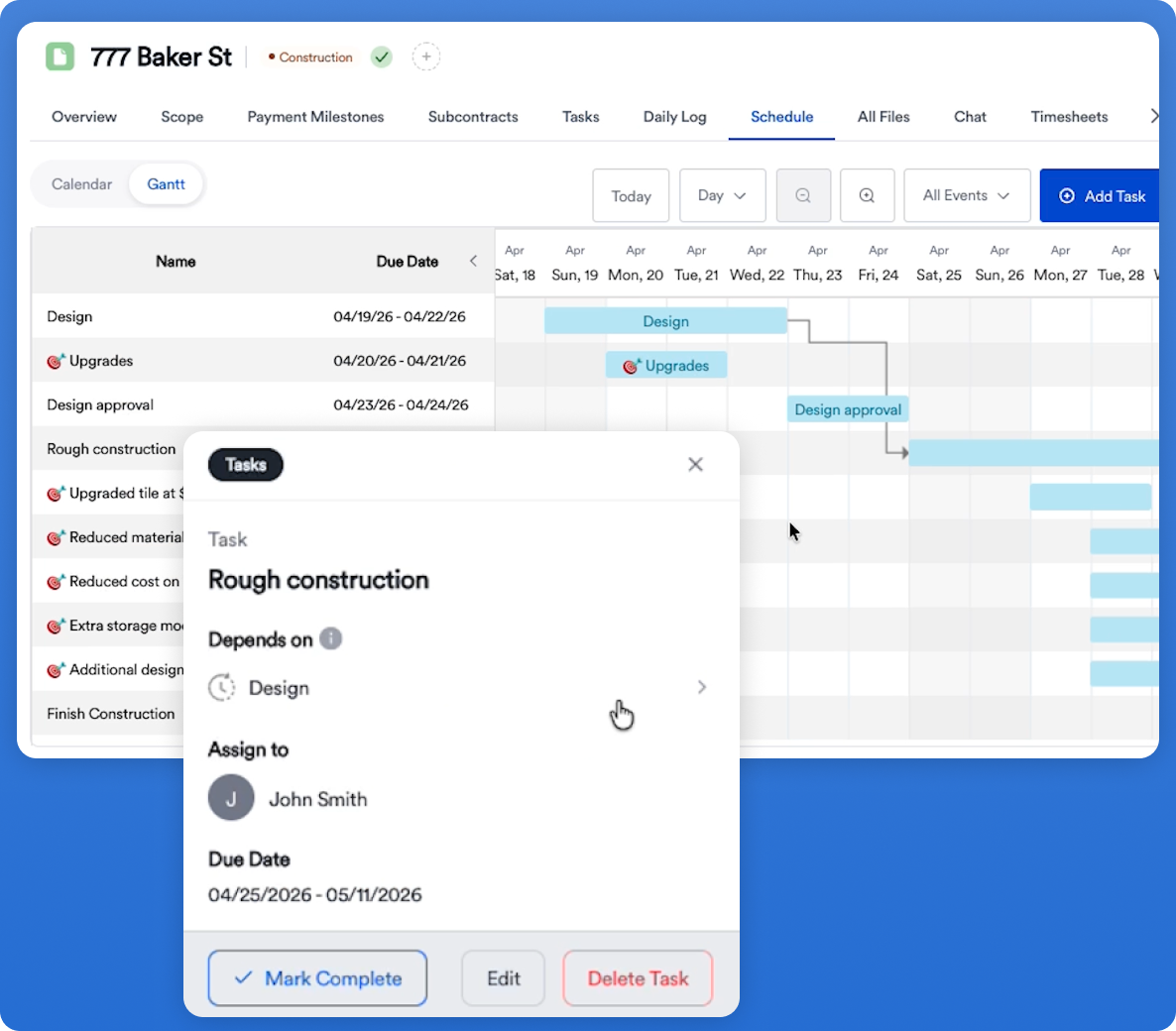
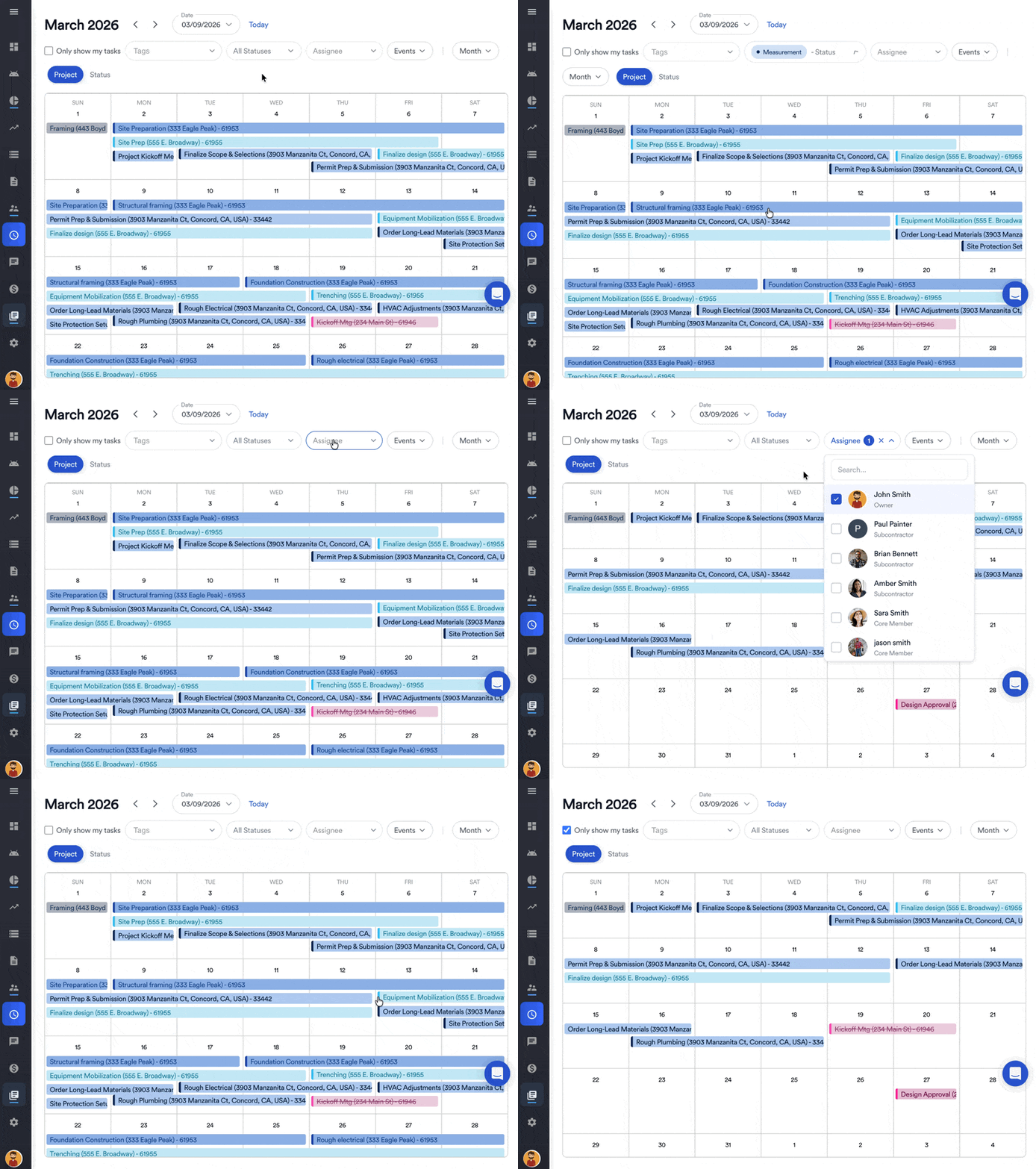
- Assign subs to schedule tasks. When dates move, they get notified.
- Share current files in one place. No more "which plan set are you on?"
- Keep conversations on the project. Decisions stay searchable, not buried in personal texts.
.png)
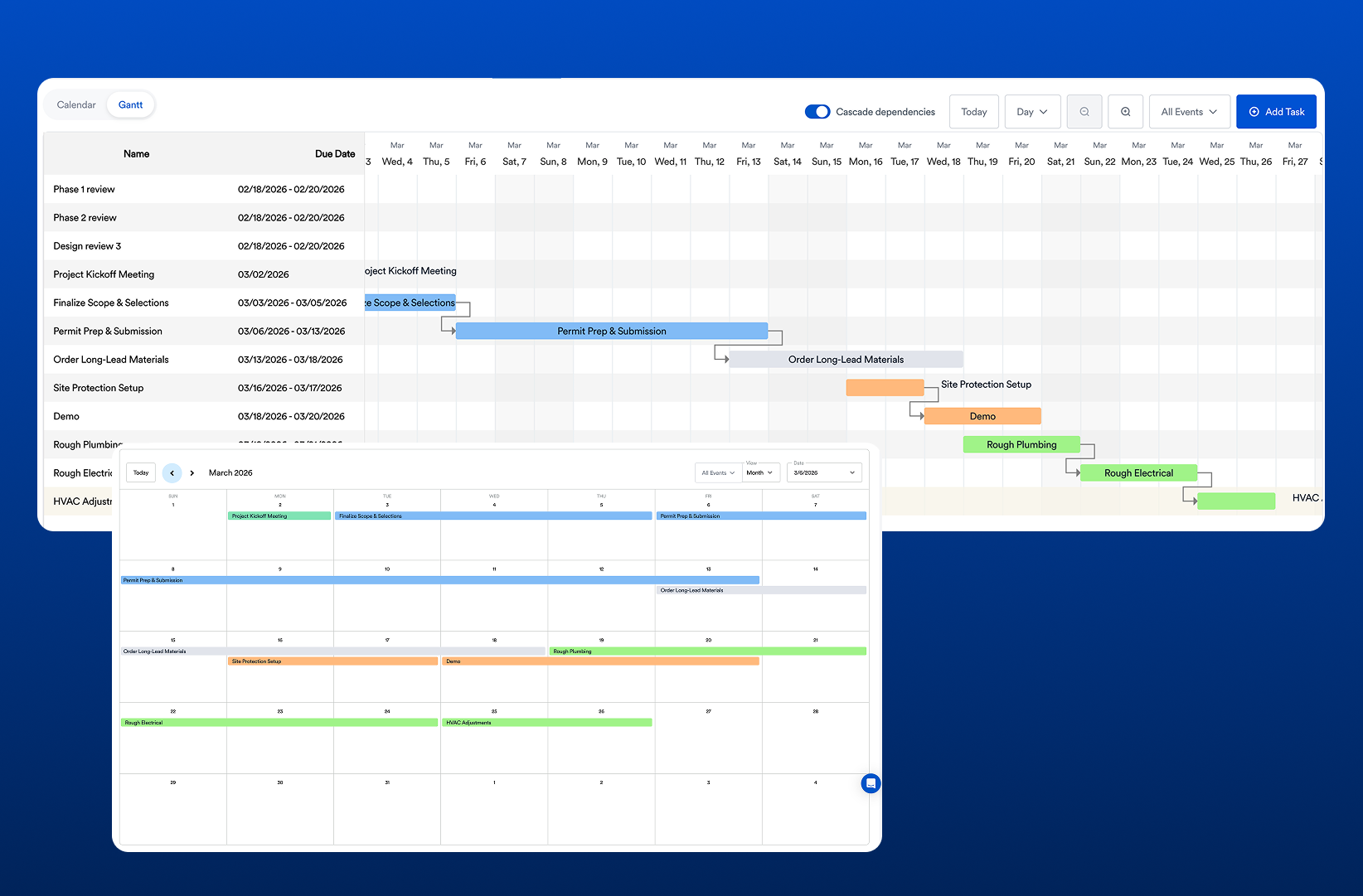
Eano Pro handles this with vendor management, construction scheduling, and project-based communication with automatic translation for multilingual crews. For more tactics, see our guide to optimizing subcontractor collaboration.
Hub 3: Managing Clients
For residential GCs, client experience drives referrals and reviews. The best client management workflows share three traits:
- Expectations set at kickoff. Clients know how and when they'll get updates and where to find information.
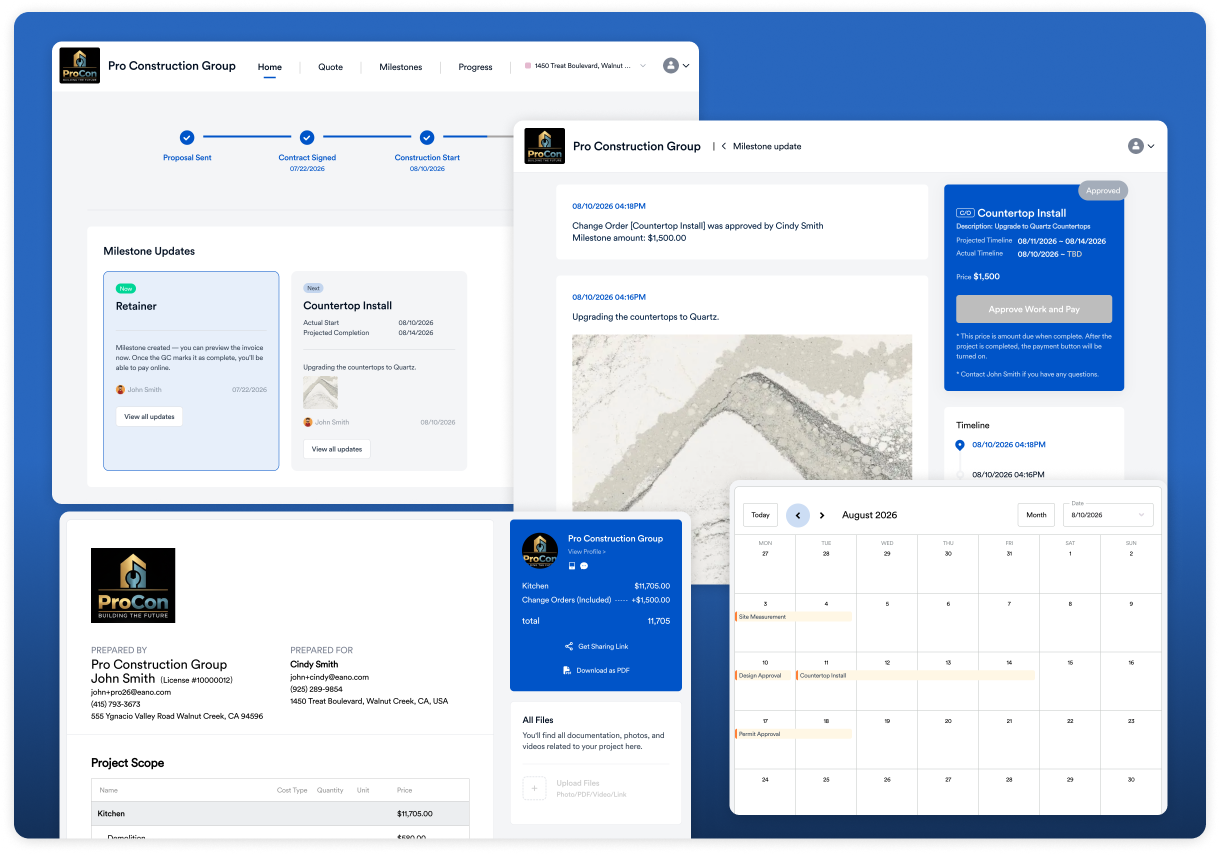
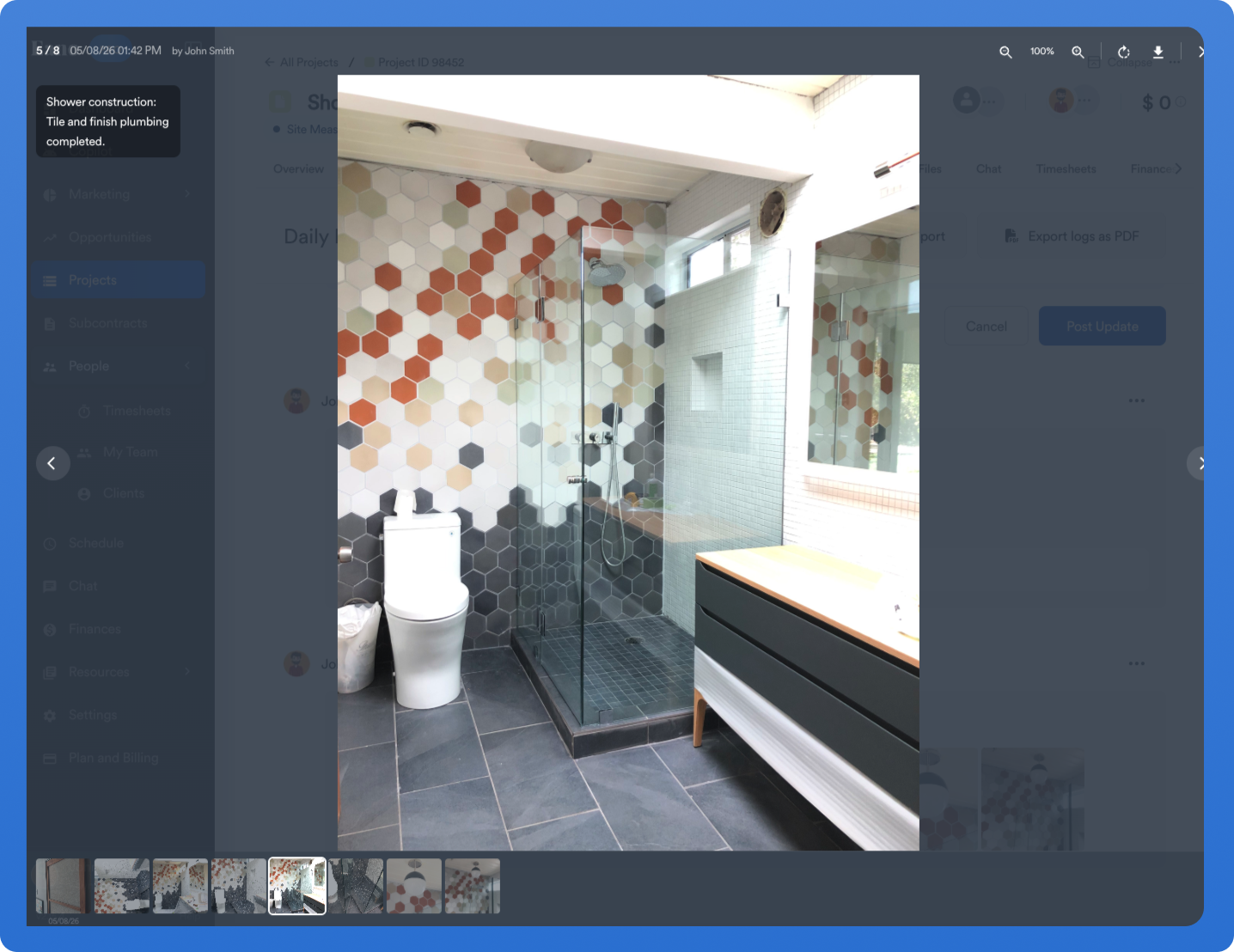
- Proactive visibility. A client dashboard shows milestones, photos, schedule, documents, and invoices, so clients don't have to ask.
- Decisions in writing. Selections and change orders are approved in the portal, creating a clear record.
On the field side, daily logs with photos feed that visibility automatically. See our complete guide to construction daily logs for what to capture.
What Changes When It's All in One Place
Here's how one construction company describes the difference:
In practical terms, a connected workflow means:
- No re-entry. The numbers you estimated are the numbers you schedule, bill, and track against.
- Faster response to leads. Estimates and proposals go out the same day instead of the same week.
- Fewer disputes. Change orders and client decisions have dates and signatures.
- Less dependence on one person. Anyone on the team can open a job and see its full history.
How to Set Up a Connected Workflow
- Map your current workflow. Write down every tool and handoff from lead to final invoice.
- Circle the re-entry points. Anywhere you copy information from one place to another is a candidate to eliminate.
- Pick one system of record. Our guide to what to look for in general contractor software covers which features to prioritize.
- Start with the next new job. Let active jobs finish where they are.
- Add subs and clients once your internal process is steady.
Compare Platforms That Support This Workflow
If you're ready to evaluate software that can run estimates, subs, and clients in one place, see our comparison of the best construction management software for general contractors. Running a smaller operation? Start with the best general contractor software for small businesses.