AI Construction Software

Control the decisions that matter. Let AI help with the rest.

Eano Pro is AI construction software built for general contractors and remodelers. It handles takeoffs, estimates, proposals, and project management in one connected platform — so your team spends less time on paperwork and more time on the job. Free to start. No credit card required.

AI Estimates from Prompts

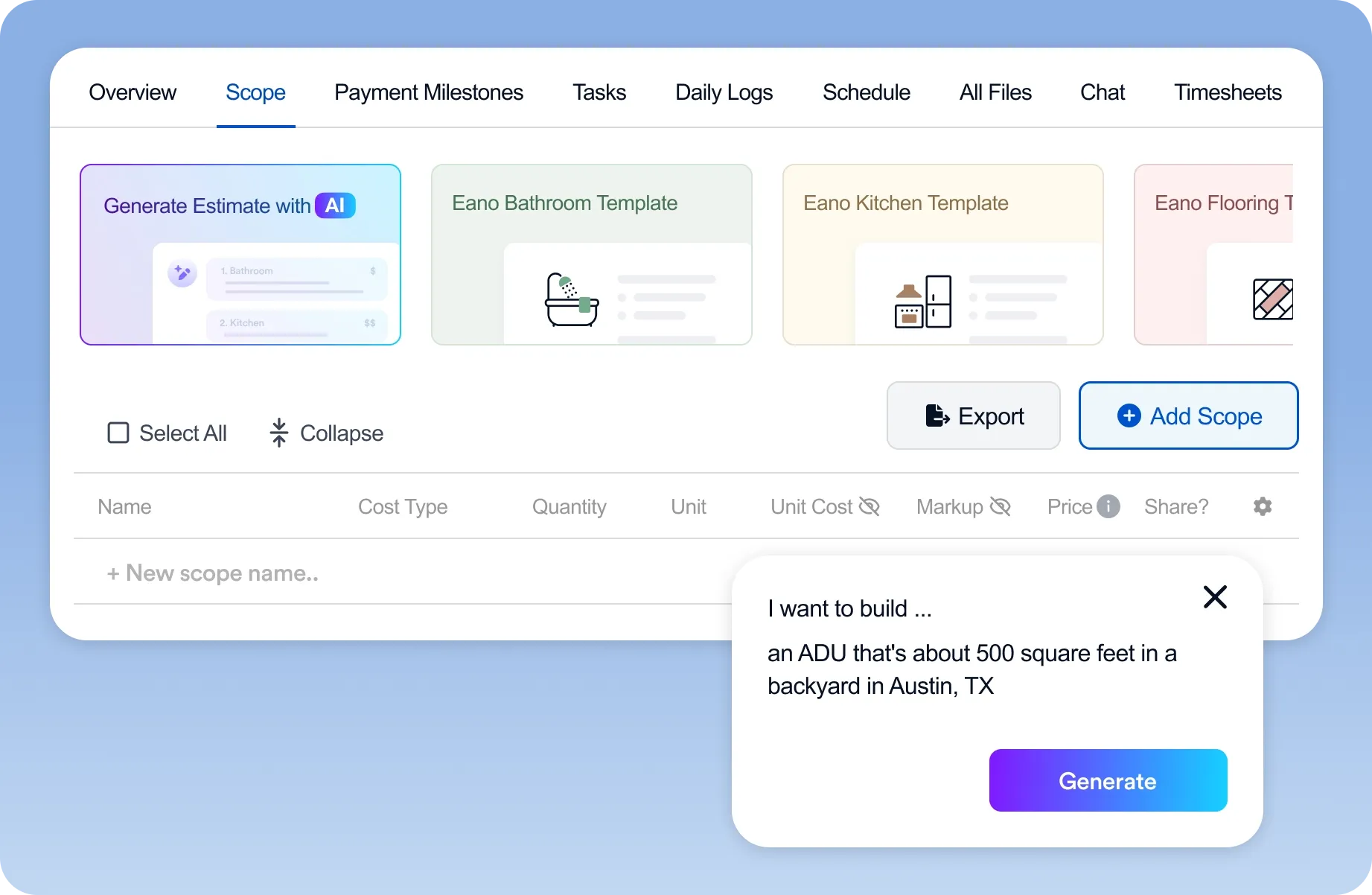
Describe the job. Get a full estimate.

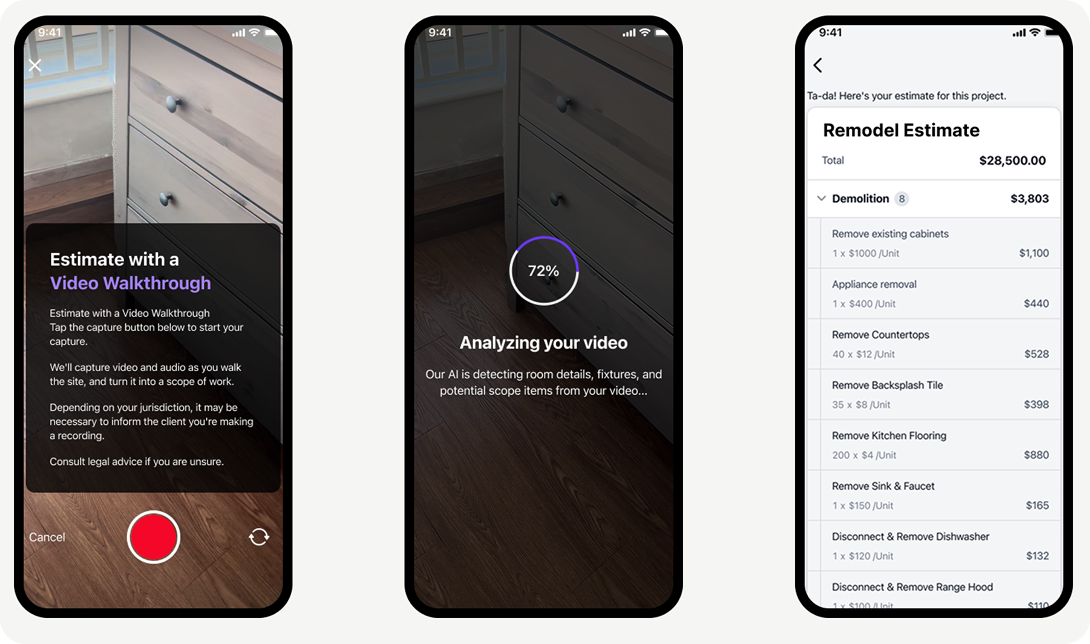
Tell Eano what you're building — kitchen remodel, bathroom addition, full gut renovation — and the AI asks the right follow-up questions, then produces a line-item estimate with materials and labor already broken out. No spreadsheet. No starting from scratch.

→ More about AI estimates

AI Takeoffs from Plans

Upload your plans. Skip the scale ruler.

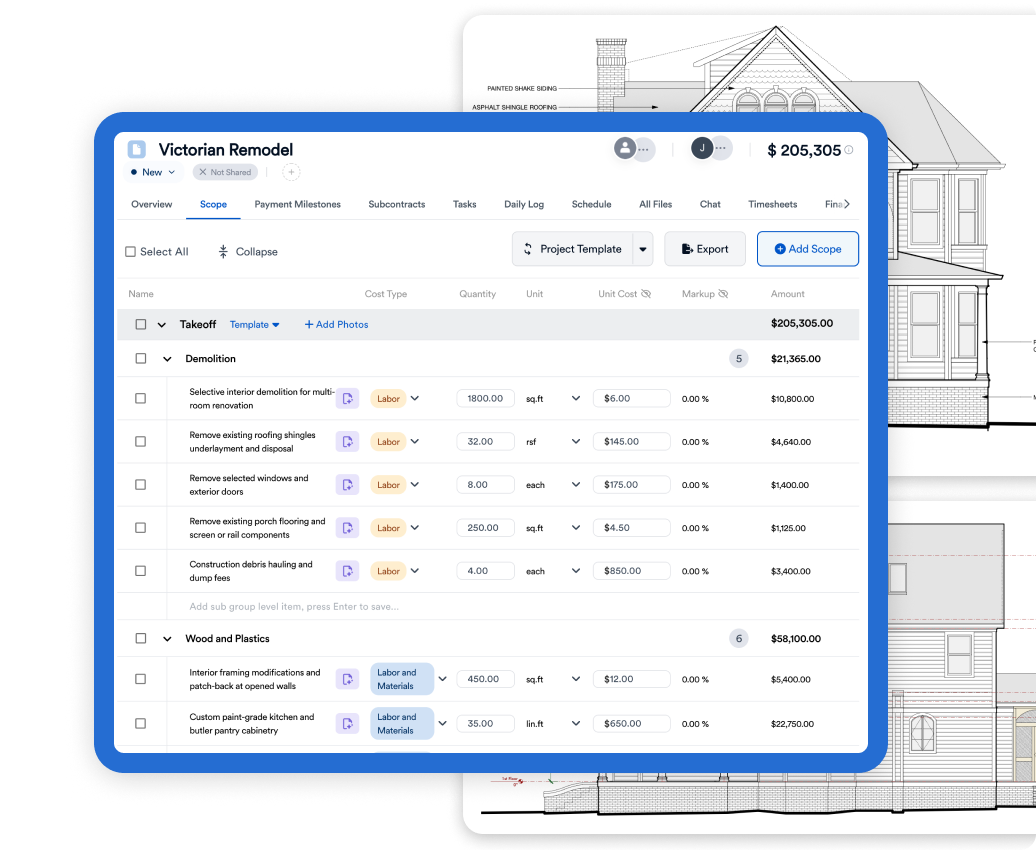
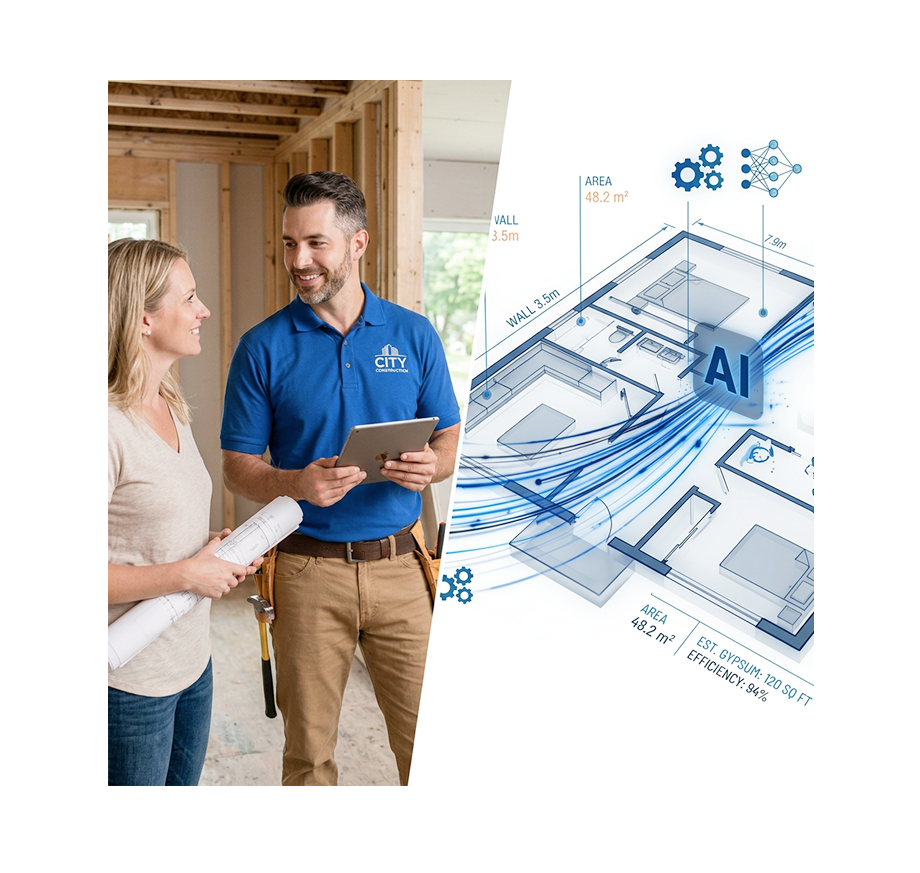
Drop in your architectural or construction drawings and Eano reads the dimensions, counts the elements, and pulls every material and labor item directly from the page. What used to take a full day takes under 30 minutes.

→ More about AI takeoffs

AI Estimates from Project Files

Already have something started? Upload it.

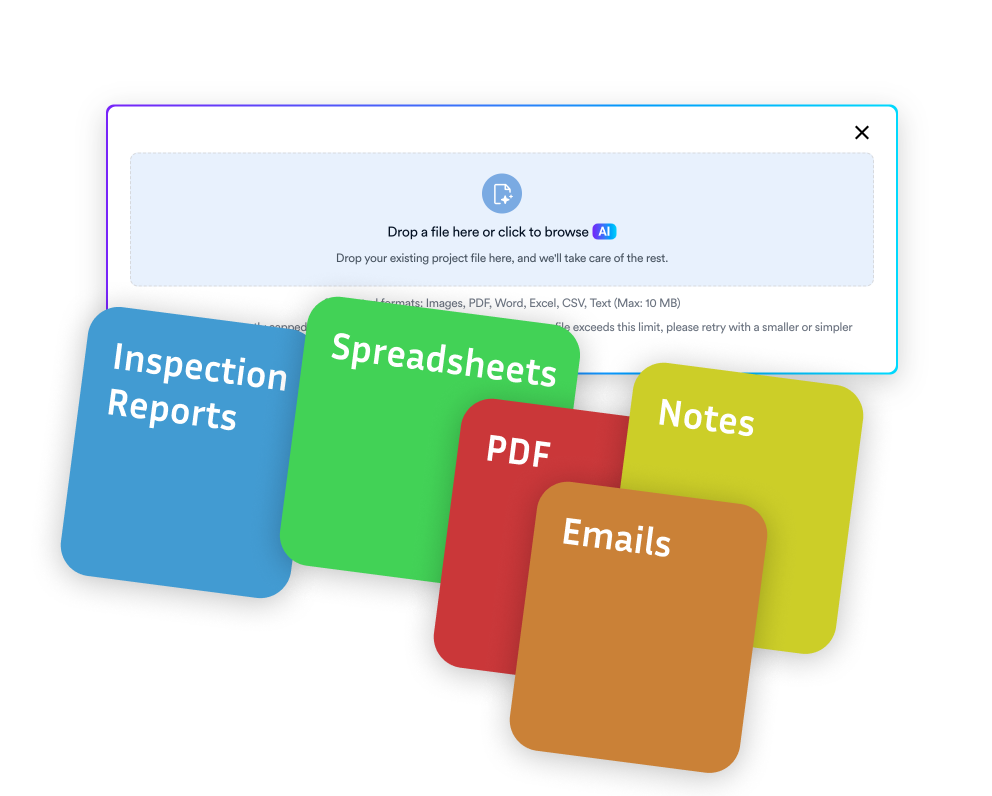
Emails, spreadsheets, PDFs, photos of handwritten notes — Eano makes sense of whatever you have and turns it into a clean, organized estimate with line items by category. No re-entry, no reformatting.

→ Try uploading project files

Receipt Scanning

Track job costs without the paperwork.

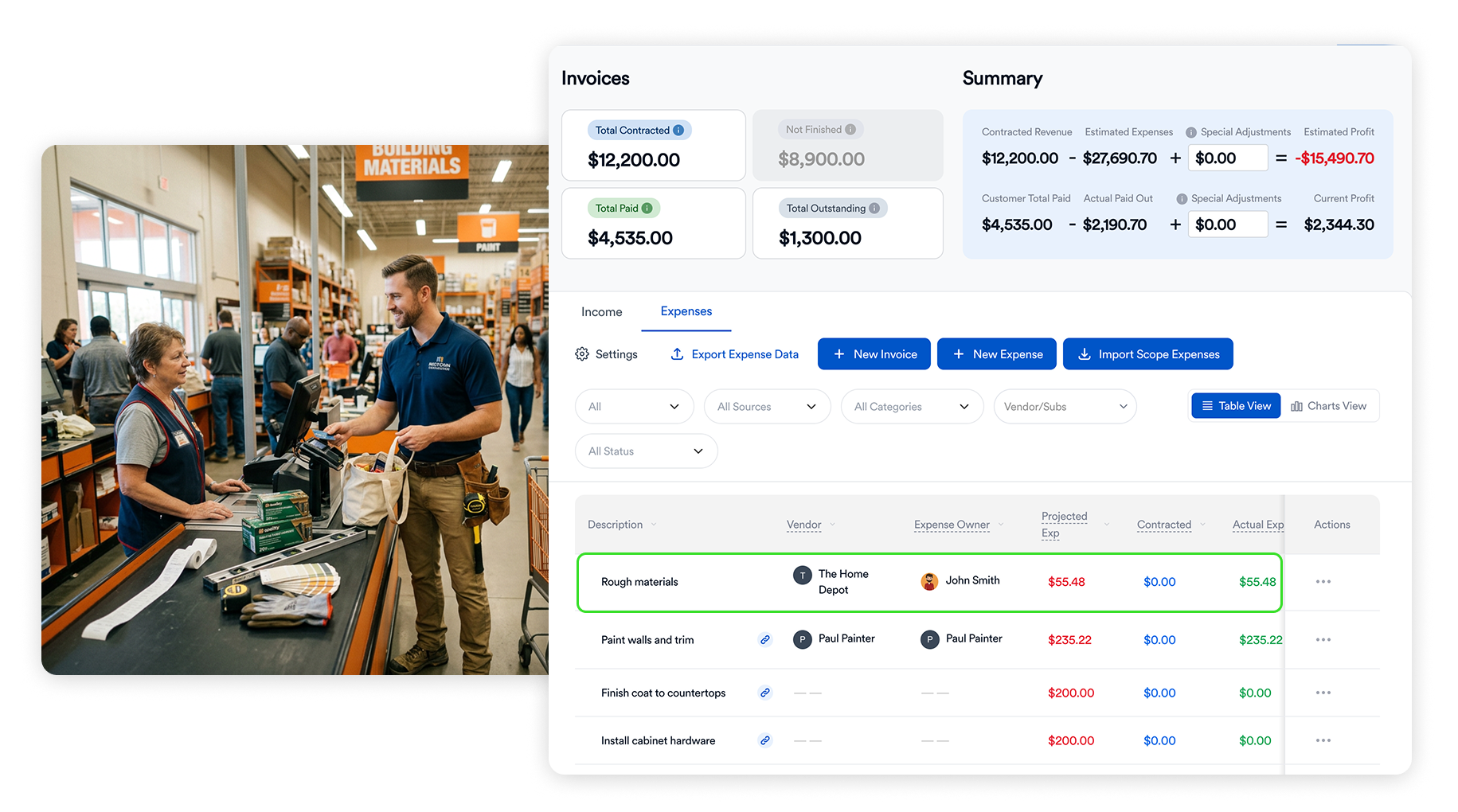
Snap a photo of any receipt on the job and Eano matches it to the right project automatically. Expenses sync directly with QuickBooks so your books stay clean without manual entry.

→ More about receipt scanning

What Remodelers Are Saying
“With Eano Pro, the speed and structure make a big difference — it looks more professional to clients, and it’s helped us win more projects.”
“It's 50X easier than Monday. If we'd had this 5 years ago, it would've been perfect. Your entry price point is very accessible.”
“I could just copy and paste, and that's like 10 minutes, done. The fastest estimating system I've ever used.”
“For estimates and contracts, it makes it much faster, for sure. It probably saves me 15 or more hours per estimate.”
"We have been consistently impressed by the team's responsiveness and support. They take the time to truly understand our needs, offering thoughtful solutions and adjustments that reflect a genuine commitment to client success. "
"Their patience throughout the onboarding process has made a complex transition feel manageable, and they've followed through on every promise with clarity and care. It's refreshing to work with a company that values partnership as much as performance."
"Thanks for checking in, and the PDF export, it looks very nice, and actually perfect since I was going to reach out and ask for a sample. Right now, I'm still reviewing all options and comparing, but Eano is still a strong option."
"Thanks for these updates. Loving to progress and SUPER excited about the two estimate updates. Now, we can get ROLLING."
AI File to Estimate Converter

Drop in anything —  project spreadsheets, inspection reports, Xactimate files, screenshots of emails, or handwritten notes.

Our AI extracts the details, instantly builds a professional estimate, and emails you a link as soon as it’s done.

No signup required

Max file size 10MB.
Uploading...
fileuploaded.jpg
Upload failed. Max size for files is 10 MB.
AI is setting things up now ✨ Your login will arrive by email shortly. Check spam if it’s not there in 10 minutes.
Oops! Something went wrong while submitting the form.

Related Articles

AI Takeoff Software: The Complete 2026 Guide for Contractors
Contractor Business
Mar 17, 2026
5
min read

AI Takeoff Software: The Complete 2026 Guide for Contractors

Read

FAQ

We’ve collected answers to the questions our clients ask most often. We hope they help you find what you’re looking for faster. If anything’s still unclear — feel free to reach out!

Can I track progress against milestones?

How does Eano help avoid delays?

Can my crew update from the field?

Can I share project progress with clients?

Is there a global view for all my jobs?

Does the project management module connect with Eano’s other tools?

Contact us

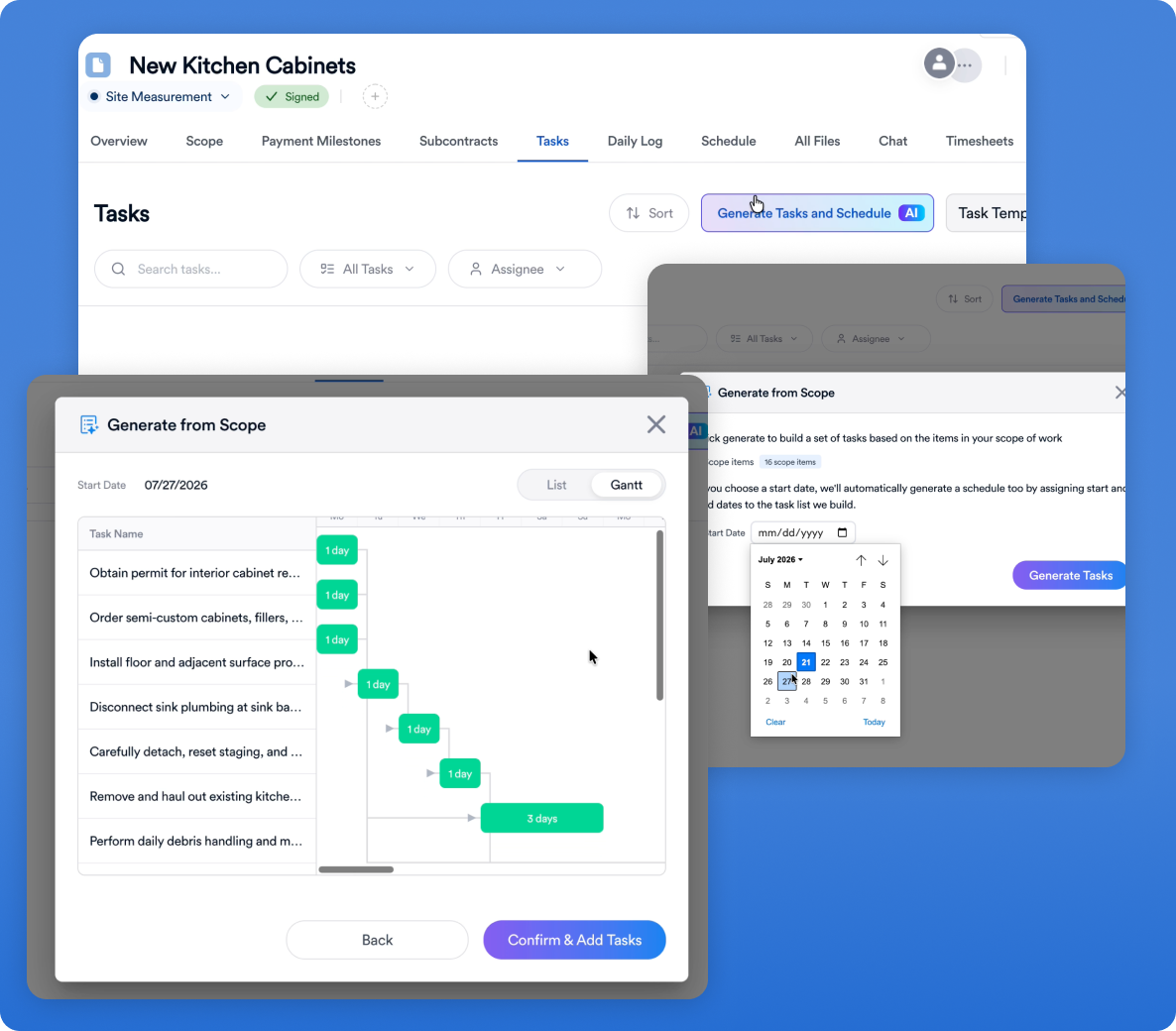
Import your first project in just a few clicks — set up milestones, schedule tasks, and see how simple job management can be.