
Best General Contractor Software for Small Businesses Ready to Grow
For small general contractors and remodelers running fewer than 10 jobs at a time, the best software is the one that speeds up estimating and selling while keeping project management simple enough to run without an office manager. In this guide we compare five popular options, Eano Pro, JobTread, BuildBook, Contractor Foreman, and Buildertrend, specifically through the lens of a small team: setup time, estimating speed, client experience, and total monthly cost.
Disclosure: Eano Pro is our product. We've included competitors with verifiable pricing and tried to be fair about where each one fits, including where Eano isn't the best choice.
Key takeaways
- Small GCs are usually constrained by owner time, not by missing features. Prioritize tools that give you hours back.
- Look at total cost for your team size, not the headline price. Per-user fees and add-ons change the math quickly.
- Big-brand platforms are powerful but often built for builders with dedicated office staff.
- Test every finalist with one real job during a free trial.
Why "Small Business" Changes the Answer
Most "best construction software" lists rank platforms by feature depth. That makes sense for a builder with a project manager, an estimator, and an office coordinator. It makes less sense for an owner-operator who is estimating at night, running two crews, and answering homeowner texts on the drive between jobs.
At under 10 active jobs, the things that matter most are:
- Estimating speed. The owner is usually the estimator. Every hour saved here is an hour back for sales or family.
- Setup time. You don't have a week to configure software. It should be useful on the first job.
- Client experience. Referrals drive small contractors. A professional proposal and clear updates matter.
- Predictable cost. A flat or low per-user price is easier to justify than a quote-based enterprise plan.
Quick Comparison
Pricing below reflects publicly listed or reported prices as of September 2026. Always confirm current pricing with the vendor.
1. Eano Pro
Best for: Small residential GCs and remodelers whose bottleneck is estimating and winning work.
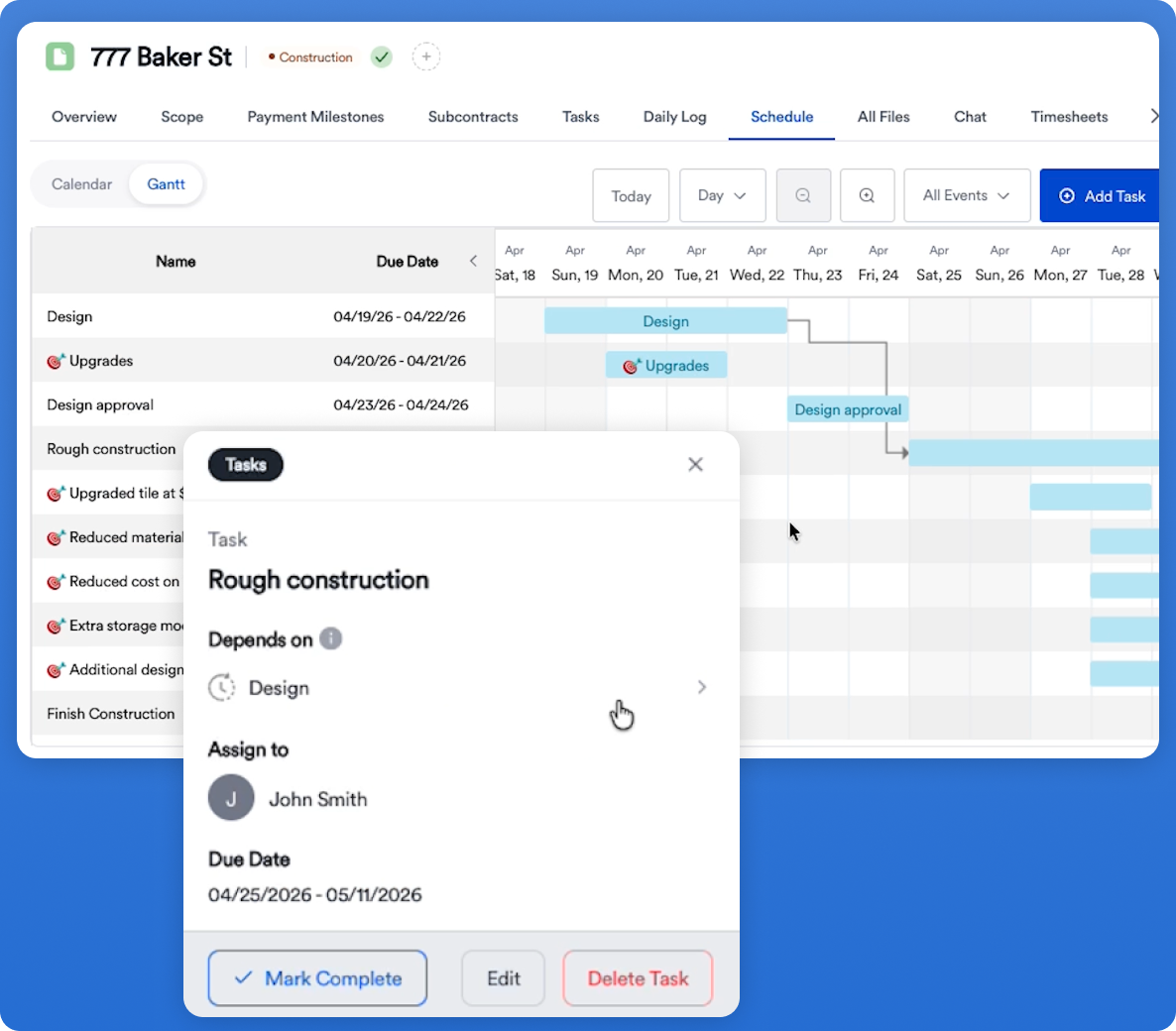
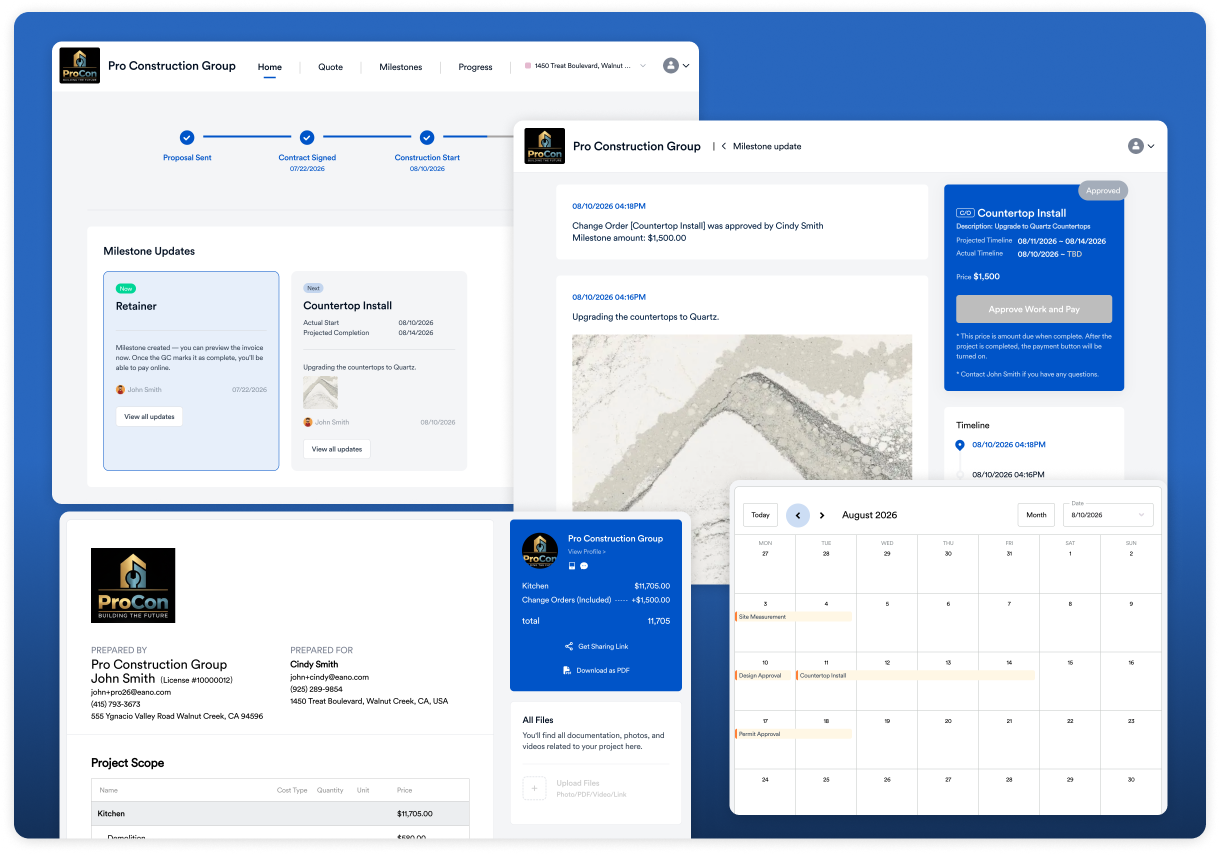
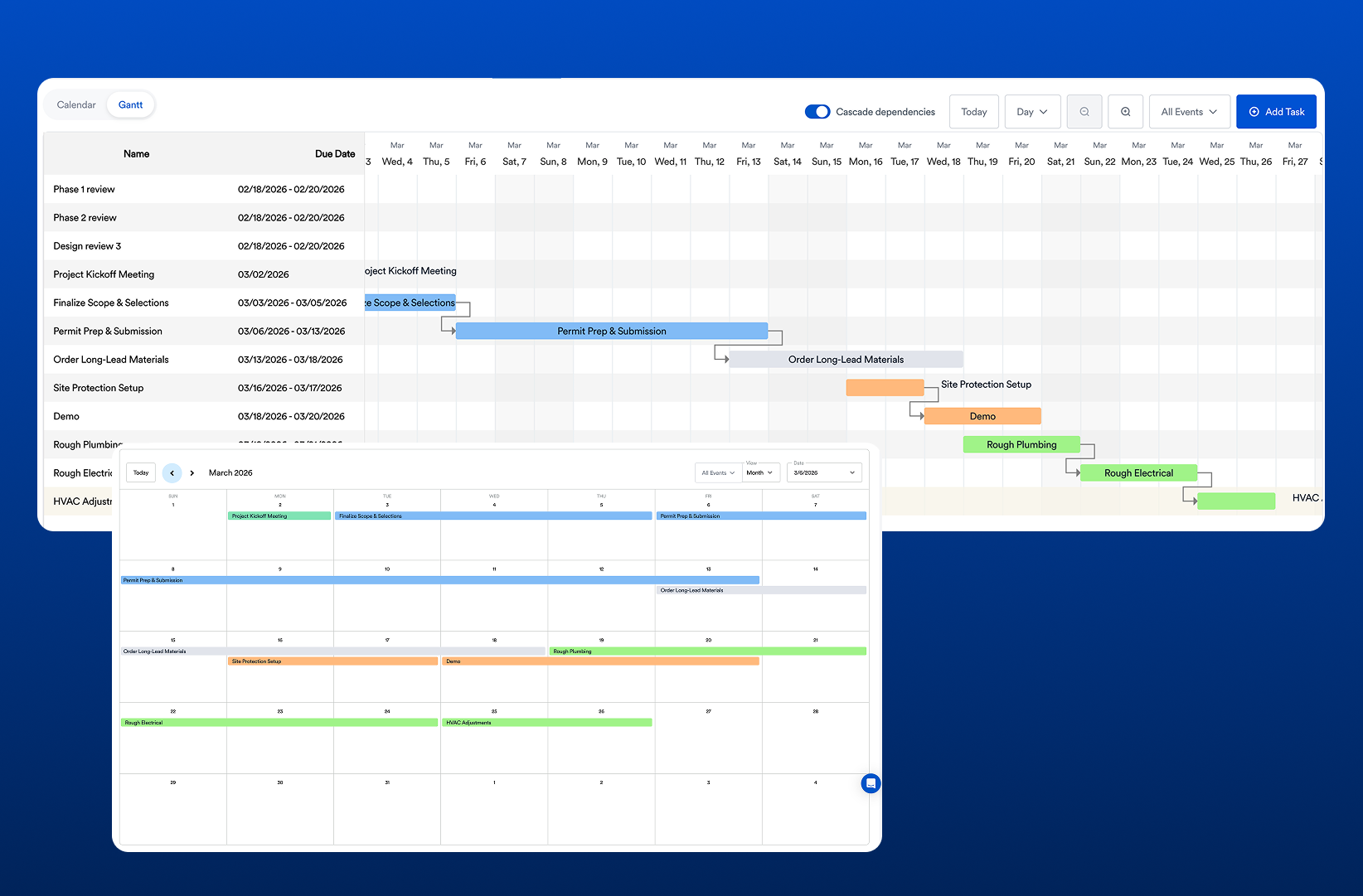
Eano Pro combines CRM, estimating, proposals, scheduling, daily logs, and a client dashboard, with AI built into the estimating workflow. You can draft an estimate from a project description with AI estimating, pull quantities from PDF plans with AI takeoff software, or record a narrated site walkthrough and let the AI video estimator turn it into a draft scope of work and line-item estimate.
- Strengths: Fast estimating from multiple starting points, estimate-to-proposal-to-project flow, low-cost entry plan for solo estimators, daily logs your team can submit via WhatsApp™.
- Consider something else if: Your primary need is deep accounting-style job costing, or you're a large builder with complex multi-division workflows.
2. JobTread
Best for: Contractors who want strong budgeting and job costing.
JobTread is built around budgets and job costing, with estimating, scheduling, and client portals. Its pricing is transparent: $199 per month including one internal user, with additional internal users priced per seat, and unlimited vendor, subcontractor, and customer portal users at no cost.
- Strengths: Transparent pricing, no-cost portal users for subs and clients, cost-focused workflow.
- Consider something else if: You're a solo operator who mainly needs faster estimates, or you want AI-assisted estimating from walkthroughs or plans.
3. BuildBook
Best for: Remodelers and custom builders who want a polished client experience.
BuildBook focuses on client communication and project organization for residential contractors. Every plan includes all features, with unlimited projects, clients, and subs; pricing is tiered by the number of internal users.
- Strengths: Clean client experience, simple pricing, all features on every plan.
- Consider something else if: Estimating speed or AI-assisted takeoff is your main priority.
4. Contractor Foreman
Best for: Price-sensitive contractors who want a wide feature set.
Contractor Foreman offers a broad set of modules across several pricing tiers, starting at a low entry price. It's often shortlisted by small contractors who want a lot of functionality for the money.
- Strengths: Low entry price, broad feature coverage.
- Consider something else if: You want a simpler interface or the features you need sit in the higher tiers. Check which tier includes them and how many users each tier covers.
5. Buildertrend
Best for: Established residential builders with office staff and higher volume.
Buildertrend is one of the best-known residential construction platforms, with unlimited users and projects on every plan. Pricing is quote-based; third-party reviews in 2026 report annual-billing tiers from roughly $339 to $829 per month. For a small team, it can be more platform, and more cost, than you need. See our full breakdown of Buildertrend pricing and Buildertrend alternatives.
- Strengths: Mature, comprehensive, unlimited users.
- Consider something else if: You're running under 10 jobs without dedicated office staff and want to keep cost and setup low.
What Small Contractors Say Matters Most
Ease of use comes up again and again when small contractors talk about why they stick with a platform. Here's one contractor's take after seeing Eano Pro at a build expo:
Florida-based contractor who also tried Buildertrend who switched to Eano Pro with great success.
How to Choose in One Afternoon
- Identify your bottleneck. Is it estimating, scheduling, client updates, or job costing? Pick the tool strongest where you lose the most time.
- Price your actual team. Add up users, workers, and add-ons for the next 12 months.
- Shortlist two. More than that and you'll never finish a trial.
- Run one real job. Estimate, proposal, schedule, and client invite. Time each step.
- Ask your best sub and one past client to look at what they'd see. Their reaction tells you a lot.
Not sure which features belong on your must-have list? Start with what to look for in general contractor software (and what to ignore). Still on spreadsheets? Read general contractor software vs. spreadsheets first.
See the Full Comparison
This guide focuses on small teams. For a deeper, side-by-side look at features, pricing, and how contractors compare these platforms, see our guide to the best construction management software for general contractors.
Pricing sources (as of September 2026)
- Eano Pro pricing
- BuildBook pricing
- JobTread pricing
- Contractor Foreman pricing (Capterra)
- Buildertrend pricing (Down to Bid, updated January 2026)