
What to Look for in General Contractor Software (And What to Ignore)
General contractor software is a platform that manages the full life of a construction job in one place, from the first lead and estimate through scheduling, subcontractors, change orders, client updates, and the final invoice. The features that matter most for residential GCs and remodelers are the ones that save time on every job: fast estimating, signed proposals, a shared schedule, written change orders, a client portal, and mobile daily logs. Most of the rest is noise.
That last point is the one software vendors rarely make. Feature comparison charts reward whoever has the longest list, but a residential contractor running five to fifteen jobs a year doesn't win by owning more features. They win by moving each job from lead to paid invoice with fewer hours, fewer mistakes, and fewer awkward client conversations.
I've spent roughly a decade working on software for contractors and field-service businesses, and the most common buying mistake I see is choosing a platform for the features it demos well rather than the work the contractor actually does every week. This guide is meant to help you avoid that before you start comparing products.
Key takeaways
- Good general contractor software connects every stage of a job so information is entered once, not retyped at each step.
- Prioritize estimating speed, proposals with e-signature, scheduling, change orders, and client communication.
- Ignore commercial-grade workflows, vanity dashboards, and AI claims that aren't tied to a specific task.
- Test with a real job during a free trial, not a scripted demo.
What Does General Contractor Software Actually Do?
Think of a residential job as a relay race. Information gets handed off at every stage, and every handoff is a chance to drop something. General contractor software exists to carry that information through the whole race.
The value isn't any single row. It's that the estimate becomes the proposal, the proposal becomes the budget and schedule, and a change order updates all three, without anyone retyping numbers.
The Features That Actually Matter
1. Estimating speed
For most residential GCs, estimating is the bottleneck that determines how many jobs you can bid and how fast you respond to leads. Look for reusable cost templates, assemblies, and markup controls at a minimum. Newer platforms add AI that can draft line items from a project description, like Eano's AI construction estimating, pull quantities from PDF plans with AI takeoff software, or turn a recorded site walkthrough into a draft scope and estimate with an AI video estimator. Whatever the tool, the question is the same: how long does it take you to go from site visit to a number you trust?
2. Proposals with e-signature
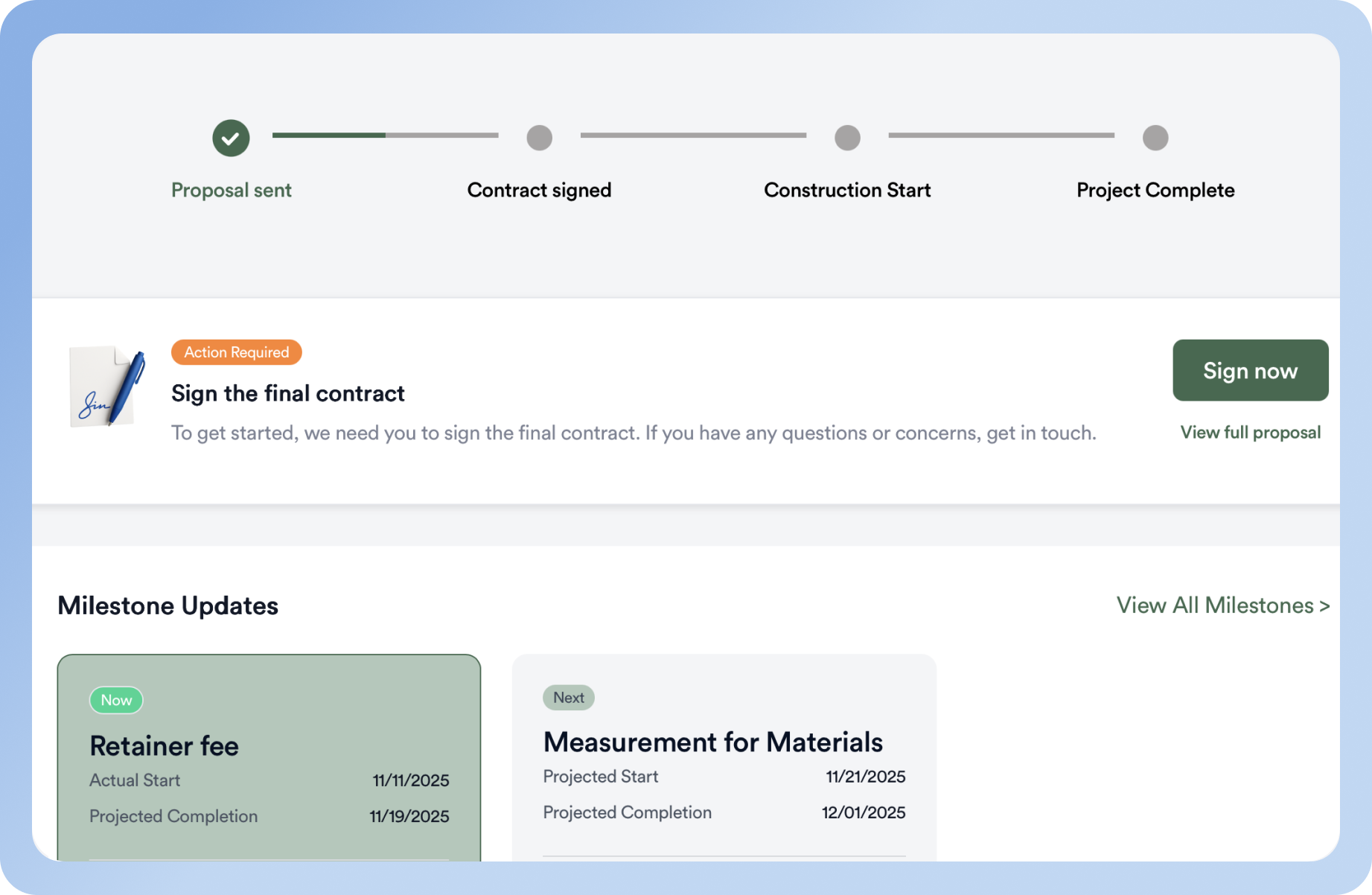
The estimate should turn into a professional, client-ready proposal without rebuilding it in Word. E-signature and online deposits shorten the gap between "yes" and a signed contract, which is when homeowners are most likely to change their minds.
3. A schedule your subs can see
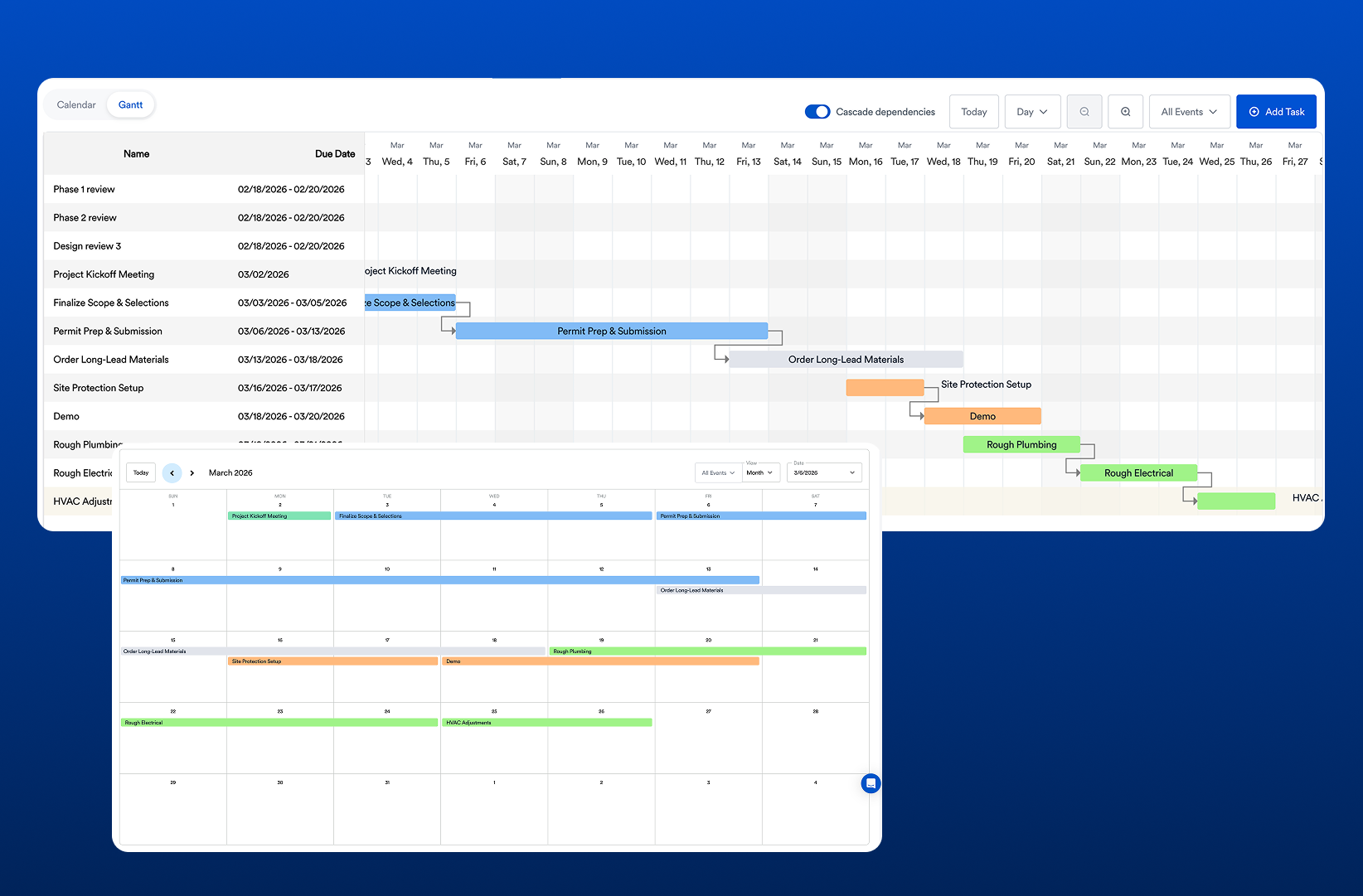
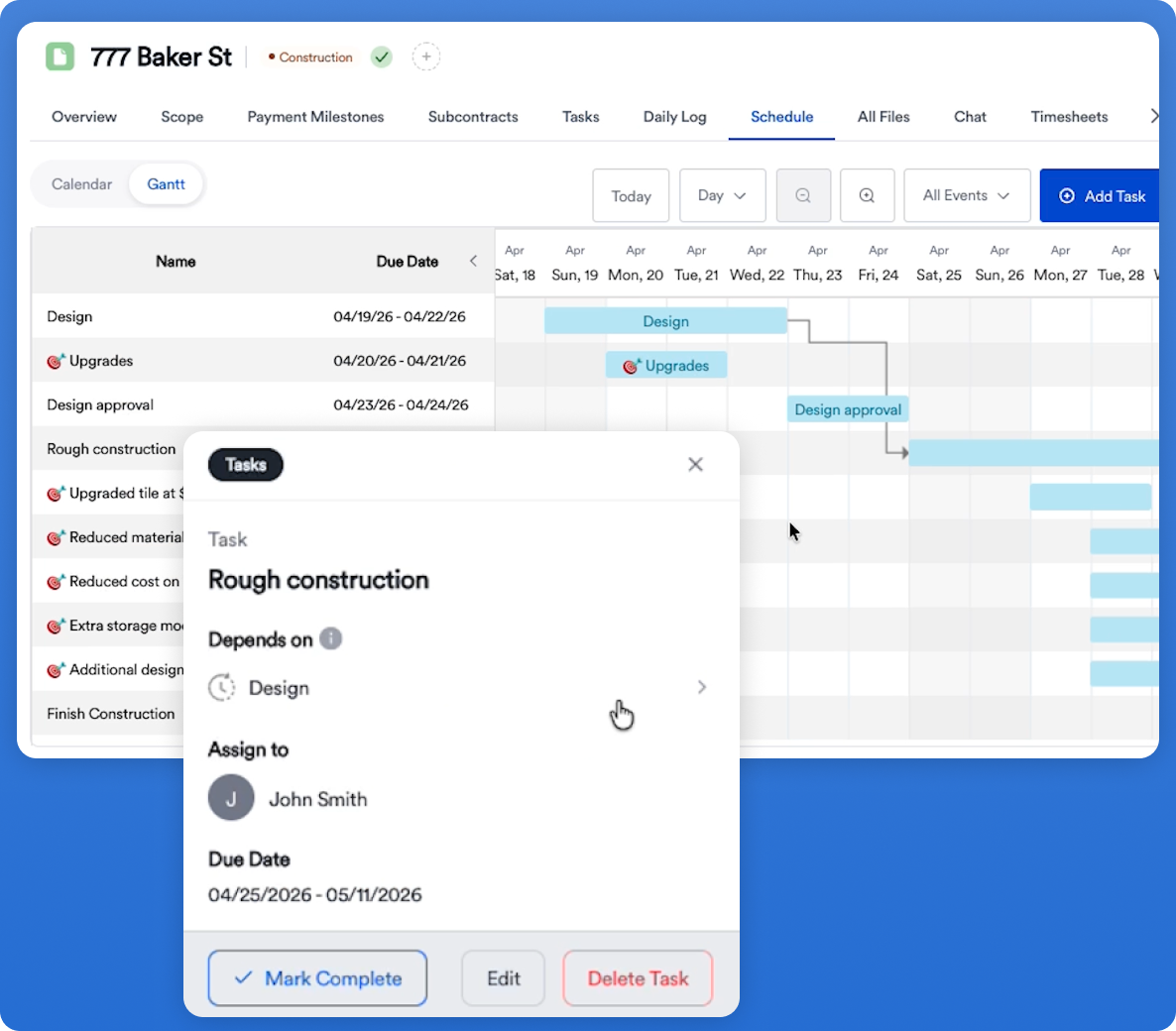
A schedule only helps if the people doing the work can see it. Look for task dependencies (so a slipped inspection pushes the right tasks), a view across all active jobs, and notifications to crews and subs when dates move.
4. Change orders in writing
Change orders are where residential margins quietly disappear. The software should make it faster to write, price, and get approval on a change order than to agree to it verbally on site.
5. Client communication and a portal
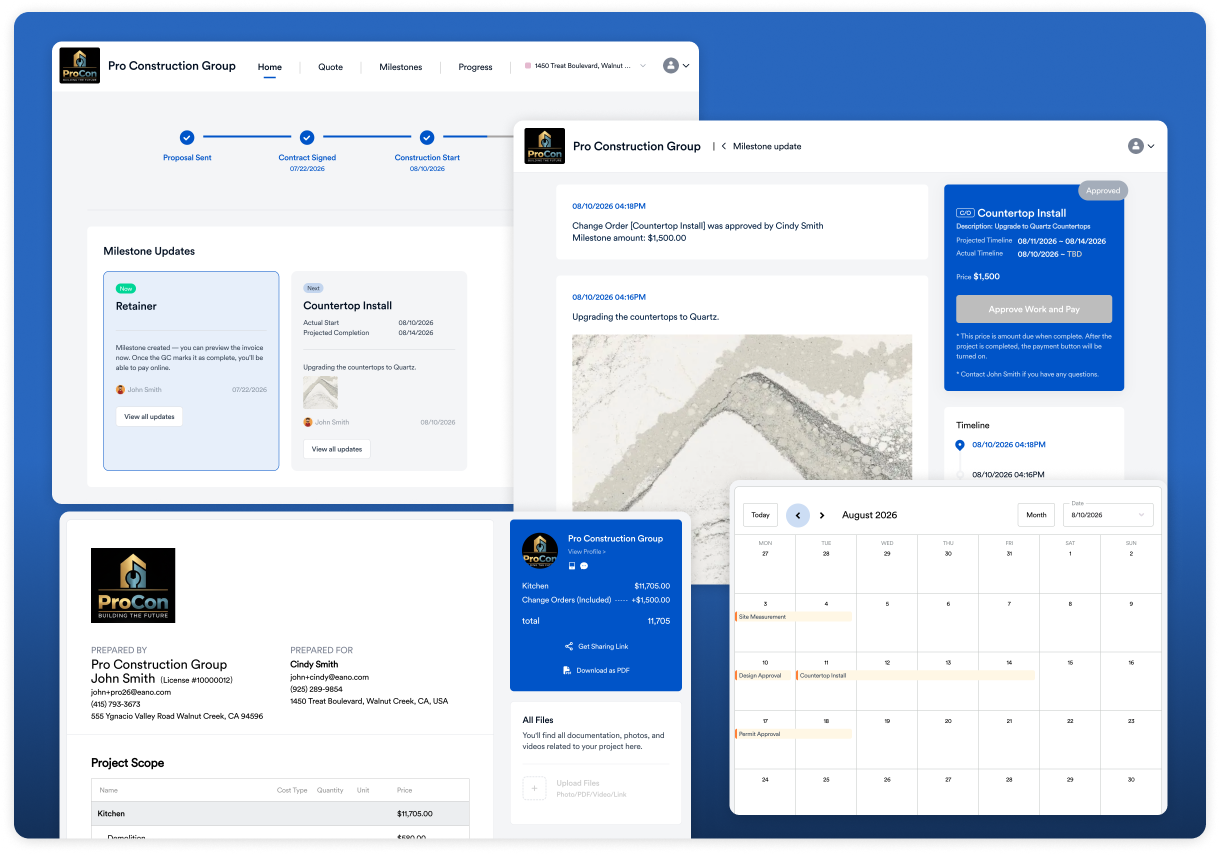
Homeowners judge you on how informed they feel. A client portal with progress photos, milestones, selections, and approvals cuts down on "just checking in" calls and gives you a written record of decisions.
6. Mobile daily logs
If your field lead can't post a log with photos in under a minute from a phone, it won't happen consistently. Daily logs protect you in disputes and keep the office informed without extra calls.
7. Subcontractor and vendor management
Look for a simple way to request and compare sub bids, share current plans, and assign subs to schedule tasks. Pay attention to how subs access the system: if it's a hassle for them, they won't use it.
8. Job costing and accounting integration
Once you're running several jobs at once, you need to see budget versus actual by job. A two-way sync with QuickBooks or your accounting tool prevents double entry and keeps your bookkeeper happy.
What to Ignore (At Least for Now)
These features aren't useless. They just rarely pay off for residential GCs and remodelers, and they often add cost and complexity.
- Commercial document control. Formal RFI routing, submittal logs, and transmittals matter on commercial projects with architects and owners' reps. On a kitchen remodel, they're overhead.
- BIM and 3D model coordination. Valuable for large design-build firms, rarely used by residential contractors day to day.
- Endlessly customizable dashboards. If you need to build your own reports before the software is useful, you're paying for a project, not a product.
- Integration counts. "200+ integrations" means little. Check that the two or three you actually use (usually accounting, payments, and maybe calendar) work well.
- Vague AI claims. Ask what specific task the AI does, what you have to review, and how much time it saves on a real job. If the answer is fuzzy, discount it.
- Pricing tiers built for companies ten times your size. Enterprise plans are priced for enterprise problems. See our breakdown of Buildertrend pricing for an example of how quickly tiered pricing adds up.
See the Workflow, Not the Feature List
The best way to judge general contractor software is to watch a real job move through it. Here's what that looks like in Eano Pro, from AI takeoff to a signed contract:
Questions to Ask Before You Sit Through a Demo
- How long does it take to build an estimate for a typical job of mine, start to finish?
- Can the estimate become the proposal, budget, and schedule without re-entry?
- How do subcontractors and clients access the system, and what does it cost to add them?
- What happens to my data if I cancel?
- How long does onboarding take, and who helps with it?
- What's the total monthly cost for my team size, including add-ons?
Then run a recent job through a free trial. Our guide on evaluating construction software before a free trial has a checklist for doing it efficiently.
Ready to Compare Options?
Once you know which features matter for your business, the next step is to see how the major platforms stack up. Our guide to the best construction management software for general contractors compares Eano Pro, Buildertrend, Contractor Foreman, and other options side by side, including pricing and who each one fits best.