
AI Quote Generator for Contractors: From Walkthrough to Signed Quote the Same Day
An AI quote generator lets contractors turn a site walkthrough into a reviewed, priced, and signable quote the same day, by having AI draft the scope and line items from your narrated video, photos, or notes while you focus on checking the numbers and closing. For residential contractors competing on responsiveness, that speed is often the difference between winning a job and hearing "we went with someone else."
This guide walks through a same-day quoting workflow, what to say on the walkthrough so the AI gets it right, and how to review and send without cutting corners.
Key takeaways
- Speed to quote is a competitive advantage. Homeowners often go with the first clear, professional number.
- A narrated walkthrough is the best input for most residential quotes. What you say matters as much as what you film.
- AI drafts the structure; you own the price. Always review before sending.
- The quote should become a proposal the client can sign online, with a deposit, without retyping.
Why Speed to Quote Wins Jobs
In a widely cited Harvard Business Review study of online sales leads, companies that responded within an hour were nearly seven times as likely to qualify the lead as those that waited even an hour longer. Construction isn't a web form, but the principle carries over: interest fades fast, and homeowners are usually talking to more than one contractor.
Most contractors are quick to call back. Where they lose time is the gap between the site visit and the quote, when the walkthrough notes sit in a truck until the owner has time to build the estimate at night. We cover the first-response side in the five-minute rule for contractor leads. This guide focuses on closing the quote gap.
The Same-Day Quote Workflow
Step 1: Prep before you arrive
Capture the client's goals, budget range, and timeline when the lead comes in, and log it in your CRM. Five minutes of intake saves you from quoting the wrong scope.
Step 2: Record a narrated walkthrough
Walk the job with the client and record video and photos on your phone while you talk through the scope. With Eano's AI video estimator, that narration becomes the input: the AI converts your walkthrough and conversation into a detailed draft scope of work.
Step 3: Review the AI's scope in the driveway
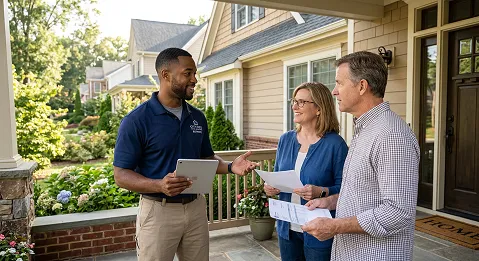
Before you leave, read the draft scope. Did it capture everything the client asked for? Is anything missing that you noticed but didn't say out loud? Fix it now while the job is in front of you.
Step 4: Price it with your own numbers
Review materials, labor costs, and margins on each line item. Use your saved templates and markup so the price reflects your business, not a generic average. If the job also has drawings, pull quantities with AI takeoff. For work scoped over the phone, AI estimating can build the draft from a description instead.
Step 5: Send a proposal, not just a number
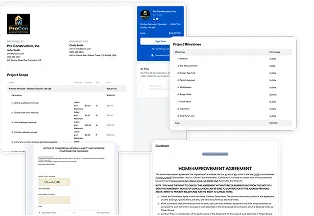
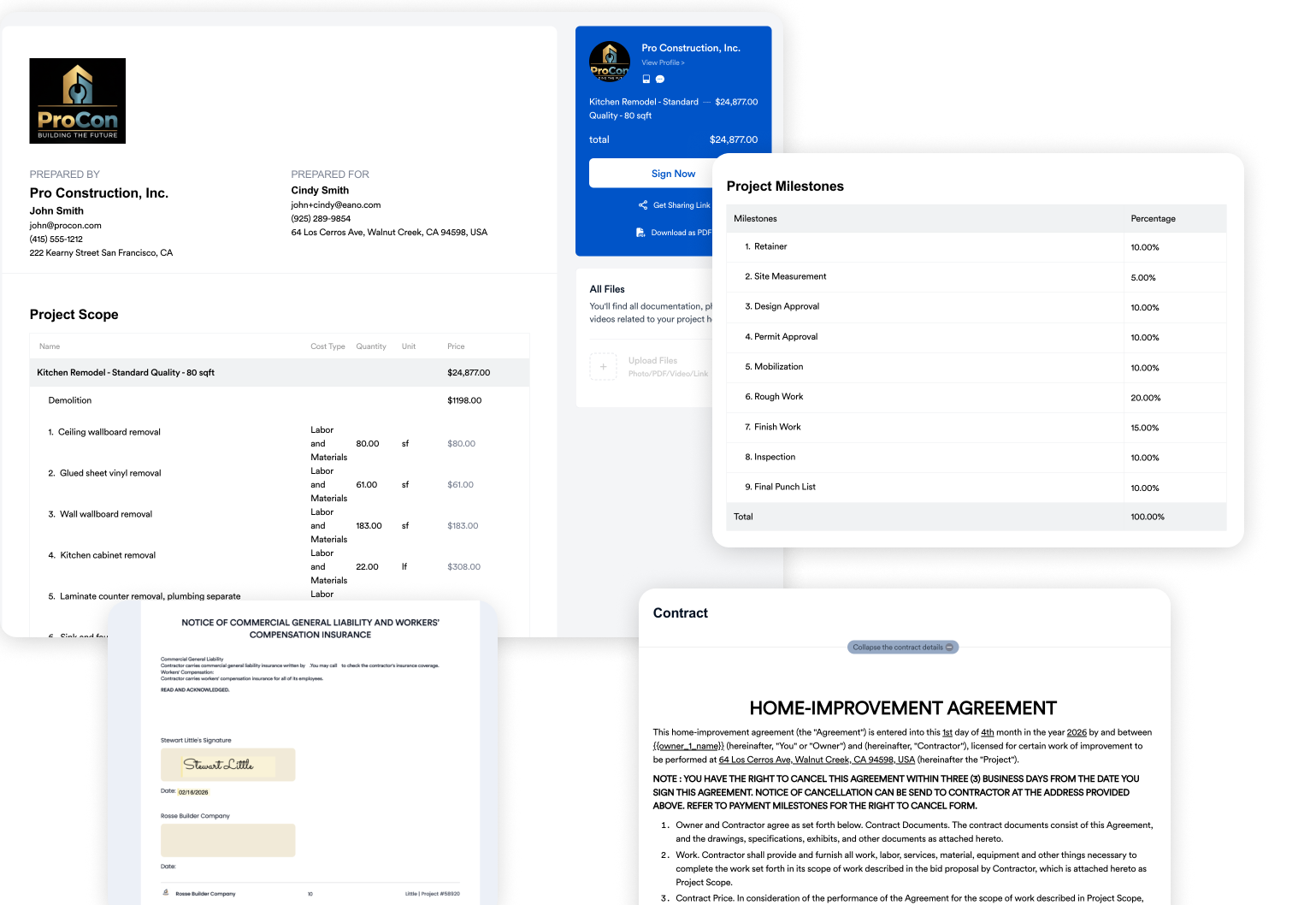
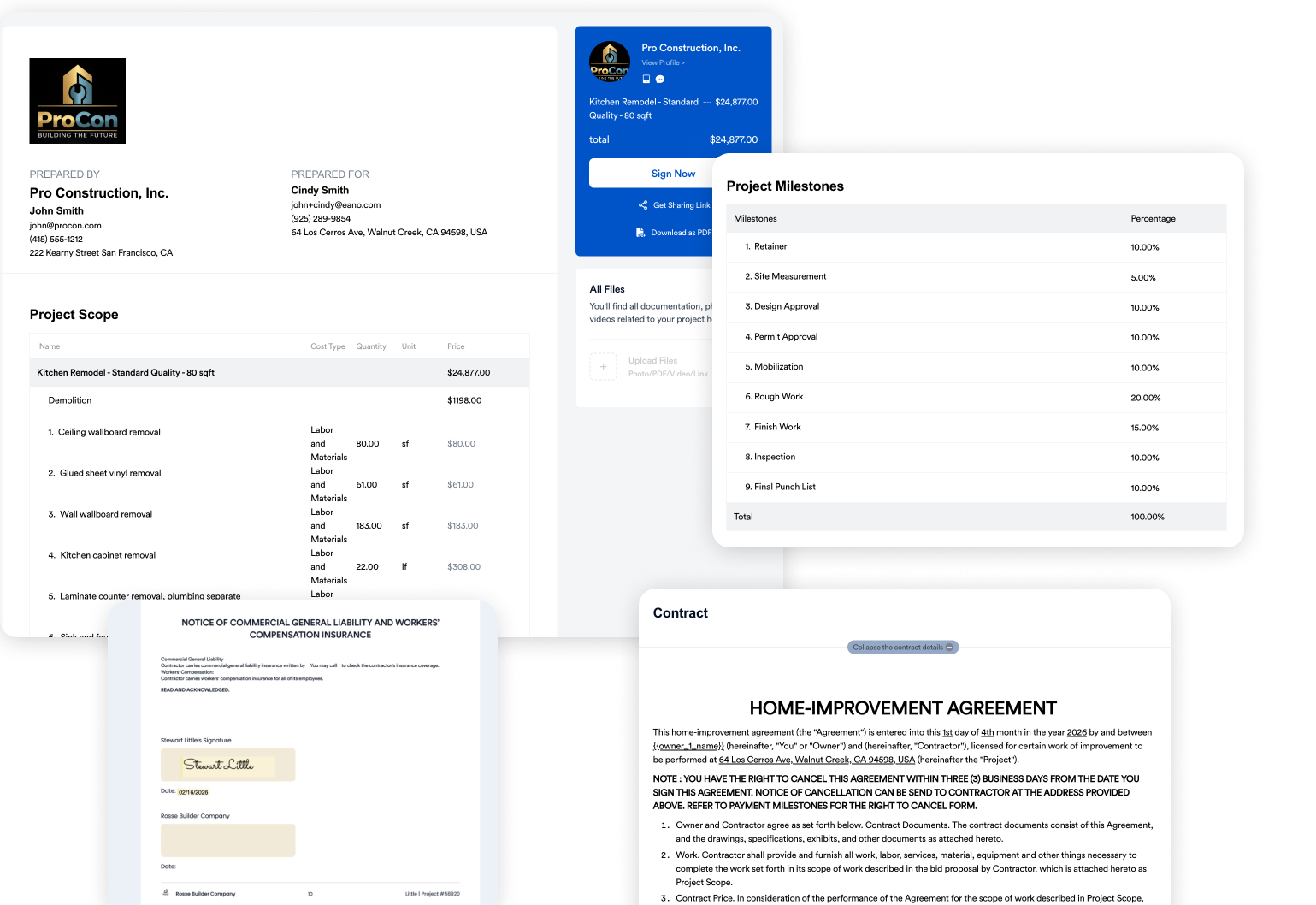
Turn the estimate into a branded proposal with scope, payment milestones, contract terms, and e-signature. A client who can review and sign on their phone is far more likely to commit while they're excited.
Step 6: Follow up on a schedule
Set a follow-up for the next day and a few days later. Most jobs aren't lost to price; they're lost to silence.
What to Say on the Walkthrough So the AI Gets It Right
An AI video estimator works from what you show and what you say. Narrate like you're briefing a new estimator who has never seen the house:
Specific narration produces a specific scope. Vague narration ("redo the bathroom") produces a vague draft you'll spend more time fixing.
Review Before You Send
Same-day doesn't mean unchecked. Before sending, confirm quantities, local pricing, allowances for unselected finishes, exclusions, permits, and disposal, and make sure your margin holds. Our guide to the AI estimate generator for construction includes a full review checklist.
Common Mistakes With AI Quotes
- Sending the raw draft. The AI structures the quote; you still price and approve it.
- Filming without talking. Video alone misses intent, finish level, and what stays versus goes.
- Skipping allowances. If the client hasn't picked finishes, say so in the quote.
- Quoting a number instead of a proposal. A texted total invites price shopping. A professional proposal with scope and terms builds trust.
- No follow-up plan. Speed to quote only works if you also follow up.
What Contractors Say About Faster Estimating
Go From Walkthrough to Signed Quote
If your quotes are waiting on late nights at the kitchen table, start with your next site visit. Record the walkthrough with the Eano AI video estimator, review the draft, and send a signable proposal before the competition calls back.
Want the bigger picture on how photos, videos, and plans each feed an estimate? Read how to create construction estimates from videos, photos, and plans, or start with our overview of the AI estimate generator for construction.
Sources
- James B. Oldroyd, Kristina McElheran, and David Elkington, The Short Life of Online Sales Leads, Harvard Business Review (2011)