What to Include in a Residential Construction Contract (California-Ready Checklist + Template)
Most contract disputes on residential jobs don't start with bad work. They start with a contract that never said clearly what was included, when the contractor gets paid, or how changes are handled. A good residential construction contract answers those questions before the first day on site, and in California several of the answers are set by law.
This guide gives you a clause-by-clause checklist, flags the California rules contractors most often get wrong, shows a sample payment schedule, and explains how to get the contract signed quickly. When you are ready to write one, start from our free construction contract template.
Key takeaways
- In California, home improvement jobs over $500 need a written contract, according to the Contractors State License Board (CSLB).
- The down payment is capped at $1,000 or 10% of the contract price, whichever is less, with no exception for special-order materials.
- Progress payments can't get ahead of the work. CSLB says payments cannot exceed the value of the work performed.
- Change orders must be written and signed before the change. This is the clause that protects your margin.
Contract vs. proposal vs. estimate: when each one applies
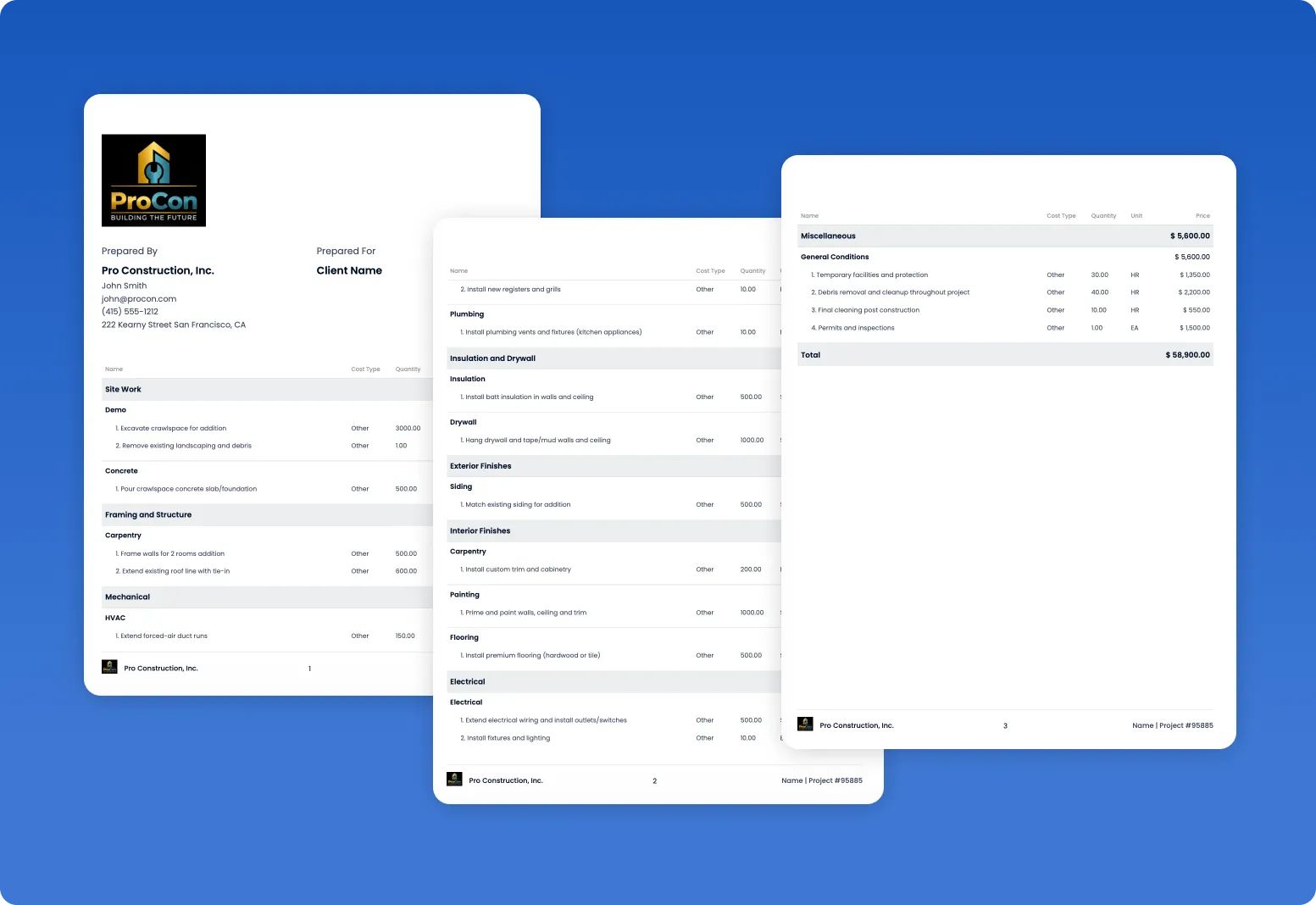
Many residential contractors combine the proposal and contract into one signed document. That works as long as the signed version contains every required term. For the proposal side, see how to write a construction proposal and how an approved estimate becomes a contract.
The residential construction contract checklist
Houzz Pro's guide lists "18 clauses to include in your residential construction agreement" and advises that "it's best to work with a lawyer to evaluate your specific contract needs" (Houzz Pro). Utah's licensing division explains why detail matters: it reports that it "often receive[s] complaints about violations of construction work, then learn[s] that no agreement exists or the agreement lacks the specificity to make clear what the expectations are under the contract" (Utah DOPL). The checklist below combines the common clauses with the items CSLB names for California home improvement contracts.
CSLB publishes an official Sample Home Improvement Contract (PDF) that shows the required notices. It opens with: "This sample contract language is provided for informational purposes only and is not a substitute for professional legal advice." Use it as a reference alongside your attorney.

California-specific rules contractors get wrong
CSLB's page What is a Contract? lays out the rules for home improvement contracts. Four of them catch contractors most often.
1. The written-contract threshold
"In California, a written contract is required for all home improvement projects over $500." CSLB adds that the contract and any changes "must be in writing, legible, easy to understand, and inform the consumer of their rights to cancel or rescind the contract." Small jobs add up, so put even quick repairs over $500 on paper.
2. The down payment cap
"The down payment cannot be more than $1,000 or 10 percent of the contract price, whichever is less, for a home improvement job or swimming pool, excluding finance charges. There are no exceptions for special-order materials." On any job over $10,000, the cap is $1,000. If you need to buy long-lead items, plan a milestone payment tied to delivery rather than a bigger deposit.
3. Payments can't get ahead of the work
"There must be a detailed, written payment schedule in the contract. The payments to the contractor cannot exceed the value of the work performed" (except the down payment). Front-loaded schedules that collect half the price before rough-in are a problem under this rule.
4. Change orders in writing, before the work
"If the contract price or scope of work needs to be changed, it MUST be done with a written 'Change Order,' signed by the customer and contractor prior to the change, which then becomes a part of the contract." A text message saying "go ahead" is not a signed change order.
Change orders: the clause that protects your margin
Changes are where residential jobs lose money: the extra outlet, the upgraded tile, the wall that turned out to be rotten. If the change isn't documented and signed, it often doesn't get billed. MJ Modern Stairways described the problem before they changed their process:
"Change orders were one of the biggest headaches. Things would slip through the cracks." — MJ Modern Stairways
A strong change order clause says:
- All changes to scope or price require a written change order signed by both parties before the work.
- Each change order states the description, the price change (add or credit) and the schedule impact.
- How changes are priced: fixed price, or cost plus a stated markup for time and materials.
- Allowance overages are handled by change order.
- Hidden conditions (rot, unpermitted work, code issues) are handled by change order with documentation.
Use our free change order template, or send changes from Eano Pro change orders so the homeowner can sign from a phone. MJ Modern put the difference simply:
"No more chasing signatures or waiting for emails." — MJ Modern Stairways
Payment schedules tied to milestones
Here is an example payment schedule for a $60,000 kitchen remodel in California. The down payment is capped at $1,000 (the lesser of $1,000 and 10% of $60,000, which is $6,000). Each later payment is tied to a milestone and should not exceed the value of the work completed at that point. The percentages are an illustration, not a recommendation; set yours with your attorney.
If you use subcontractors, mirror the milestones in your subcontractor agreement so you are not paying subs ahead of the homeowner paying you, and collect a lien waiver with each payment.
Getting it signed fast: e-signature
A contract that sits in an inbox is a job you haven't won yet. Lighthouse Construction & Design sent its first end-to-end proposal from Eano Pro and had it back quickly: an upper five-figure proposal "was signed by the homeowner just 1 hour and 58 minutes after it was sent." Daniel summed up the benefit of keeping estimates, proposals, contracts and payments together:
"Everything is in one spot." — Lighthouse Construction & Design
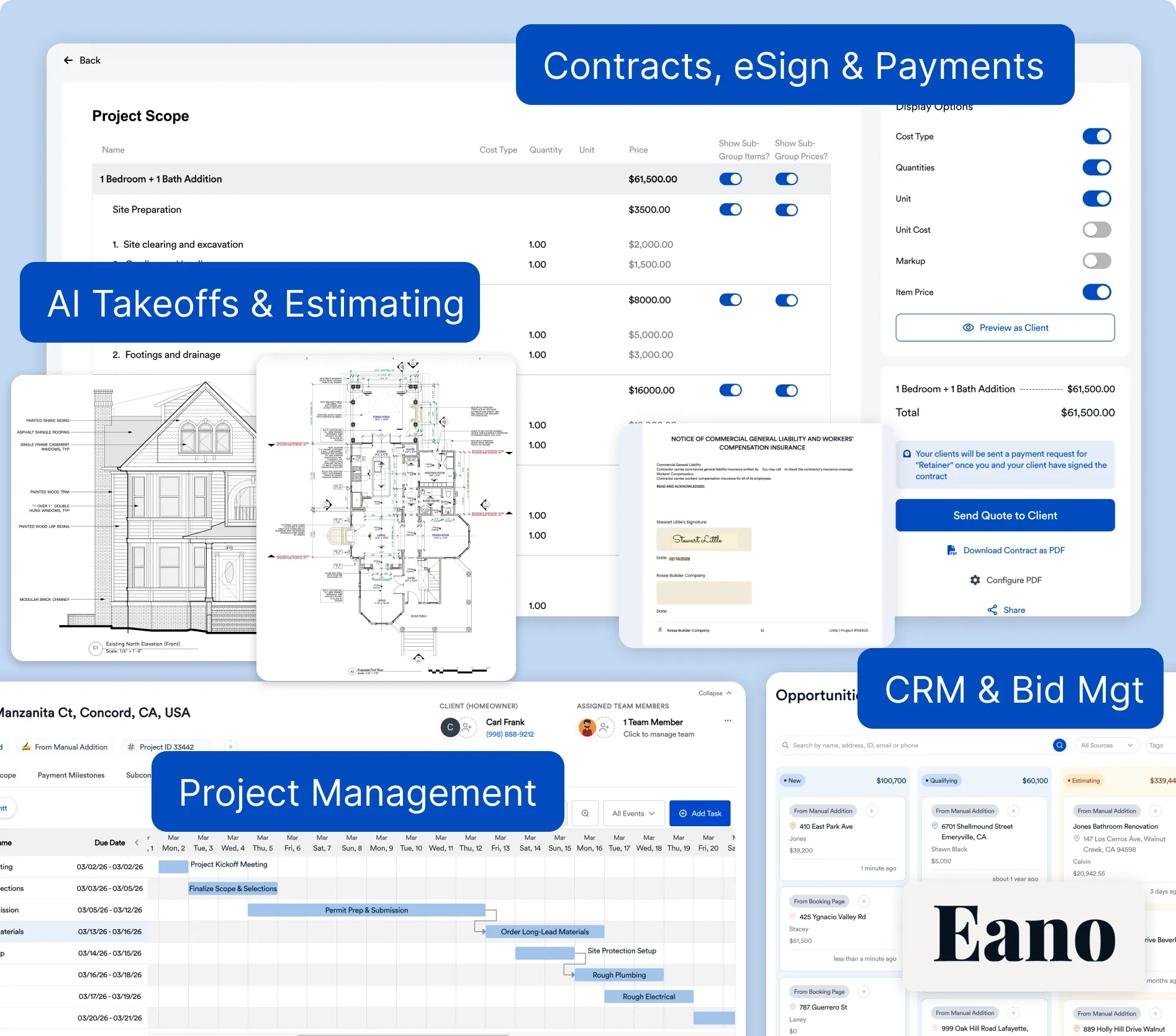
With Eano Pro proposals, the homeowner reviews the scope and payment schedule and e-signs online, and you can see when they open it. The signed document then drives the schedule, change orders and invoices.
Free template and how to customize it
Our free construction contract template gives you the structure above. To make it yours:
- Add your legal business name, address and license number.
- Replace the sample scope with a detailed scope for the job, including products, model numbers and colors.
- List allowances and exclusions explicitly.
- Build the payment schedule around milestones, and check it against your state's down payment and progress payment rules.
- Add the change order clause and the change order form you will actually use.
- Add the cancellation notice and any other notices your state requires (in California, compare with the CSLB sample contract).
- Have an attorney review it once, then reuse it as a template.
Bottom line
A residential construction contract protects both you and the homeowner when it is specific: detailed scope, allowances and exclusions, a milestone payment schedule that follows your state's rules, and a written change order process. In California, the $500 written-contract threshold, the $1,000 or 10% down payment cap, the "no payments ahead of the work" rule and signed change orders are the rules to build around. Get the contract reviewed by an attorney once, then make it fast for homeowners to sign.
Send contracts and change orders for e-signature in Eano Pro. Start a free trial