
Best Time Tracking App for Contractors: 8 Popular Options Compared
Keeping a close eye on labor hours is one of the fastest ways to protect your margins. For construction contractors, labor can account for up to 50% of project costs, according to Procore. The right software makes a difference.
Why Time Tracking Matters on Every Jobsite
If you can't see where hours go, you can’t control project costs. Manual timesheets are slow and filled with errors. Lost hours, early punch-outs, and buddy punching add up quickly. Simple, accurate time tracking means you get paid for every hour worked—and avoid costly payroll mistakes.
Accurate time tracking also helps with compliance and reporting. For union, prevailing wage, or certified payroll projects, precise data is not optional. It’s required.
What Makes a Good Time Tracking Tool for Contractors?
Contractors want more than a digital punch clock. The best tools are made for crews working in the field, not just the office. Look for:
- Mobile access for field teams
- Easy clock-in/clock-out with GPS
- Project and cost code tagging
- Integration with payroll and job costing
- Simple approval workflows
A good platform should save your foremen time—not add steps.
Comparing 8 Top Apps for Contractors
Here's how some of the most popular options compare.
Eano Pro — Best Overall Construction Time Tracking Software
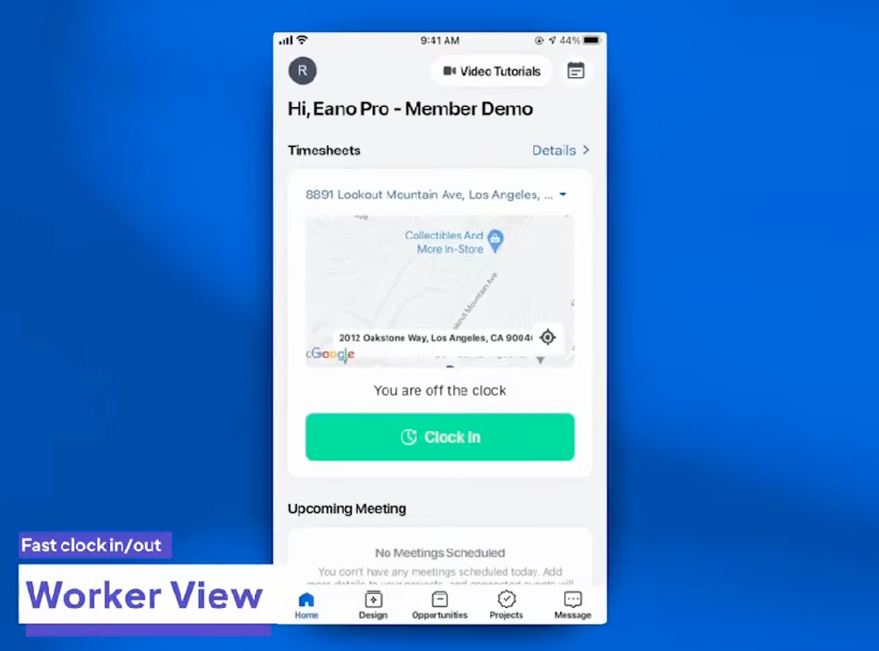
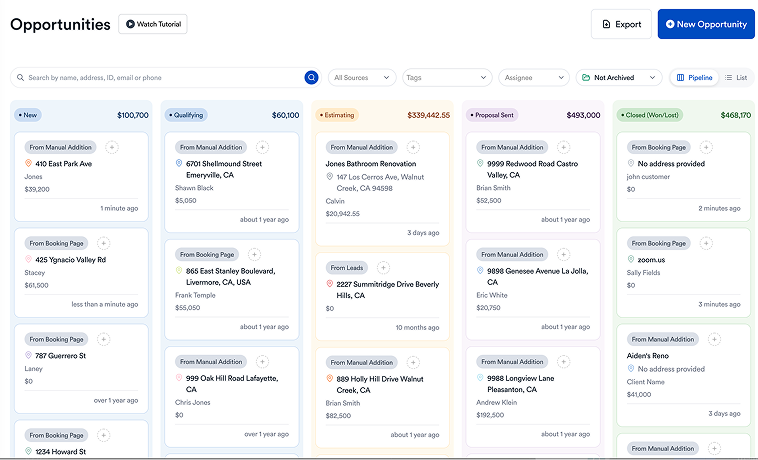
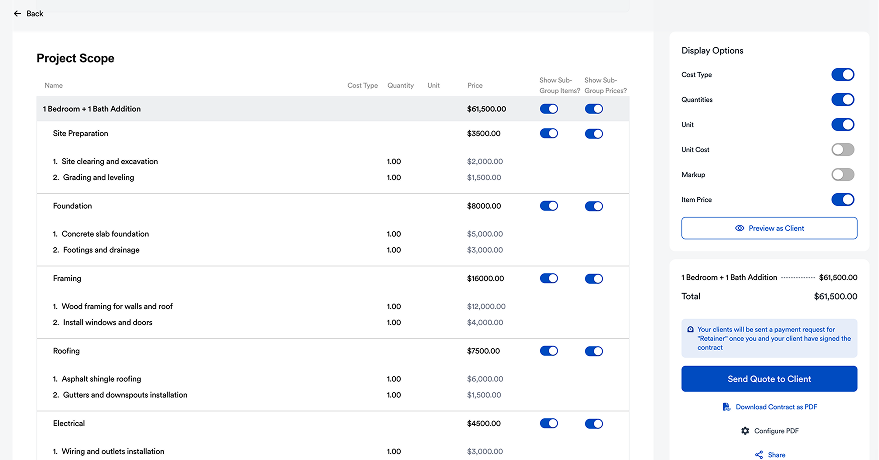
Eano Pro combines construction time tracking with estimating, project management, scheduling, proposals, invoicing, and job costing in a single platform. Instead of managing payroll in one system and projects in another, labor hours automatically become part of each job's financial picture.
Crews can clock in from any mobile device, assign hours to specific jobs, and submit digital timesheets without returning to the office. Supervisors approve hours in real time (even on mobile), while office staff can export clean payroll data without manually re-entering information. Because time tracking is fully integrated into the rest of the platform, contractors can compare estimated labor against actual hours, monitor project budgets, and improve future estimates using real production data.
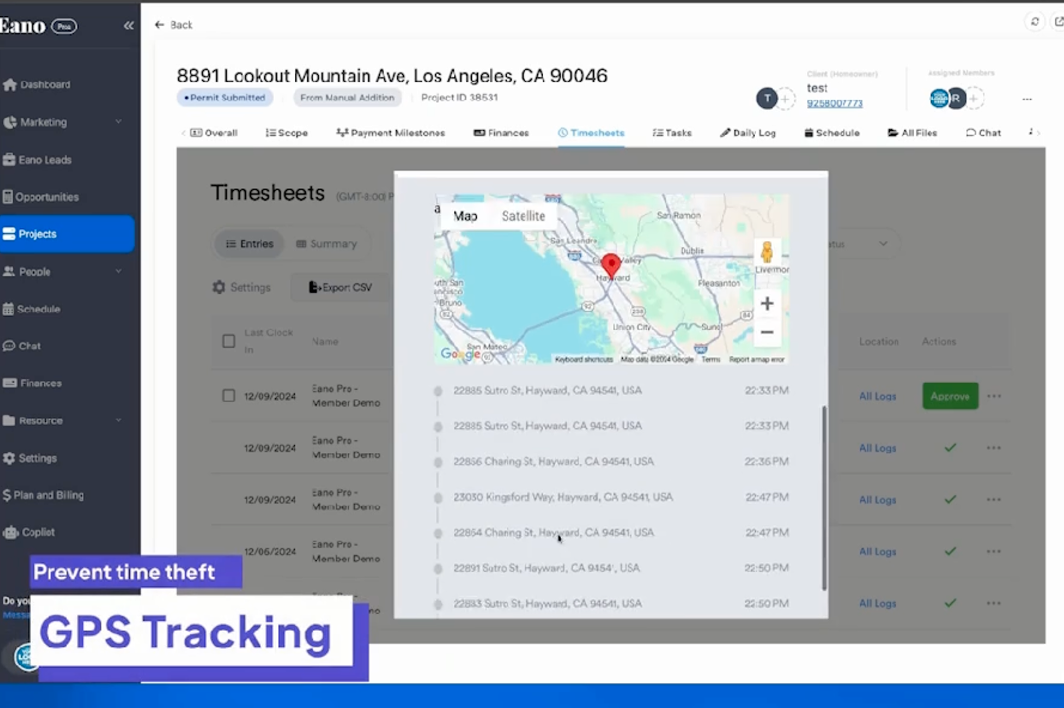
Best for: Residential remodelers, custom home builders, and growing general contractors looking for an all-in-one construction management platform rather than a standalone time clock.
ExakTime — Best for Large Field Crews
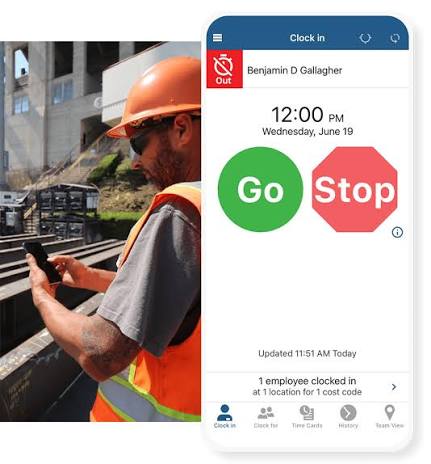
ExakTime has been a longtime favorite among contractors with large field operations. The platform focuses heavily on accurate employee time collection and includes robust GPS verification, mobile clock-ins, equipment tracking, and detailed reporting. It's particularly popular with civil contractors, utility companies, and specialty trades that manage crews across multiple jobsites.
While ExakTime excels at labor tracking, many contractors still rely on separate software for estimating, proposals, scheduling, and customer management. Companies looking for a complete operational platform may find themselves integrating several products together.
Best for: Larger contractors that primarily need enterprise-grade labor tracking and workforce management.
QuickBooks Time (formerly TSheets) — Best for QuickBooks Users
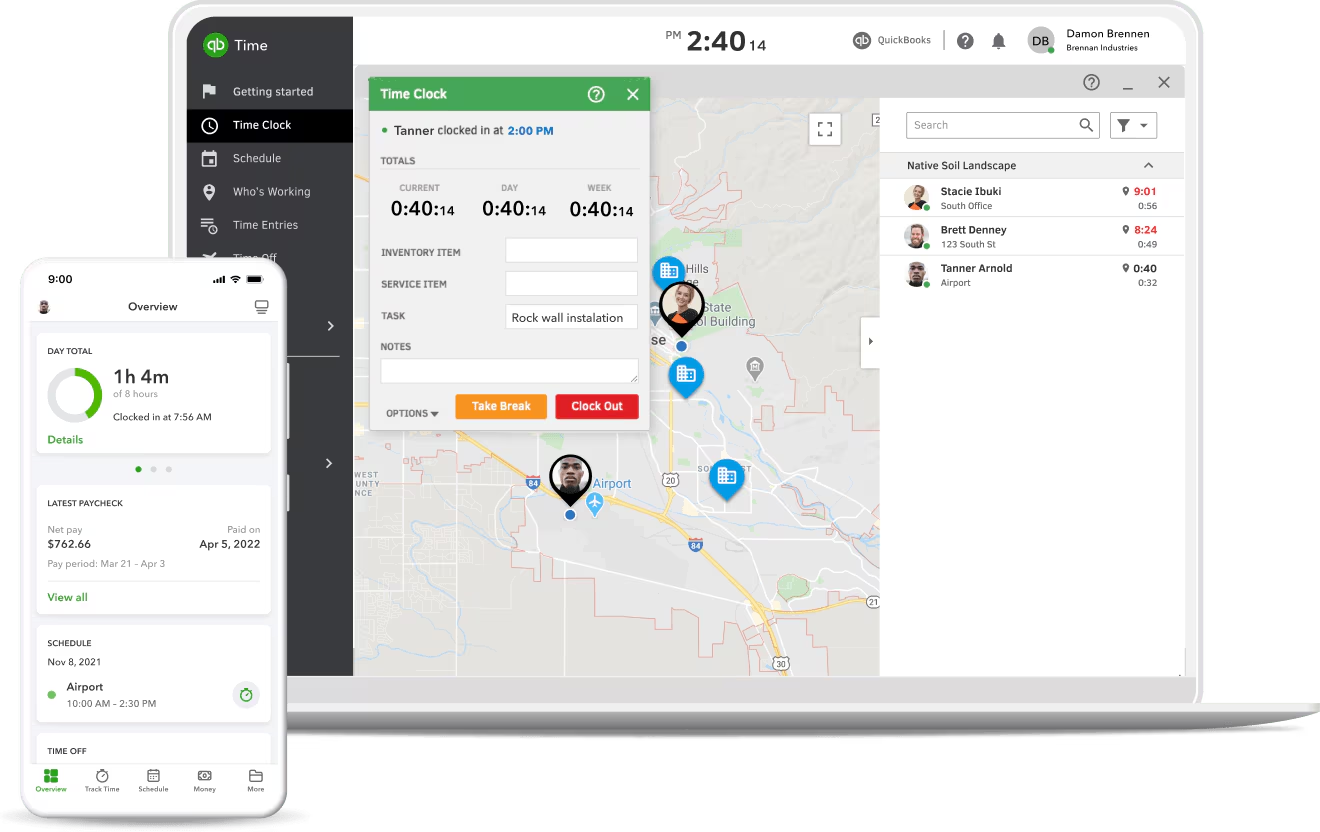
QuickBooks Time is one of the most recognizable employee time tracking platforms, largely because of its tight integration with QuickBooks Online and QuickBooks Payroll. The mobile app is easy to learn, making it a good choice for contractors who primarily want accurate payroll data without introducing a complex new system.
However, QuickBooks Time isn't purpose-built for construction project management. While it tracks employee hours effectively, contractors still need additional software for estimating, scheduling, proposals, client communication, and job management.
Best for: Small contractors already invested in the QuickBooks ecosystem who mainly need payroll-focused time tracking.
Raken — Best for Daily Reports and Field Documentation
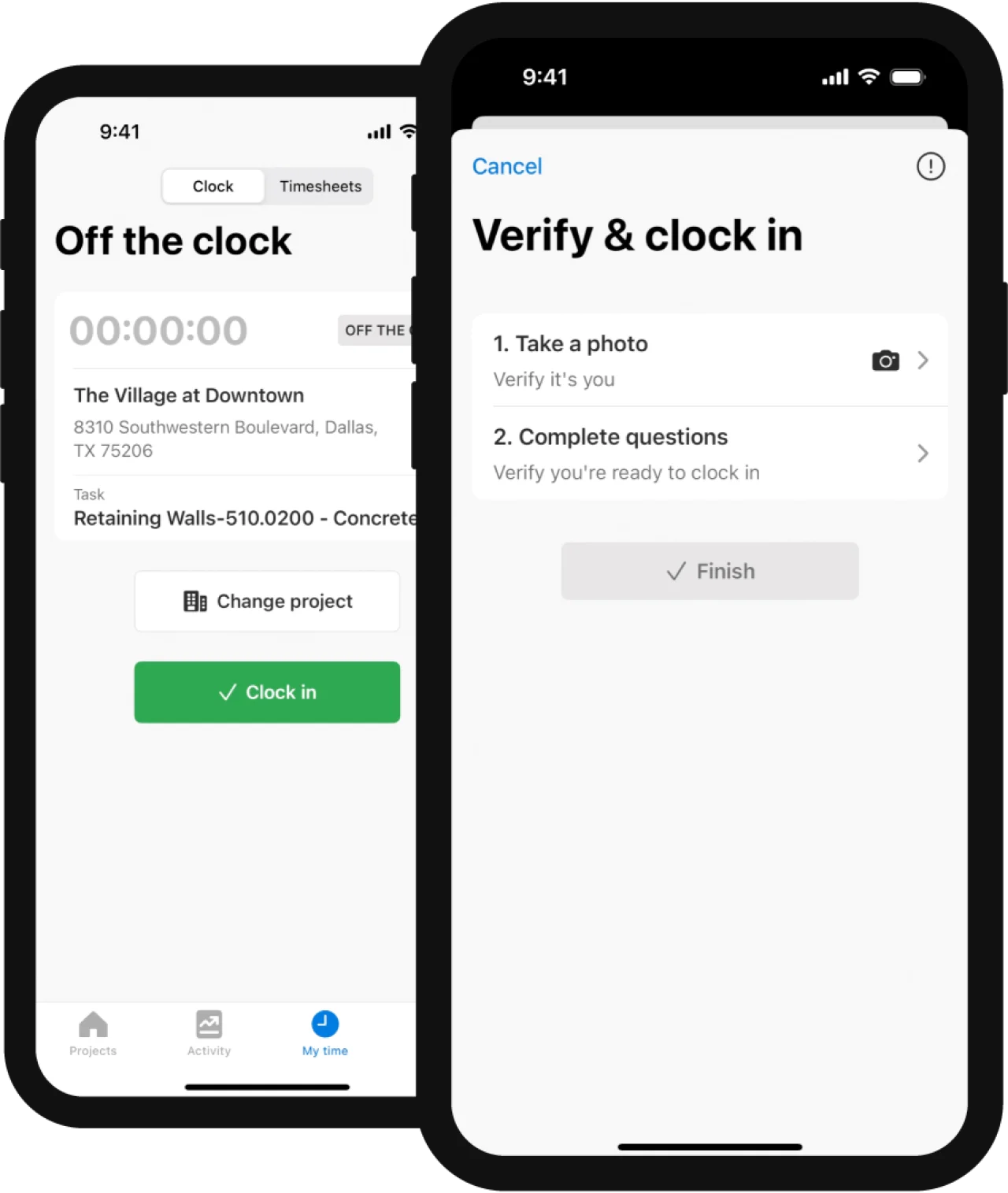
Raken approaches construction from a field reporting perspective. Along with digital timesheets, it offers daily reports, production tracking, safety documentation, toolbox talks, and project communication features. Many commercial contractors appreciate having labor tracking and daily reporting connected in one field application.
The trade-off is that estimating, CRM, proposals, and customer-facing workflows typically require separate software, making Raken more of a field operations tool than a complete construction management platform.
Best for: Commercial contractors and specialty trades with a strong focus on field documentation.
ClockShark — Best for Small Construction Businesses
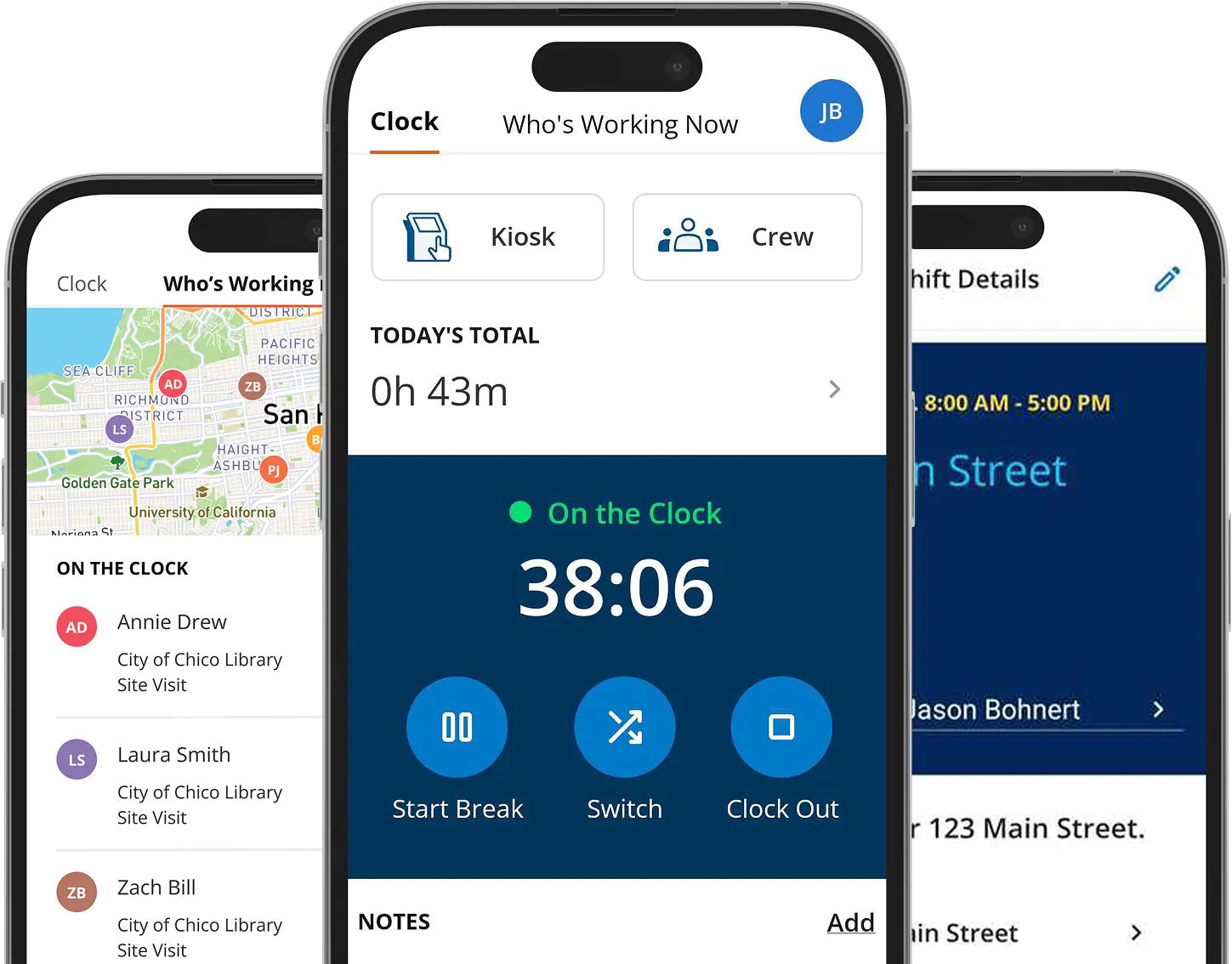
ClockShark combines employee time tracking, GPS verification, crew scheduling, and task management into an easy-to-use platform designed for small and mid-sized contractors. Setup is straightforward, and most crews can begin using the mobile app with very little training.
Its simplicity is one of its strengths, but contractors often outgrow the platform as they add estimating, proposal generation, customer management, and more advanced financial reporting into their workflow.
Best for: Small construction companies looking for an affordable, easy-to-use time tracking solution.
busybusy — Best Mobile-First Experience
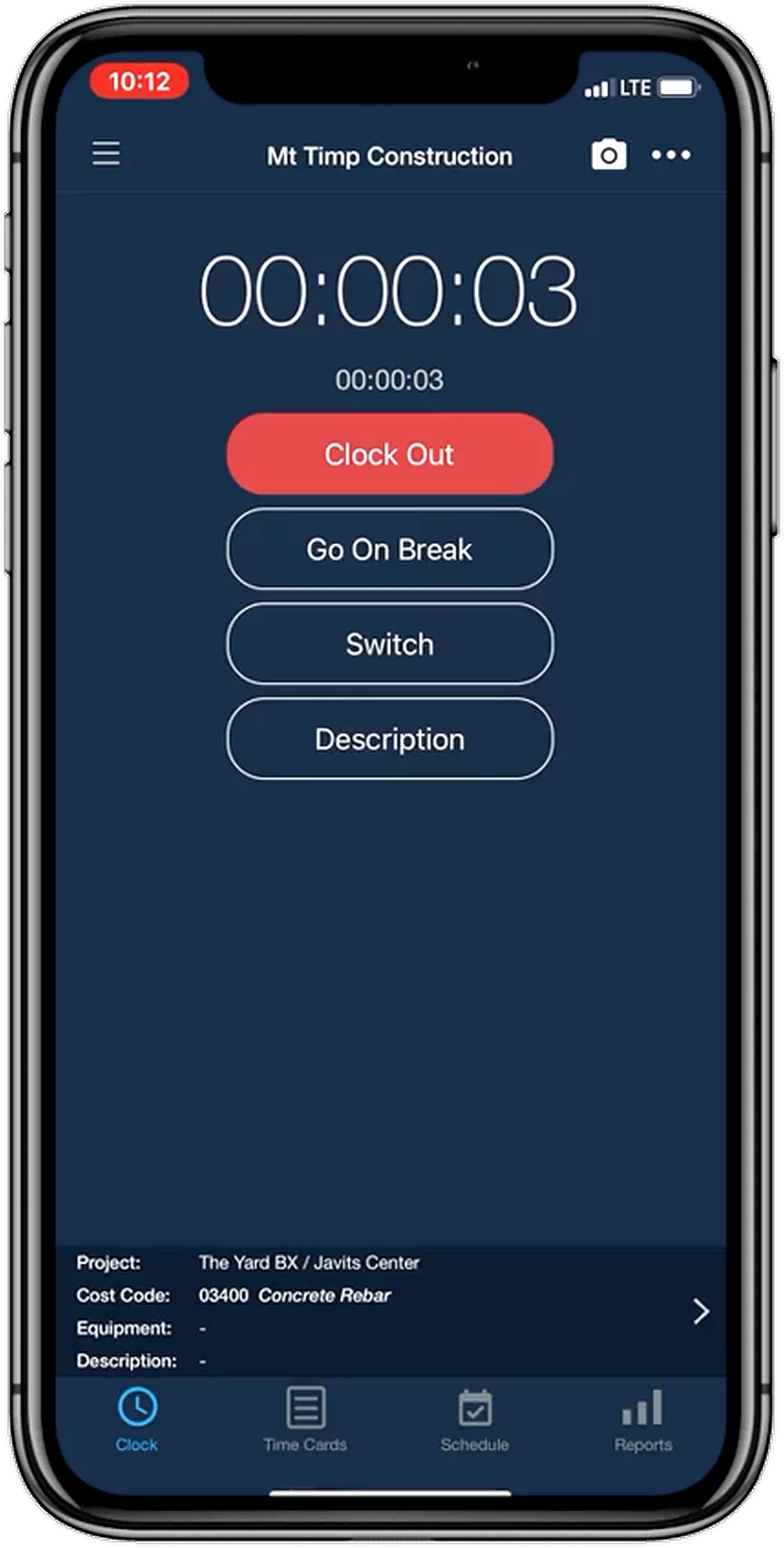
busybusy was built specifically for contractors who spend most of their time in the field. Employees can clock in from their phones, attach photos, record equipment usage, and track labor costs in real time. The interface is designed to minimize administrative work for field crews while providing managers with better labor visibility.
Although busybusy offers strong labor reporting, many contractors still pair it with separate estimating or project management software to run the rest of the business.
Best for: Contractors who prioritize mobile field reporting and labor tracking.
Workyard — Best GPS and Geofencing
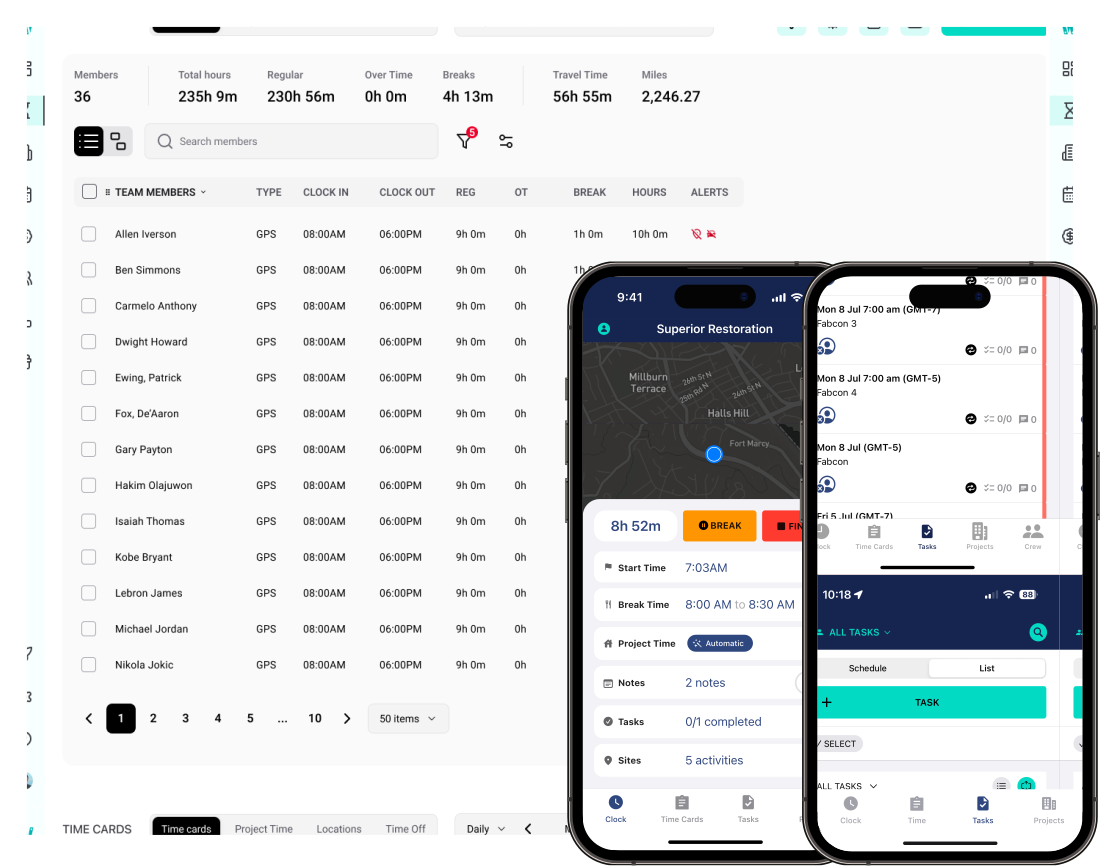
Workyard places a heavy emphasis on location accuracy. Automatic GPS tracking, geofencing, mileage tracking, and location history help contractors verify where employees worked throughout the day without requiring constant manual input.
These features are especially valuable for companies managing multiple service technicians or crews moving between several jobsites. Contractors looking for estimating, CRM, proposals, or project management capabilities will still need additional software alongside Workyard.
Best for: Contractors who need highly accurate location verification and workforce accountability.
Hubstaff — Best for Mixed Construction and Office Teams
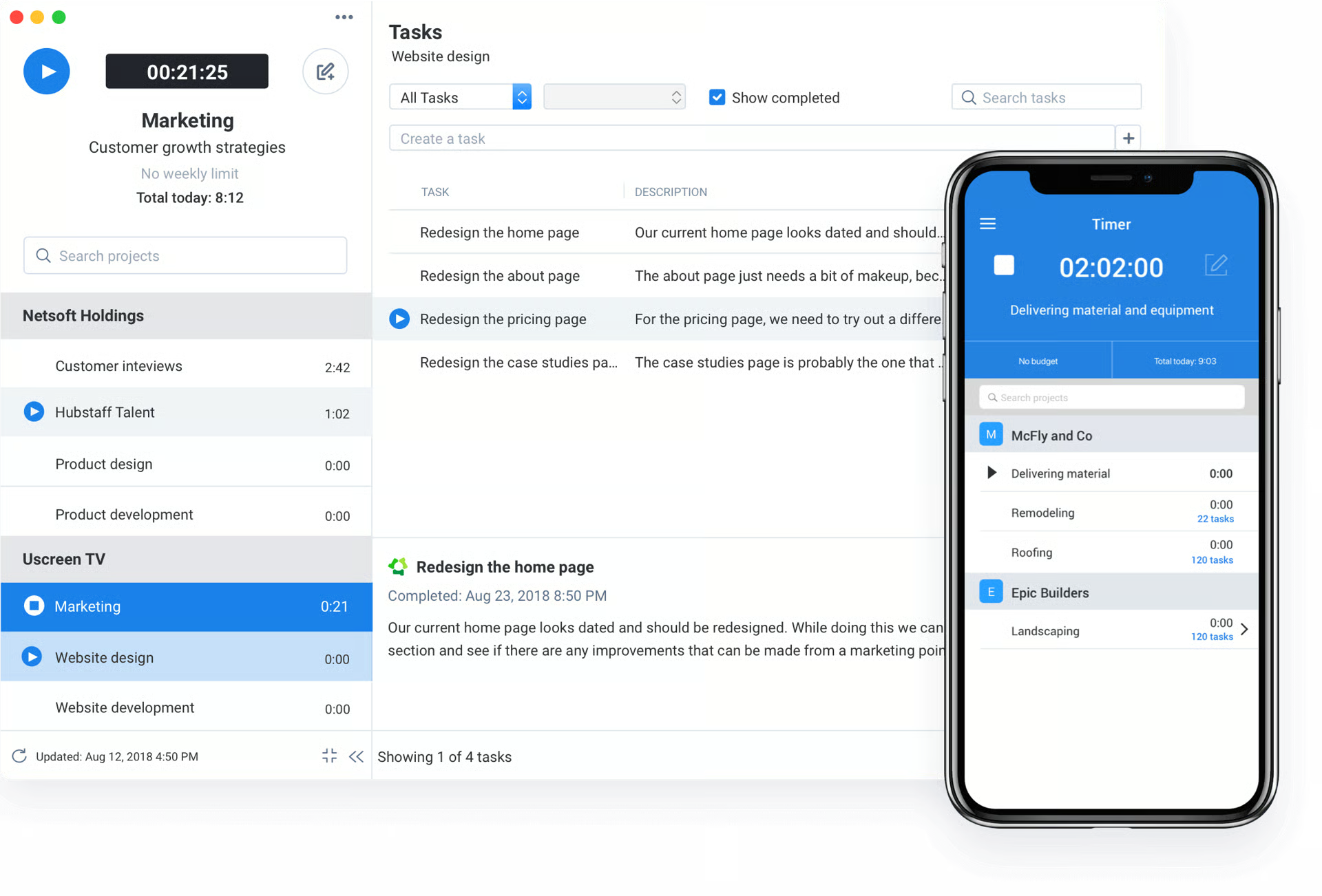
Hubstaff isn't construction-specific, but it offers flexible employee time tracking with GPS, productivity reporting, job costing, and integrations with a wide variety of business applications. Companies with office staff, remote employees, and field crews may appreciate its versatility.
Because the platform serves many industries, it lacks construction-focused workflows like estimating, proposal generation, change order management, and project scheduling that many residential contractors expect from dedicated construction software.
Best for: Businesses managing both field employees and office teams across multiple industries.
Which Construction Time Tracking Software Is Right for You?
If your primary goal is simply replacing paper timesheets, almost any of these platforms will improve payroll accuracy. The bigger question is what happens after employees clock out.
If labor data eventually needs to flow into estimating, project budgets, scheduling, proposals, invoicing, and job costing, a standalone time tracking app often becomes just another system to maintain. That's where an integrated platform like Eano Pro stands apart. Rather than treating labor tracking as a separate function, it connects every hour worked to the rest of the project lifecycle, giving contractors better visibility into both payroll and profitability without switching between multiple applications.
Why Contractors Are Upgrading to Construction Time Tracking Software
Many firms have tried basic apps or paper timesheets. But as projects scale or compliance needs grow, those methods fall short. With construction time tracking software, contractors get clear, real-time labor data. This leads to faster payroll, reduced disputes, and better cost control.
Finding the right fit isn’t about features alone. You want a tool that fits your existing workflows, is easy for crews to use on the jobsite, and doesn’t create extra admin work. With so many teams now working across jobsites and offices, cloud-based access is key.
Want a closer look at how modern tools can help your business? Platforms like Eano Pro now offer an all-in-one approach, combining scheduling, cost tracking, and field communications with a robust construction time tracking software module. This centralizes time data so payroll, compliance, and job costing are always up to date.
Key Benefits of Upgrading Your Construction Time Tracking Software
Switching to a purpose-built solution pays off quickly:
- Labor costs are tracked accurately, job by job.
- Admin hours go down—no more chasing timesheets or deciphering handwriting.
- Payroll errors and disputes drop off, improving crew satisfaction.
- You get real-time insight into project costs and labor allocation.
Reliable data helps contractors bid more confidently and spot problems early. That’s peace of mind for both owners and field leaders.
Construction Time Tracking Isn't Really About Payroll—It's About Job Costing
Most contractors start looking for time tracking software because payroll is frustrating. That's understandable. Nobody enjoys chasing down missing timesheets or correcting payroll mistakes at the end of every week.
But once you implement a better system, you quickly realize payroll is only one piece of the puzzle.
Labor is typically the largest controllable cost on a construction project, often accounting for 30% to 50% of the total budget depending on the type of work. If you aren't tracking labor accurately by job, phase, or cost code, it's almost impossible to understand where projects are making money—or quietly losing it.
Think about the last kitchen remodel or home addition your company completed. You know what you charged the customer, but do you know exactly how many hours were spent on demolition versus framing? Did drywall take longer than expected? Was trim installation more efficient than your estimate assumed? Or did the project simply "feel" profitable because nothing obviously went wrong?
Without detailed labor tracking, those questions are difficult to answer.
Modern construction time tracking software turns every clock-in into useful job cost data. Instead of simply recording that an employee worked eight hours, the system records where they worked, what phase of the project they worked on, and how those hours compare to the labor budget established during estimating. That visibility helps project managers spot problems while a job is still underway instead of discovering labor overruns after the project is complete.
Over time, this information becomes one of the most valuable assets your company owns. Estimators can compare estimated labor against actual production, project managers can identify which phases consistently exceed budget, and owners gain a much clearer picture of which jobs generate healthy margins and which ones slowly leak profit. The companies that consistently improve their estimates aren't guessing—they're learning from every completed project and using real labor data to make better decisions on the next one.
With Eano Pro, time tracking doesn't live in a separate payroll application. Hours automatically feed into your projects, job costs, budgets, and reporting, making it easier to understand not just who worked, but whether the work was profitable. That's the difference between an employee time clock and construction management software built for contractors.
Choosing the Right Construction Time Tracking Software for Your Team
Not every contractor needs every bell and whistle. Focus on tools that align with your firm’s size, project volume, and workforce. Mobile-first options are best for crews on the move. Integration with your preferred payroll or project management software saves major admin time.
If you’re looking for a tool that fits seamlessly into a broader construction management system, Eano Pro’s timesheet module is built for contractors. You’ll be able to track labor hours, assign costs, ensure compliance, and manage your crew—all in one place. That means fewer headaches and more control over every project.
Ready to put better time tracking to work for your business? Book a demo with the Eano Pro team today and see how easy it can be to streamline your labor tracking and boost your bottom line.