
What Is Buildertrend Used For? A Breakdown for Contractors
Before you compare Buildertrend competitors, it helps to understand what Buildertrend actually does—and where it fits (and doesn’t) in a contractor’s workflow.
What Buildertrend Is Designed to Do
Buildertrend is a construction management platform built primarily for residential contractors. It’s designed to centralize project workflows—bringing together scheduling, communication, budgeting, and client interaction into a single system.
At a high level, contractors use Buildertrend to manage jobs from pre-sale through completion, with tools for tracking progress, organizing documents, and coordinating teams.
Core Features of Buildertrend
Buildertrend is typically used for:
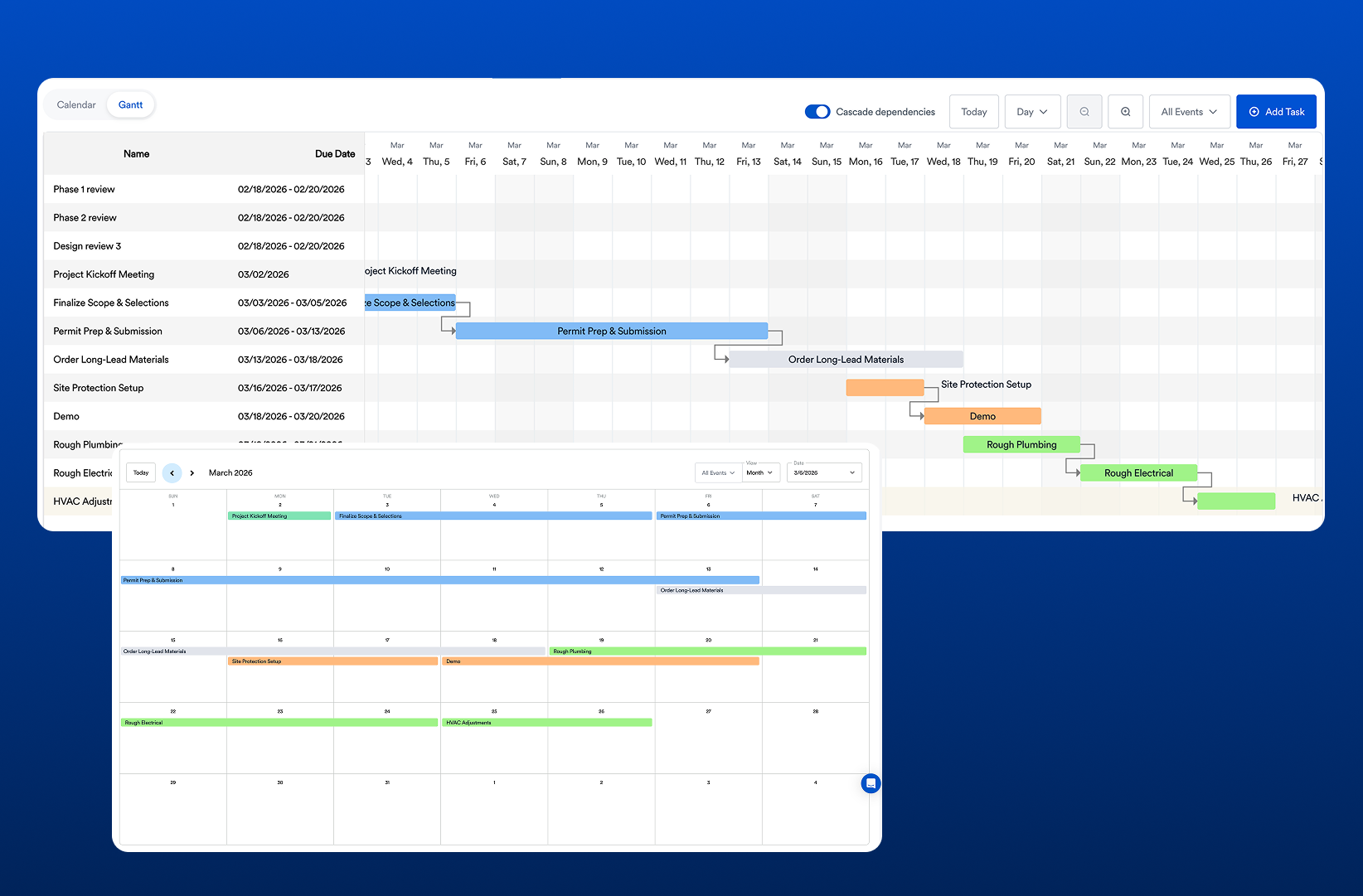
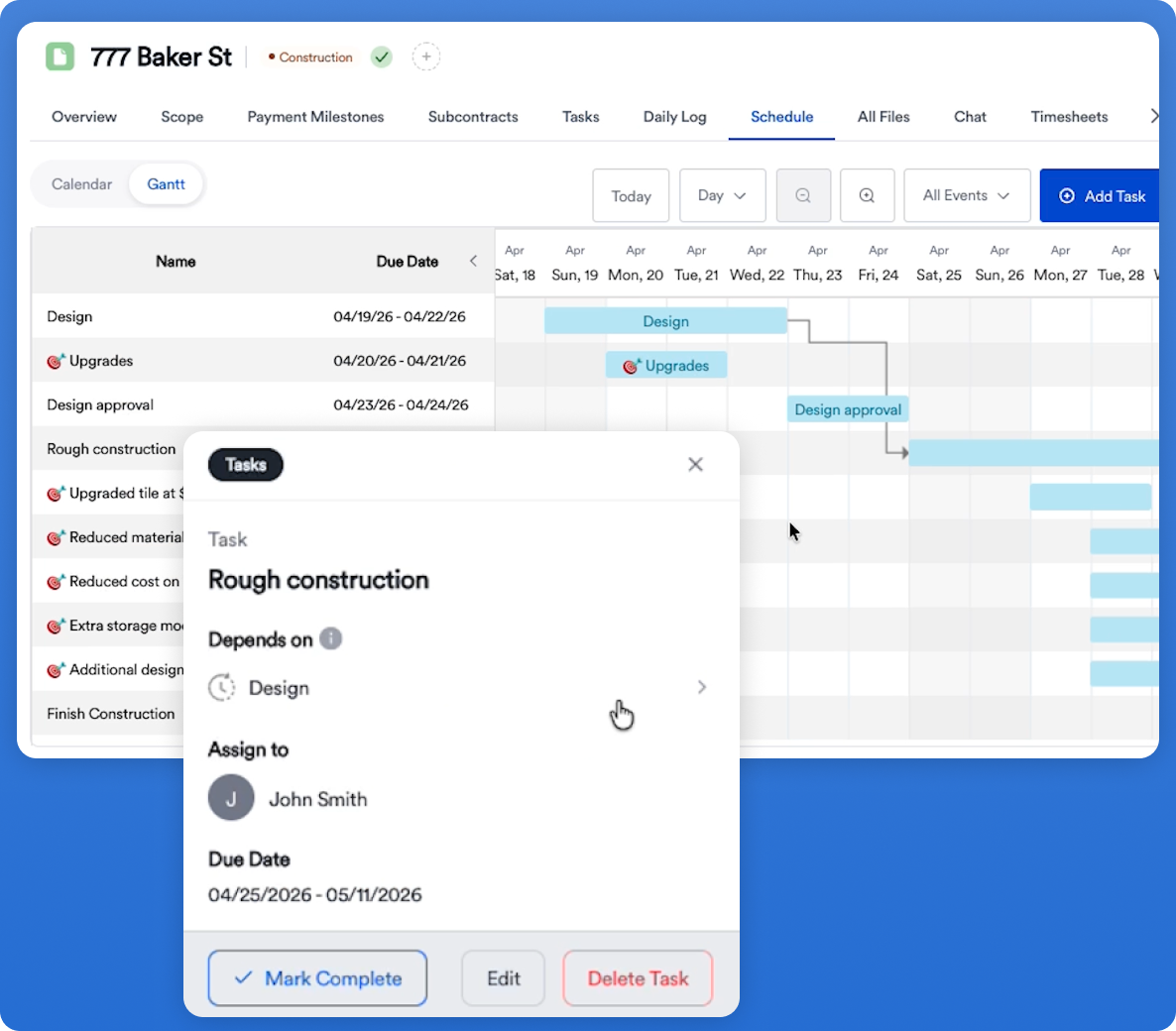
- Project scheduling: Create timelines, assign tasks, and manage job progress
- Client communication: Share updates, selections, and messages through a client portal
- Budget tracking: Monitor job costs and financial performance
- Document management: Store plans, photos, and files in one place
- Subcontractor coordination: Assign work and track completion
These features aim to reduce fragmentation across spreadsheets, emails, and disconnected tools.
Where Buildertrend Works Well
Buildertrend is a solid fit for contractors who:
- Run larger residential projects with longer timelines
- Need structured workflows for client communication and selections
- Have teams that can invest time in learning and maintaining a system
For these use cases, Buildertrend provides strong organization and visibility.
Common Limitations Contractors Run Into
Where things start to break down is in day-to-day execution—especially around estimating and speed.
Contractors often run into:
- Slower estimating workflows compared to modern tools
- Heavy UI and navigation complexity
- Long onboarding and setup time
- Disconnected estimating vs project execution workflows
This is usually the point where contractors begin searching for Buildertrend competitors that better match how they actually operate.
What Contractors Actually Need From Construction Software
Most contractors aren’t just looking for organization—they’re trying to:
- Build estimates quickly
- Turn those estimates into proposals
- Win jobs faster
- Keep projects moving without adding admin overhead
That’s where newer platforms are shifting the model—connecting estimating, proposals, and project execution into a tighter workflow.
Buildertrend vs Other Construction Platforms (Quick Preview)
Buildertrend is one option in a broader category of construction management tools. Depending on your workflow, you may find better fits in platforms that prioritize:
- Faster estimating
- Simpler interfaces
- Tighter integration between sales and project management
You can also explore more about Buildertrend pricing.
👉 For a full breakdown, see our guide to Buildertrend competitors and how they compare across real contractor workflows.
Related: The Best Construction Management Software for General Contractors