
ChatGPT vs. an AI Estimate Generator for Construction: What Each Actually Gets Right
ChatGPT can help you brainstorm a scope of work and draft clear descriptions, but it isn't a construction estimating tool: it doesn't know your costs or markup, can't produce a measured takeoff you can audit, and doesn't turn into a proposal or project. A construction-specific AI estimate generator is built for those jobs. The smartest approach for most contractors is to use each for what it's actually good at.
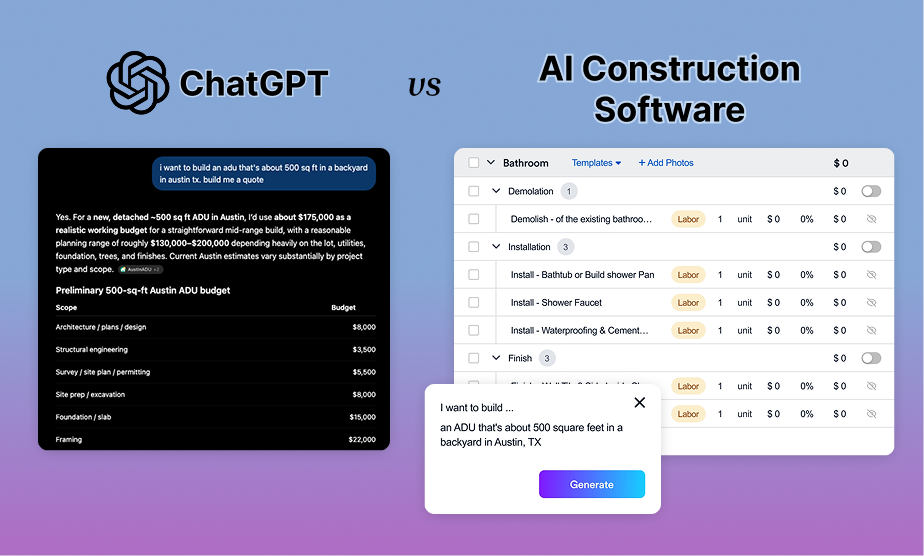
Plenty of contractors have tried typing "estimate a 10x12 bathroom remodel" into a chatbot. The result usually looks impressive at first glance: a tidy list of tasks and a total. The question is whether you'd stake your margin on it. This guide gives a fair comparison so you can decide where general AI fits in your estimating workflow and where it doesn't.
Key takeaways
- Chatbots are strong at language: scope brainstorming, descriptions, checklists, and client emails.
- Construction AI estimate generators are strong at estimating: line items, your pricing, takeoffs, and proposals.
- Never send a chatbot-generated price to a client without verifying it against your own cost data.
- The two work well together when each stays in its lane.
Where ChatGPT Genuinely Helps Contractors
General-purpose AI is useful in estimating, just not for the final number. Good uses include:
- Scope brainstorming: "What's typically involved in converting a tub to a walk-in shower?" helps you catch items you might forget.
- Checklists: pre-walkthrough questions, permit reminders, and common exclusions.
- Client-friendly language: rewriting a technical scope so a homeowner understands it.
- Explaining line items: drafting a short explanation of why a subfloor repair is needed.
- Follow-up emails: polite nudges after you've sent a proposal.
Where a Chatbot Falls Short on Estimates
1. It doesn't know your numbers
Your labor rates, crew productivity, supplier pricing, and markup are what make an estimate yours. A general chatbot produces prices from general knowledge or web results, which may not match your market, and the same prompt can return different totals on different attempts.
2. It doesn't measure plans with an audit trail
Modern chatbots can look at images and PDFs, but reading a drawing is different from producing a takeoff: quantities tied to specific plan elements that you can check and adjust. Purpose-built AI takeoff software detects walls and openings on floor plans and elevations, extracts quantities, and sends them straight into your estimate.
3. It doesn't remember your templates
Estimating gets faster when you reuse proven assemblies and templates. A chat conversation starts fresh unless you rebuild the context each time.
4. It stops at text
A chatbot's answer still has to be retyped into a spreadsheet or estimating tool, then into a proposal, then into a project. Every copy is another chance for errors. You may need to include photos of the job site, and pictures of known issues to help build context around the estimate so your clients understand
5. Client data lives outside your business system
Pasting client names, addresses, and project details into a consumer chatbot means that information lives somewhere other than your project record. Know how your data is stored before you do it.
6. There are still more things missing from your workflow
Even after you generate that quote, you still need to wrap it up into a proposal, make it nice, export it to a customer-facing webpage or PDF. Then you'll need to get it eSigned and collect a deposit. These types of things will always live outside the realm of a chatbot.
What Experts Say
Eano Pro's CTO presented at a Build Expo in 2026, and shared his thoughts on using general purpose AI for construction and inherent risks involved:
Side-by-Side Comparison
Try This Test Yourself
The quickest way to see the difference is to run one real job both ways. Pick a recent bathroom or kitchen remodel you've already priced and:
- Ask a chatbot for a line-item estimate using the same description you'd give a client. Run the same prompt twice and compare the totals.
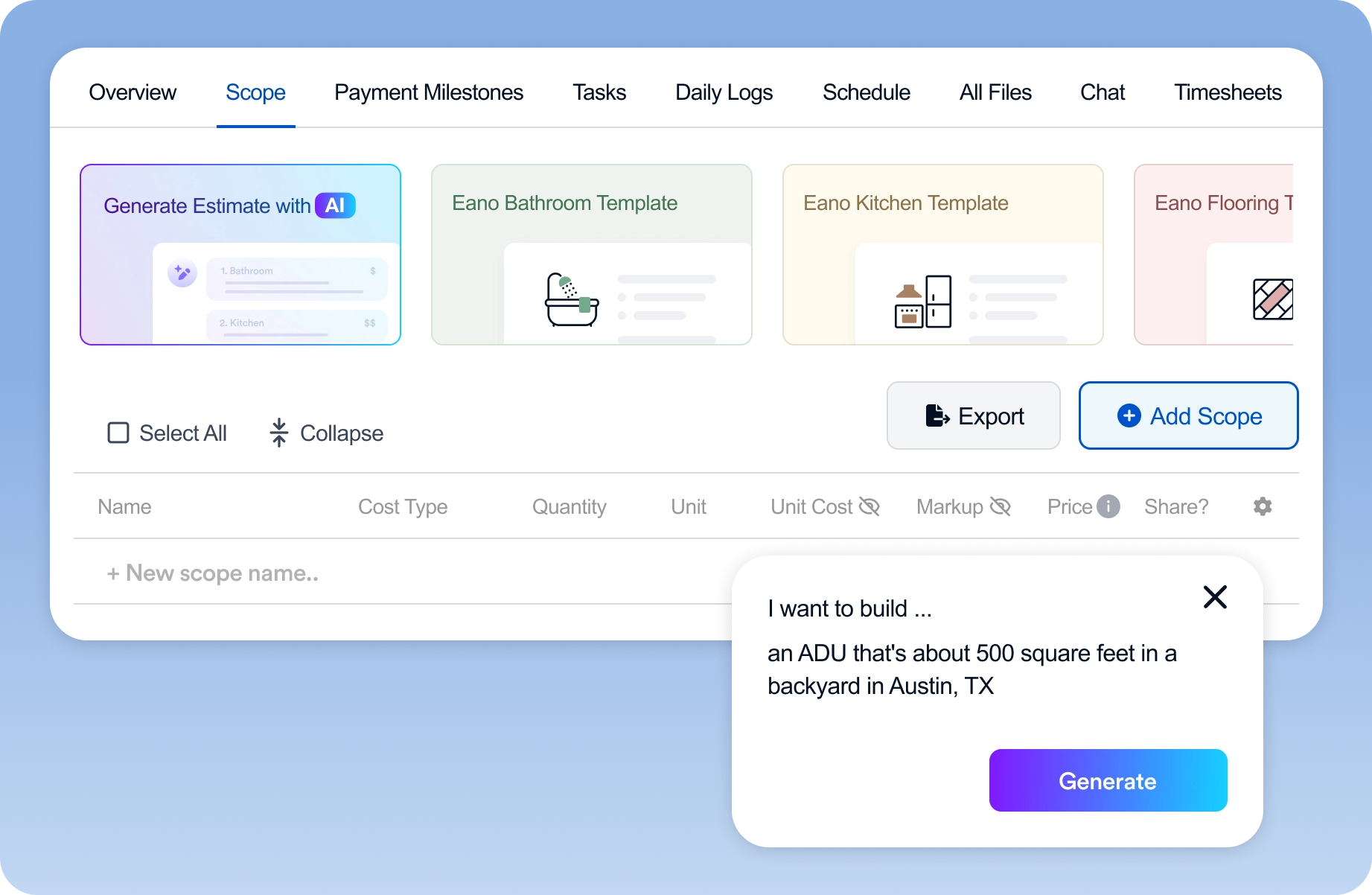
- Run the same job through a construction AI estimate generator, using a description with AI estimating, your walkthrough video with the AI video estimator, or the plans with AI takeoff.
- Compare both to what you actually sold the job for. Check which one captured the scope, which used realistic quantities, and which you could send with the fewest edits.
Whatever the result, the exercise shows you exactly where each tool saves time on your jobs.
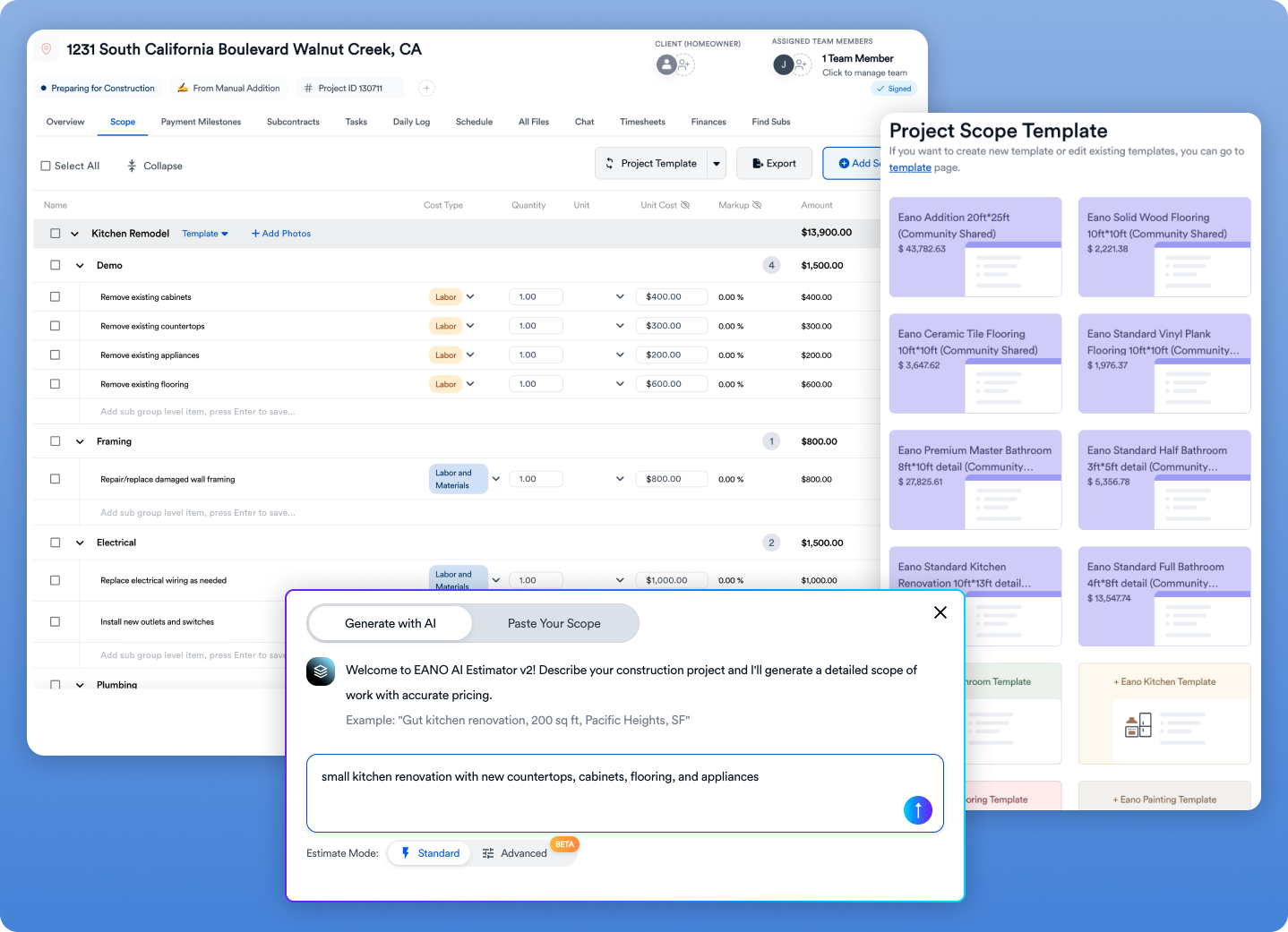
The Best of Both: A Combined Workflow
- Before the site visit: use a chatbot to generate a list of questions to ask the client.
- At the site visit: record a narrated walkthrough so the AI video estimator can draft the scope.
- If there are plans: run them through AI takeoff for measured quantities.
- Build and price the estimate in your estimating software with your own templates and markup.
- Polish the language: if you want, use a chatbot to make the scope description clearer for the homeowner (without pasting sensitive client details).
- Send a signable proposal from your estimating platform.
The Bottom Line
General AI is a great writing and thinking partner. It isn't an estimator. When the number has your name on it, generate it with a tool built for construction, backed by your own costs, and connected to the proposal and project that follow.
For an overview of how construction AI estimate generators work, and which input to use for which job, read our guide to the AI estimate generator for construction. For more on where AI estimating is reliable today, see what AI construction estimating software gets right and wrong.