
AI for Construction Estimating: Accelerating Change Order Management in Construction SaaS
Deadlines keep getting tighter. Margins shrink every year. For most general contractors, every change order is a test of your team's speed and accuracy—and your bottom line.
Reducing Friction in Change Order Workflows
Managing change orders is one of the most common, and costly, challenges in construction. Every additional scope or material swap brings a pile of paperwork, drawn-out approvals, and risk for missed costs. For small and midsize contractors, this can mean days of rework or, worse, disputes with clients.
This is where Eano Pro steps in. Eano Pro is a construction management platform built to help contractors handle change orders quickly and with confidence. By tackling the estimating process with AI, Eano Pro cuts out the guesswork and manual data entry so you can review and approve changes without slowing down the job site.
How AI for construction estimating Solves Change Order Pain
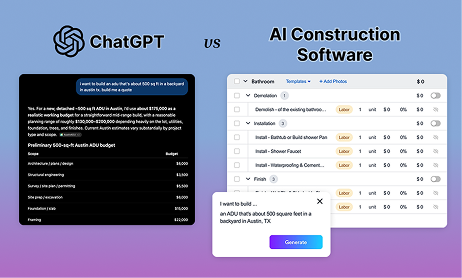
Traditional estimating tools can’t keep up with the pace of change orders. Manual calculations and spreadsheets leave room for error—and eat up hours you don’t have. With the rise of AI for construction estimating, teams now have a way to streamline change order management from start to finish.
Eano Pro uses machine learning to analyze scope changes, surface cost impacts, and update estimates in real time. Instead of chasing down numbers or revising outdated templates, your team can focus on the actual work. The result? Fewer delays, fewer overruns, and much less time spent in the office.
To see what this means in practice, check out Eano Pro’s AI for construction estimating platform. It’s designed for contractors who want results, not just reports.
Unlocking Productivity with AI-Driven Estimates
AI-powered estimating turns your historical project data into a practical advantage. Eano Pro’s system learns from your past jobs and real-time market rates, so each change order estimate gets more accurate over time. Instead of relying on gut feel or rough numbers, you can back every change with data—helping you avoid costly oversights and keep clients in the loop.
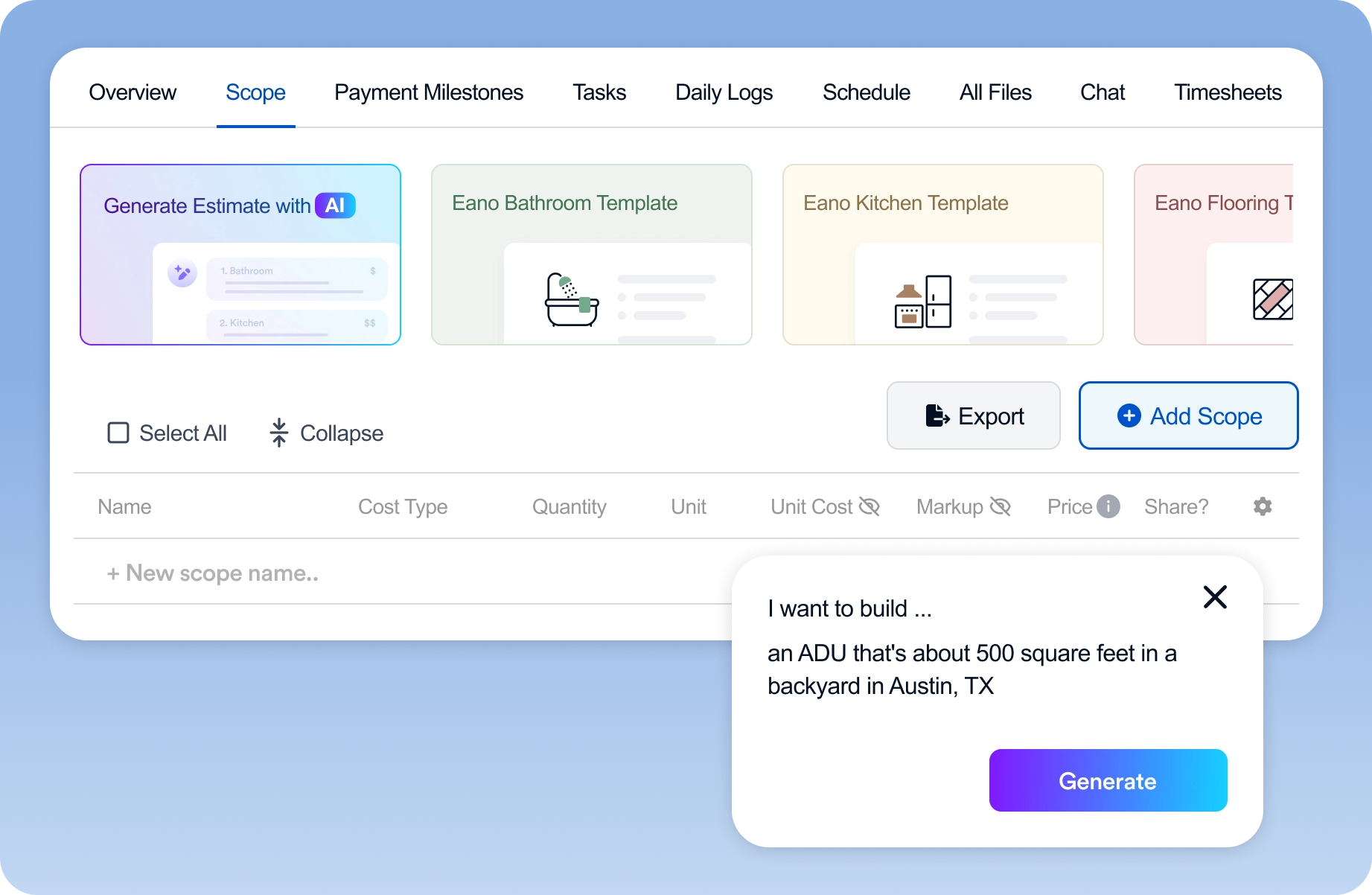
What does this look like day-to-day? Your project manager uploads a new scope, and Eano Pro instantly generates an updated cost breakdown, including labor, materials, and markup. No more waiting on estimators or scrambling for supplier quotes. You get a professional, transparent estimate that’s ready to send out before the next site meeting.
The Impact of AI for construction estimating on Cash Flow and Client Trust
Every approved change order affects your cash flow. Delays in estimating mean delays in billing—and the risk of payment disputes. By taking advantage of AI for construction estimating, you can shorten the turnaround from request to approval, and from approval to invoice.
Clients also appreciate clarity. Automatic, itemized estimates from Eano Pro show exactly where costs are coming from. This builds trust and reduces back-and-forth, so you can move forward with less friction and keep relationships strong.
Eano Pro: Practical Tools for Real Construction Teams
Eano Pro isn’t just for tech-savvy firms. It’s built for everyday contractors who want to save time, cut paperwork, and keep projects moving. Implementation is straightforward, and the interface is designed for people who’d rather spend time building than wrestling with software.
With Eano Pro, you get:
- Clear, auditable cost breakdowns
- Easy uploads of plans and scope changes
- Seamless integration with your current workflows
Getting Started with AI for construction estimating in Your Workflow
Adopting new tools shouldn’t be a headache. Eano Pro’s support team guides you through setup and helps your crew hit the ground running. You don’t need a tech background to make the most of AI for construction estimating—all you need are projects where change orders slow you down and cost you money.
Ready to see how Eano Pro can help your team manage change orders faster and with less hassle? Book a demo (opens in a new window) and see the difference for yourself.