Plywood Calculator
Plywood Calculator: Get Exact Sheet Counts for Any Project
If you’ve ever stood in a lumber aisle wondering how many plywood sheets you actually need, you’re not alone. It seems simple—until you start factoring in sheet sizes, waste, cuts, and layout.
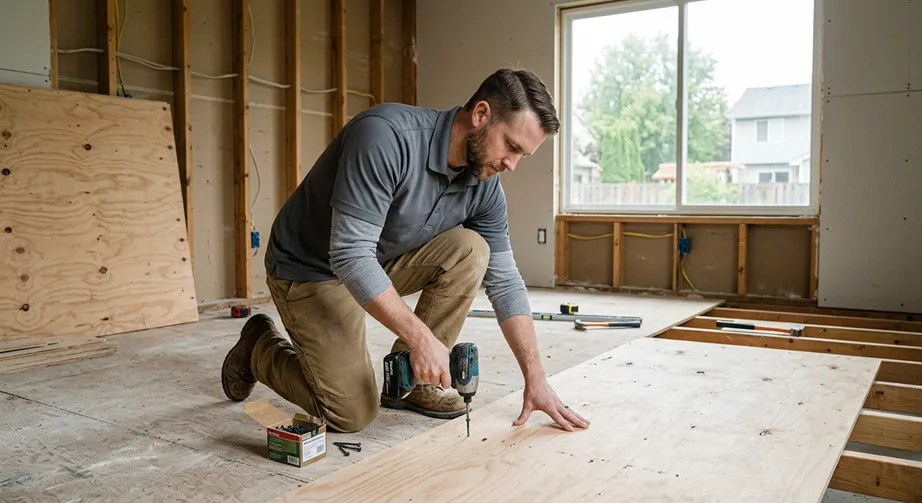
This plywood calculator helps you quickly estimate the number of sheets required for any flat surface, whether you’re working on a floor, wall, ceiling, or general project area.
Just enter your dimensions, choose a sheet size, and you’ll get a clear breakdown of:
- total square footage
- base sheet count
- recommended order quantity (with waste)
- estimated material cost
It also includes a layout preview, so you can visualize how sheets will fit across your surface.
Why Accurate Plywood Estimation Matters
Plywood is used across a wide range of projects—from subfloors and roof decking to wall sheathing and cabinetry. But it’s easy to miscalculate.
If you underestimate:
- You run out of material mid-project
- Work slows or stops
- You make extra trips to the store
If you overestimate:
- You spend more than necessary
- Materials go to waste
- Storage becomes a hassle
Using a plywood sheet calculator helps you dial in your material order so you can stay efficient and on budget.
What This Plywood Calculator Covers
This tool is designed to be simple but practical for real-world use.
It calculates:
- total surface area (length × width)
- plywood sheets needed based on sheet size
- waste-adjusted order quantity
- total estimated cost
It also supports:
- standard sheet sizes like 4' x 8', 4' x 10', and 4' x 12'
- multiple layers (for subfloors or structural builds)
- adjustable waste percentage
And unlike basic calculators, it includes a visual layout preview showing how sheets will be arranged across your surface.
How to Use the Plywood Calculator
Start by entering your surface dimensions:
- Length (ft)
- Width or height (ft)
Next, select your plywood sheet size. The most common is 4' x 8', but longer sheets can reduce seams depending on the project.
Set your waste percentage—typically around 10% for most jobs.
If you want a cost estimate, enter your price per sheet.
Then click calculate.
You’ll instantly see:
- total square footage
- base sheet count
- recommended order (rounded up with waste)
- estimated material cost
- layout diagram showing sheet rows and columns
Understanding the Layout Preview
One of the most useful parts of this calculator is the sheet layout snapshot.
Instead of just giving you a number, it shows how plywood sheets will actually fit across your surface.
For example:
- a wide area may require multiple rows of sheets
- a longer surface may create partial sheets at the edges
- different sheet sizes will change how efficiently the area is covered
This helps you anticipate:
- cuts and waste
- seam placement
- installation complexity
In most cases, plywood is installed so sheets run along the longer dimension of the surface, which helps reduce seams and improve structural performance.
Key Considerations When Estimating Plywood
Plywood estimation isn’t just about dividing square footage.
Real-world factors include:
- cuts around edges or openings
- staggered seams for strength
- multiple layers for subfloors or structural builds
- waste from offcuts and mistakes
Even small inefficiencies can increase your total sheet count.
That’s why adding a waste factor—and visualizing layout—makes a big difference.
When Should You Use This Calculator?
This plywood calculator is useful for a wide range of projects, including:
- subfloor installation
- roof decking
- wall sheathing
- ceiling panels
- workshop builds
- general construction and DIY projects
If your project involves covering a flat surface with plywood, this tool gives you a fast and reliable estimate.
How Eano Pro Helps You Go Beyond Material Estimates
This calculator helps answer:
“How many plywood sheets do I need?”
Eano Pro helps answer:
“What should I charge for this job?”
With Eano Pro, contractors can:
- turn material quantities into full job estimates
- add labor, markup, and overhead
- generate professional proposals
- standardize pricing across projects
- track job costs in real time
Instead of juggling spreadsheets and manual calculations, Eano brings everything into one system—from takeoff to final estimate.
Final Takeaway
The Plywood Calculator gives you a quick, accurate way to estimate sheet count, cost, and layout for your project.
It removes guesswork, helps prevent costly mistakes, and gives you a clearer picture of how your materials will actually be used.
And when you're ready to turn that estimate into a client-ready quote, Eano Pro helps you build, price, and win the job.
Book a demo to see how Eano Pro helps contractors estimate faster and more accurately.