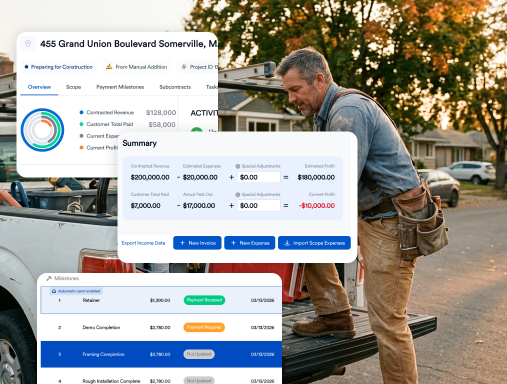

Construction Job Costing for Residential Contractors: Tracking Budget vs. Actual Without a Spreadsheet
Job costing means tracking the actual labor, materials, subcontractors and change orders on each job against the estimate while the job is still running, so you can fix a problem before the final invoice instead of finding it at tax time. For most residential contractors, the estimate isn't what goes wrong. The leak happens in the weeks between the signed contract and the last payment.
This guide walks through where residential jobs lose margin, how to set up cost codes that match your estimate, and a weekly budget-vs-actual routine you can run without a spreadsheet. This is operational guidance, not accounting or tax advice. Work with your CPA on how job costs flow into your books.
Key takeaways
- Job costing compares actual cost to estimated cost, line by line, during the job. Estimating sets the target; job costing tells you whether you're hitting it.
- Most margin leaks in four places: labor overruns, unbilled change orders, material price drift, and confusing cash with profit.
- Use the same cost codes in your estimate and your budget, and tie every hour and receipt to a job.
- Review budget vs. actual weekly, not when the job closes.
Why budget vs. actual drifts
Budget overruns aren't a small-contractor problem. In KPMG's 2015 global survey of construction project owners, which covered mostly large projects, only 31% of respondents' projects came within 10% of budget over the previous three years (KPMG Global Construction Survey 2015). Residential jobs are smaller, but the cause is the same: costs are recorded late, in the wrong place, or not at all.
Bad data is expensive. An Autodesk and FMI study estimated that "bad data" may have cost the global construction industry $1.85 trillion in 2020, and that decisions made using bad data accounted for $88.69 billion in rework, 14 percent of all rework that year (Autodesk and FMI, Harnessing the Data Advantage in Construction).
The market makes margin harder to protect. NAHB reports that "construction costs accounted for 64.4% of the average price of a new home in 2024 compared to 60.8% in 2022" (NAHB Cost of Construction Survey; NAHB notes a small sample). Harvard's Joint Center for Housing Studies expects remodeling spending growth to slow to 0.5% year over year by mid-2027, with spending around $519 billion (JCHS Leading Indicator of Remodeling Activity). When volume flattens, profit has to come from running each job tighter.
What job costing is, and how it differs from estimating
Estimating predicts what a job will cost before you sell it. Job costing records what it actually costs as you build it, organized the same way as the estimate so the two can be compared line by line. A good system turns the signed estimate into the job budget automatically, so "estimated" and "actual" sit next to each other from day one.
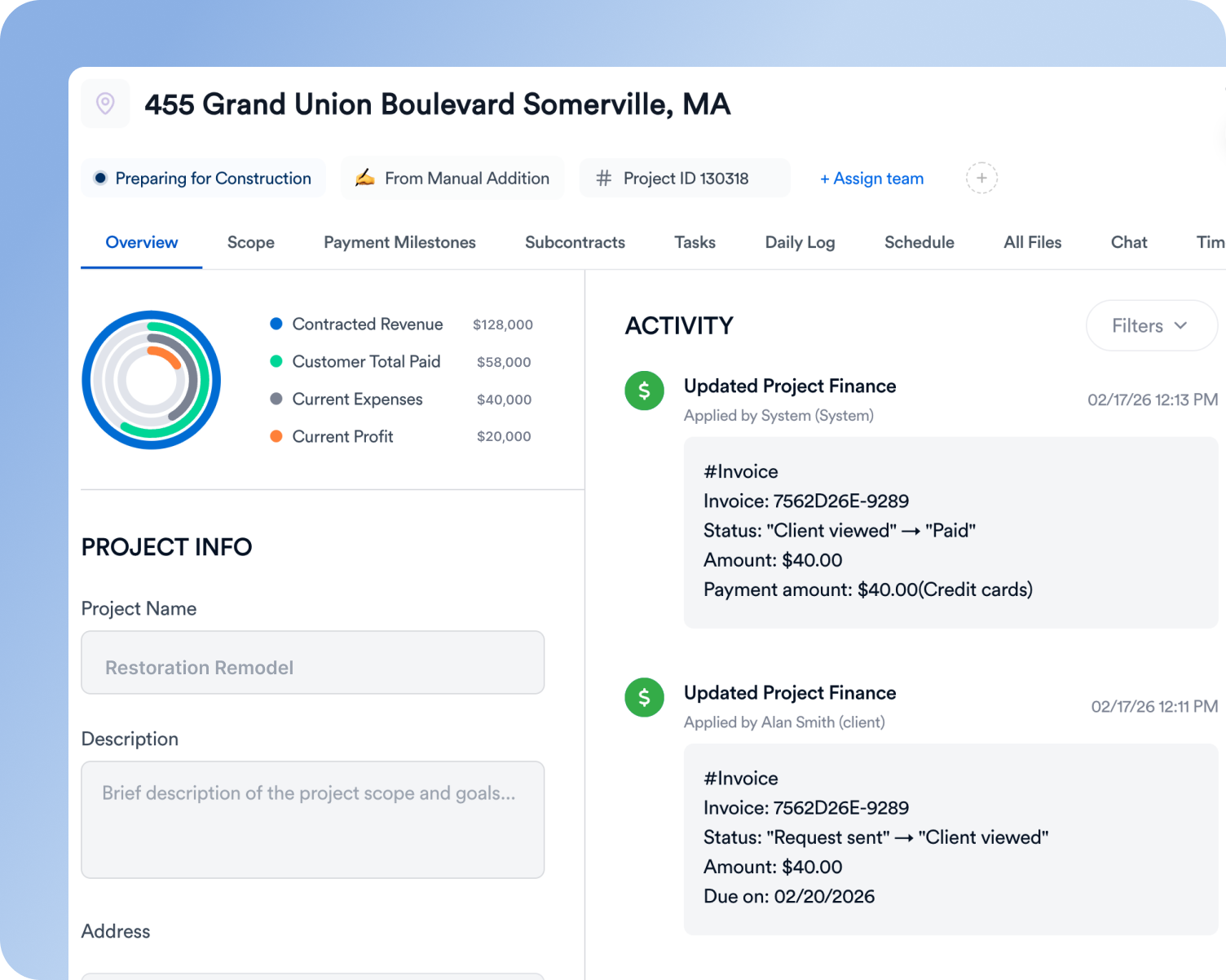
The 4 places residential jobs leak margin
1. Labor overruns
Labor is the most variable cost, and the one most often recorded late. If hours are entered weekly from memory or paper, you can't see an overrun until it's too late to fix.
2. Change orders that never get billed
The homeowner asks for an extra outlet, a different tile, or a wider opening. The crew does it, and nobody prices it.
“Change orders were one of the biggest headaches. Things would slip through the cracks.” — Mehdi Jabri, MJ Modern Stairways (Eano Pro customer)
3. Material price drift
Prices move between estimate and purchase, and extra trips to the supply house add up. If receipts aren't coded to the job, you won't see the drift.
4. Confusing cash with profit
Deposits and progress payments make the bank balance look healthy while a job loses money. Esteban Araya of TG Renovation, an Eano Pro customer that has tracked more than $1M in costs directly to projects, explains the trap:
“We’re on accrual basis. We do receive hundreds of thousands of dollars [in payments], but those are just not [necessarily] our earnings.” — Esteban Araya, TG Renovation
Setting up cost codes that match your estimate
Keep it simple. Use the same categories in your estimate, your budget and your expense tracking. A residential remodel might use:
- Demolition and disposal
- Framing and carpentry
- Plumbing, electrical and HVAC (often by sub)
- Drywall and paint
- Finishes: tile, flooring, cabinets, countertops
- Permits, dumpsters and general conditions
- Change orders (tracked separately, never buried)
Fifteen to twenty-five codes is plenty for most residential companies. If you need more than that to explain a job, the estimate is probably too detailed to manage in the field.
A starter cost code list for residential remodels
Keep codes few enough that the crew will use them and specific enough to show where money goes. A typical remodeler can start with something like this, then split a code only when it keeps hiding problems:
Keep the same codes in your estimate, timesheets, receipts and change orders. If the estimate says "09 Cabinets" and the receipt is coded "Materials," you cannot compare them.
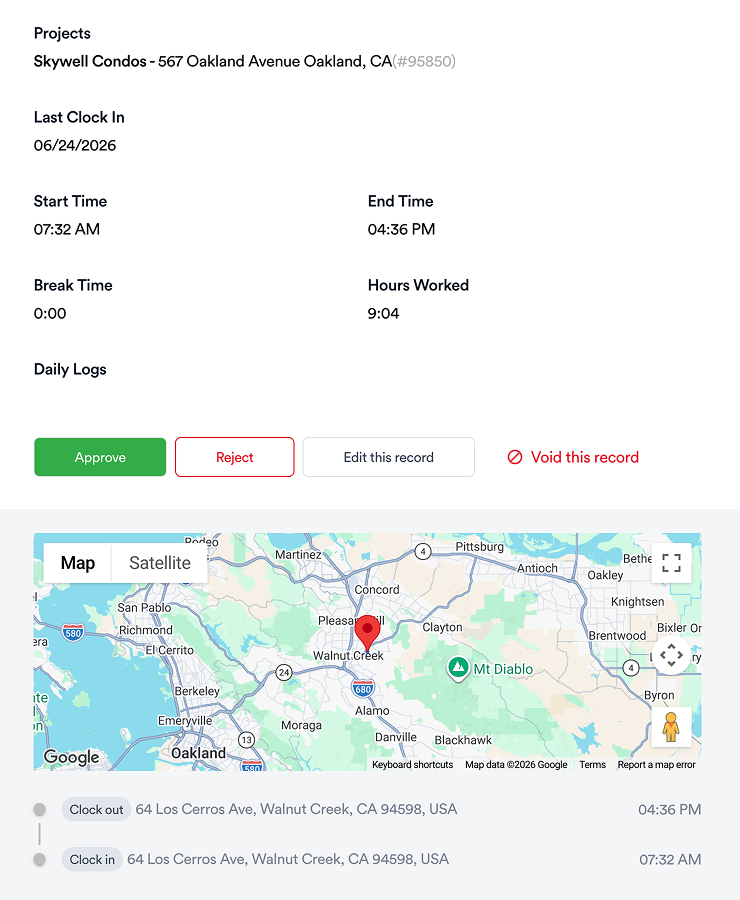
Tracking labor: timesheets tied to jobs
The single biggest improvement for most contractors is having crews clock in to a specific job (and ideally a cost code) from their phones. With job-linked timesheets, labor cost lands on the job the same day. Ismael Mora of IM Contracting, an Eano Pro customer, saved 6–8 hours a week on payroll and expense tracking:
“My team uses the time sheet daily. I can see how many hours we’ve worked, project by project. It makes payroll so much easier.” — Ismael Mora, IM Contracting
“If someone works two hours at one site and two hours at another, I can track that time separately.” — Chris Singh, Creative Construction 360 (Eano Pro customer)
Use your burdened labor rate, not the wage
A crew member's hourly wage is not what an hour costs you. Payroll taxes alone add a fixed share: the IRS lists the current Social Security rate as "6.2% for the employer" and Medicare as "1.45% for the employer" (IRS Topic No. 751). Unemployment taxes, workers' compensation, liability insurance, paid time off and benefits add more, and those vary by state, trade and carrier.
Here is an illustrative calculation. Your rates will differ, so use your own payroll and insurance numbers.
If your job cost report uses $32 an hour, a 300-hour job understates labor by about $3,200. On a $40,000 remodel, that is enough to turn an expected 20% gross margin into roughly 12% without anyone noticing until year-end.
Tracking materials and receipts
Snap the receipt at the counter, assign it to the job and cost code, and move on. Receipts that sit in a truck console for two weeks are how material drift goes unnoticed.

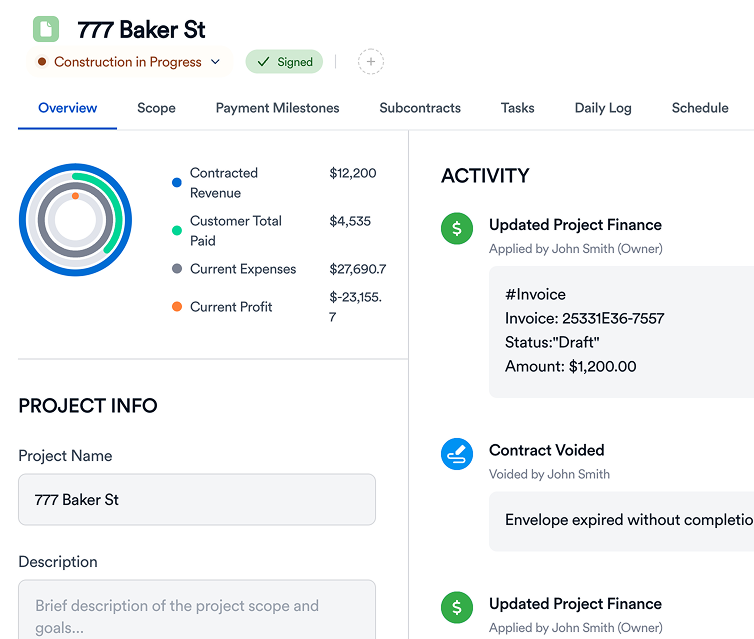
Change orders: priced, signed, billed
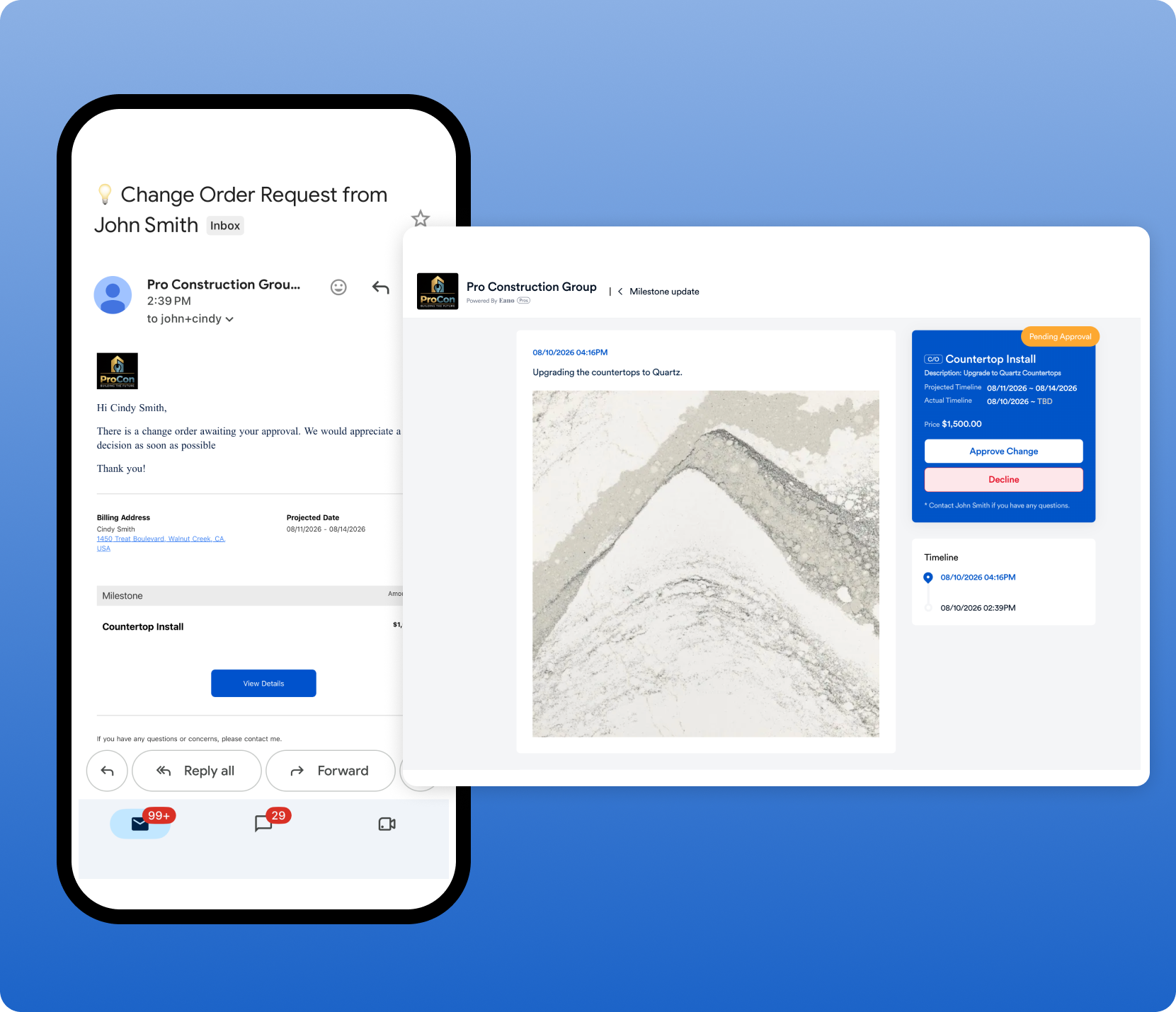
Every change should follow the same path: price it, get the client's approval in writing, update the budget, and add it to the next invoice. Change order management software keeps that path in one place, so changes don't live in text messages.
Worked example: a kitchen remodel at the halfway point (illustrative)
All numbers are hypothetical. A remodeler signs a $62,000 kitchen remodel with an estimated cost of $46,500, for a planned gross profit of $15,500 (25%). At the midpoint, the job cost report looks like this:
What the owner learns from this report:
- Projected profit has slipped from $15,500 to $13,850 (22.3%). That is still a healthy job, but the trend matters.
- Electrical is over because the sub found an undersized panel. Was it priced and signed as a change order? If not, $500 of profit is leaking.
- Demolition ran over on labor. Did the crew find rot, or was the estimate light? Either answer improves the next bid.
- Committed costs matter. Looking only at actual-to-date ($26,850 against $46,500) would suggest the job is comfortably under budget. Adding open purchase orders and sub contracts shows the real position.
Projected final cost: the number to watch
For each cost code, projected final cost is the larger of the budget or actual-to-date plus open commitments plus your estimate of remaining work. Reviewing projected final, not just spending to date, is what lets you act while the job is still running: price a change order, adjust the crew plan, or talk to the client about allowance overages before the final invoice.
Budget vs. actual: a weekly review routine
Block 30 minutes every week. For each active job:
- Compare actual labor hours to estimated hours by cost code.
- Check material and sub costs entered since last week.
- Confirm every approved change order is priced and scheduled to bill.
- Compare billed-to-date vs. percent complete. Are you ahead of costs, or financing the job?
- Write down one action per job that is drifting: a crew conversation, a client change order, a supplier call.
“You’re not guessing anymore. You can see how the numbers are stacking up.” — Mark Kullberg, Gordon A. Kullberg & Son (Eano Pro customer)
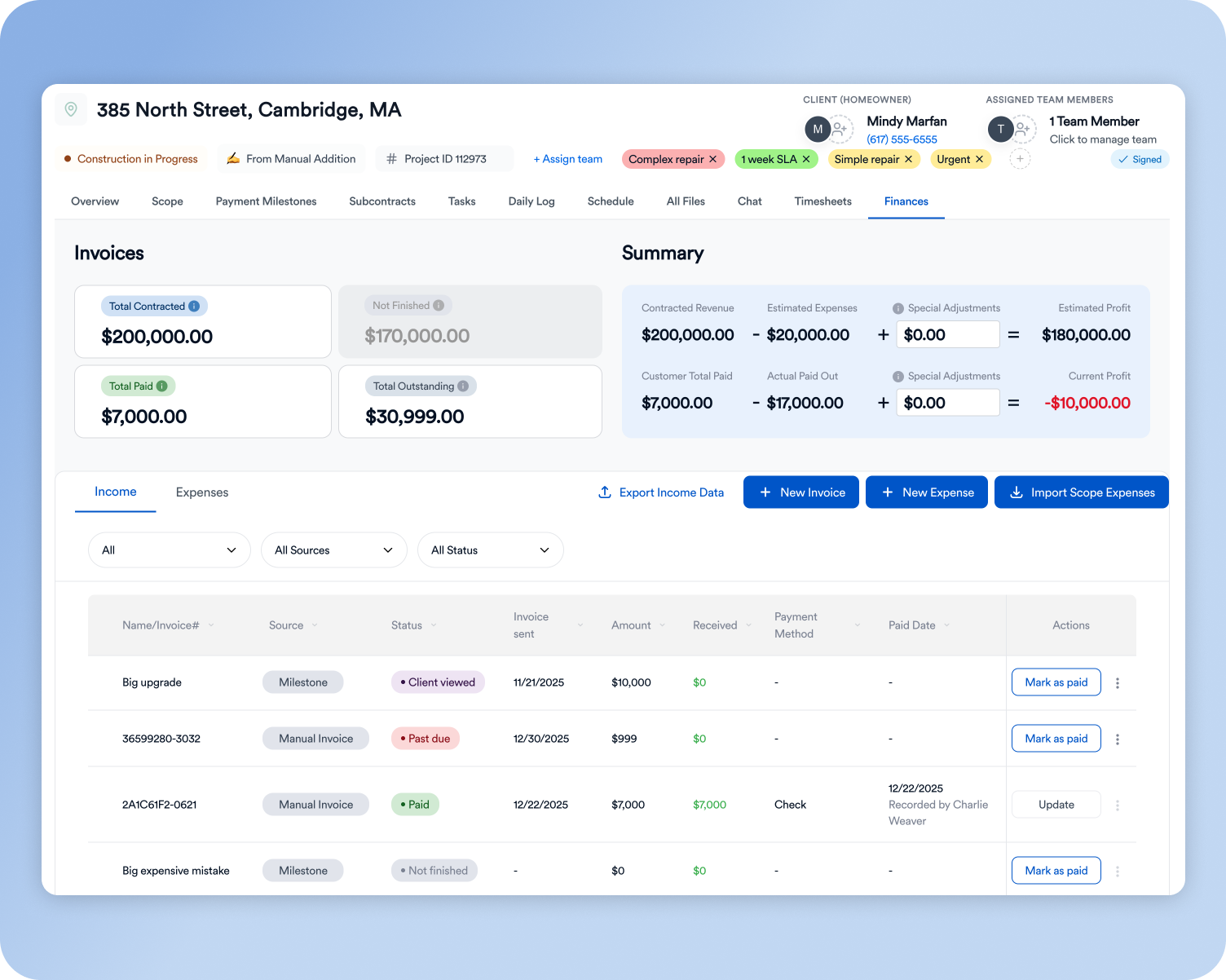
“The finance section is great. I can go in, mark the payments we’ve already received, and it automatically shows a breakdown of the budget.” — Chris Singh, Creative Construction 360
To sanity-check pricing on future jobs, run your numbers through our profit margin calculator, and review the mistakes that blow up remodeling budgets.
Billing against progress
Job costing also tells you whether you are financing the client. Compare the percent of contract billed with the percent of cost incurred. In the example above, the remodeler has spent about 56% of projected cost ($26,850 of $48,150). If the payment schedule has billed only 40% of the contract, the company is carrying the job with its own cash. Payment milestones tied to real progress (cabinet delivery, rough-in inspection) close that gap.
Close-out review: feed actuals back into the next estimate
- Within a week of completion, run the final budget vs. actual by cost code.
- Mark every variance over 10% or $500 and write one sentence on why.
- Separate estimating misses (wrong quantity or rate) from execution problems (rework, delays).
- Update your labor units, material costs and templates for any estimating miss.
- Check that every change order was billed and collected.
- Save the job as a reference for similar future bids.
Ismael Mora of IM Contracting describes the shift from spreadsheets: “Before, I tracked everything in Excel. Now, it’s automatic. I can see total hours, costs, and expenses per project. It’s already saving me hours each week.” Dror Iakob of Good Guys Pools put the goal simply: “The main thing is visuality: to see all the projects in one place, to know how much I was supposed to pay, how much I did pay, if my project was profitable or not profitable, where I'm standing in the project at the time.”
Spreadsheet vs. software vs. QuickBooks
- Spreadsheet: free and flexible, but it depends on someone typing in hours and receipts. It breaks once you have more than a few active jobs.
- QuickBooks alone: great for accounting, but it isn't built around estimates, crews and change orders, so job-level visibility is limited.
- Construction budget software plus QuickBooks: the estimate becomes the budget, field data flows in daily, and accounting stays in QuickBooks.
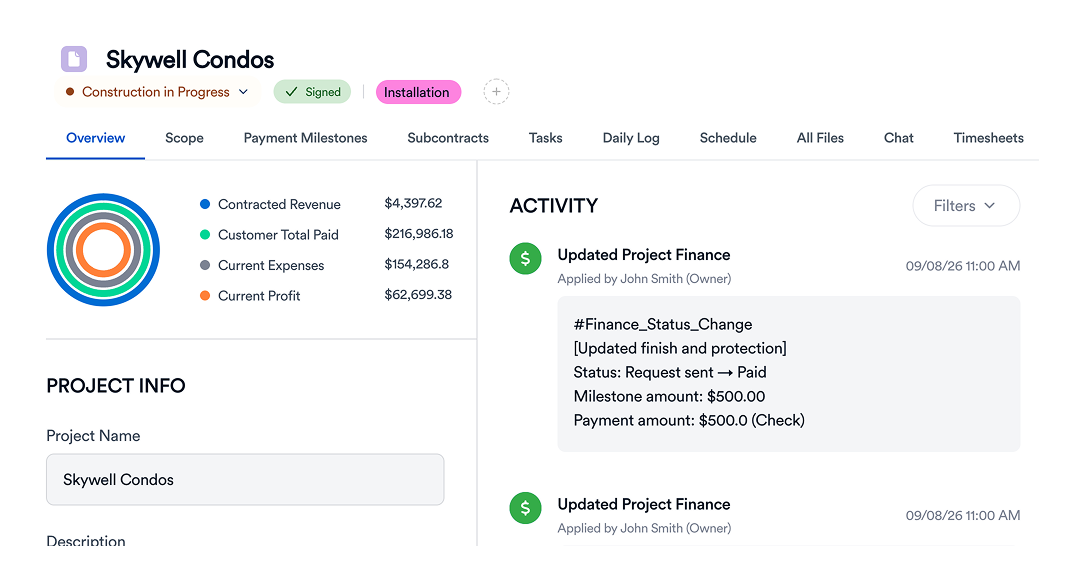
Dror Iakob of Good Guys Pools, an Eano Pro customer, described the QuickBooks-only setup before switching: "We did everything in QuickBooks. All the projects went through QuickBooks, so it wasn't as visually understandable." (read the Good Guys Pools story). Eano Pro's QuickBooks integration keeps job costs and accounting in sync without double entry.
Signs you have outgrown the spreadsheet
- You retype the estimate into the job cost sheet for every job.
- Receipts sit in trucks for a week or more before anyone codes them.
- More than one person edits the file, and nobody is sure which copy is current.
- You find out a job lost money only after the final invoice.
- Change orders are tracked in texts and emails instead of against the budget.
If two or more of those sound familiar, compare options in our guide to construction budget software, and see how receipt scanning and job-based timesheets feed the same budget.
Who does what: a job costing routine by role
Job costing fails when everyone assumes someone else is entering the numbers. Assign each input to a person and a deadline:
Allowances: track them like their own budget
Allowances are where residential jobs quietly lose money. If the estimate carried a $3,000 tile allowance and the client picks $4,400 of tile, the $1,400 overage (plus your markup) needs a signed change order before the tile is ordered. Track each allowance as its own line, compare the selection against it the day the client chooses, and bill the difference through your normal change order process.
Common job costing mistakes
- Coding everything to "Materials." One giant bucket shows you are over, never why.
- Entering costs at month-end. By then, the next job has already been priced with the same mistake.
- Ignoring small purchases. Ten $60 hardware runs is $600 that never shows up.
- Mixing overhead into job costs. Office rent and the owner's truck payment belong in overhead, recovered through markup.
- Not billing change orders. Approved extra work that is never invoiced is pure margin loss.
Fixed-price vs. cost-plus: why job costing matters for both
On a fixed-price job, every dollar of overrun comes out of your profit, so job costing is how you protect margin while there is still time to act. On a cost-plus or time-and-materials job, job costing is how you get paid: every hour and receipt you fail to capture is revenue you cannot bill, and clients expect a clean, coded record before they pay. Either way, the routine is the same: code every cost to the job the day it happens, and review the report every week.
Bottom line
Job costing doesn't need to be complicated. Use matching cost codes, record hours and receipts the day they happen, run change orders through one approval path, and do a 30-minute weekly review. Track budget vs. actual on every job in Eano Pro with construction budget software built for residential contractors.


.png)