
How Construction Management Software Supports Field and Office Teams
Construction has always been a coordination business. Every day, field crews, project managers, estimators, office staff, subcontractors, and clients all depend on one another to keep work moving. When communication is scattered across phone calls, texts, spreadsheets, and sticky notes, the risk of delays goes up fast. That is why more contractors are turning to digital tools that bring everyone onto the same page.
At its best, construction management software does more than store files or track tasks. It becomes the shared workspace that connects jobsite activity with office workflows. The field can report progress in real time, and the office can respond with up-to-date schedules, budgets, permits, and change orders. In a business where small missteps can turn into expensive rework, that kind of visibility is not a luxury. It is a practical way to protect margin and keep clients confident.
If you are comparing tools and looking for the best construction management software, it helps to focus on how the platform supports the day-to-day relationship between the office and the field. Features matter, but what matters more is whether the software reduces friction, speeds up decisions, and gives everyone the confidence to act on accurate information.
Why field and office teams often struggle to stay aligned
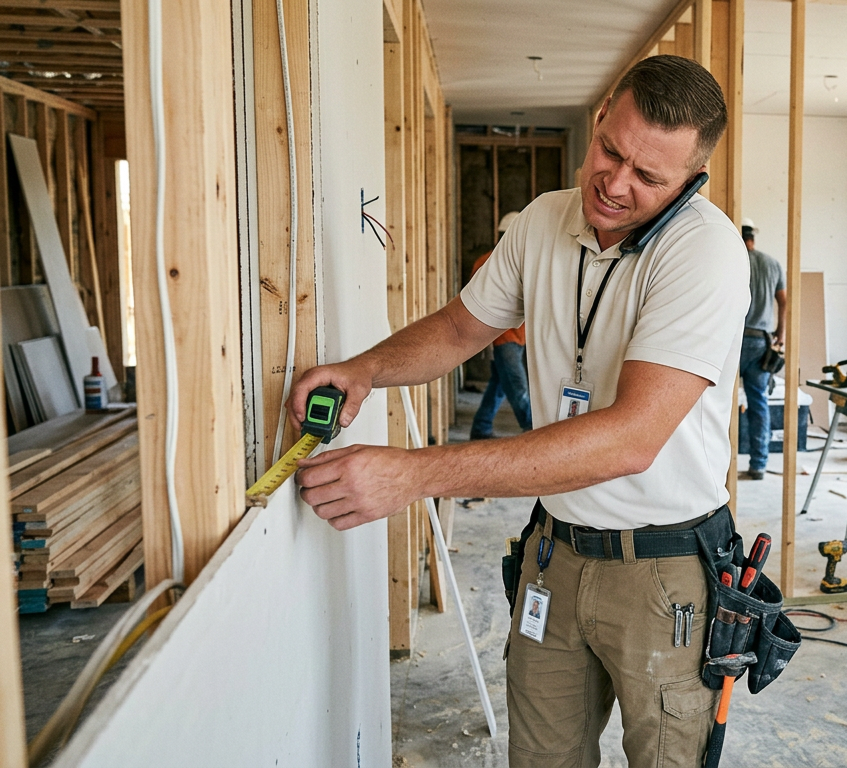
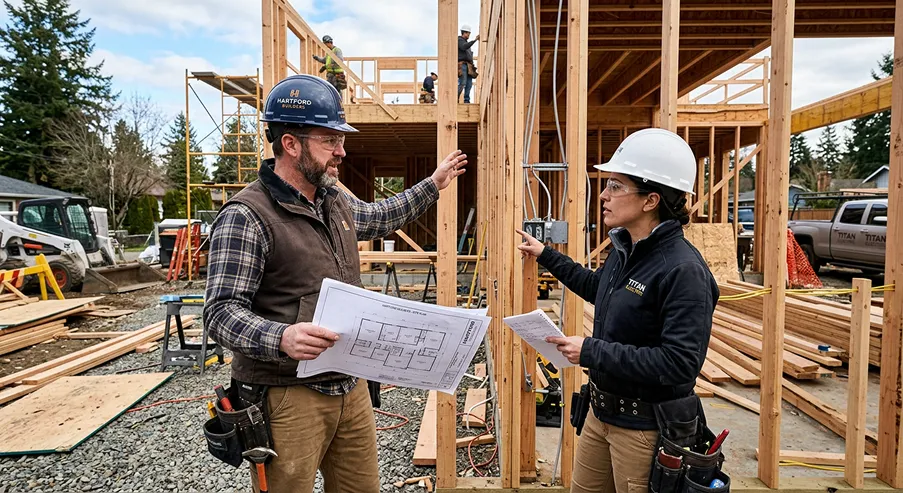
Construction teams rarely work in one place at one time. A superintendent may be walking a site while the office is reviewing invoices, a designer may be revising a plan, and a project manager may be trying to answer a client question about the schedule. Without a centralized system, updates get lost or arrive too late.
That disconnect causes familiar problems: crews show up without the latest plan, office staff chase down photo documentation, and project managers spend hours hunting for the most recent approval. It is not usually a lack of effort. It is a lack of shared visibility.
The construction industry has been slow to digitize compared with other sectors, and the cost of that lag is real. According to a report from McKinsey, large construction projects often take 20% longer than scheduled and can run up to 80% over budget. Those numbers underscore how quickly communication issues can become financial ones. Better coordination is one of the most direct ways to reduce that risk.
How construction management software helps the field
For field teams, software should make the day simpler, not more complicated. The best systems give crews quick access to the information they need without forcing them to sift through emails or call the office for every detail.
One of the biggest advantages is immediate access to current plans and documents. When a drawing changes, the crew does not need to wonder whether the copy in the trailer is outdated. They can open the latest version from a phone or tablet and keep moving. That alone can prevent mistakes that would otherwise lead to rework.
Field teams also benefit from faster issue reporting. Instead of waiting until the end of the day to send an update, they can log a problem on site, attach a photo, and notify the office immediately. If a material delivery is missing or a layout conflicts with a plan, the right people can respond quickly.
Daily reports become easier too. Rather than reconstructing the day from memory, crews can record progress, labor hours, notes, and weather conditions as they go. That makes documentation more accurate and gives managers a clearer picture of what happened on site.
Even simple things like punch lists, checklists, and task assignments become more manageable when they are visible in one place. Field workers know what has been completed, what still needs attention, and what is coming next. That clarity reduces confusion and helps the jobsite feel less reactive.
How software supports the office team
Office teams carry a different kind of pressure. They are responsible for keeping the project financially organized, legally protected, and on schedule, often while handling several jobs at once. Construction management software gives them a more reliable way to stay on top of all those moving parts.
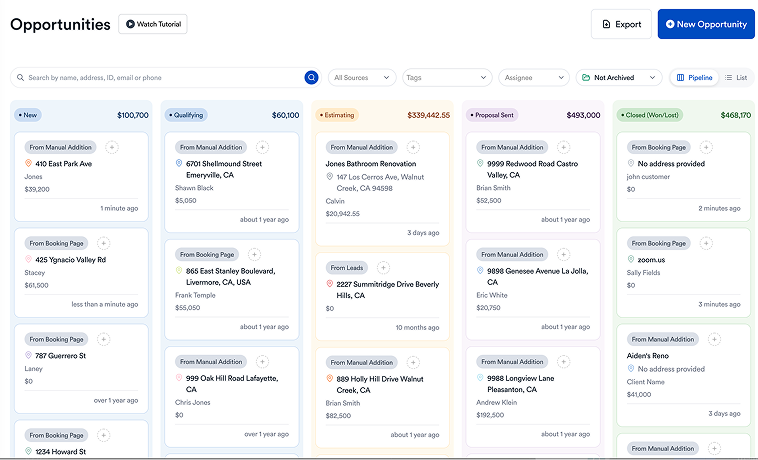
Scheduling is one of the biggest gains. When updates from the field flow into the system, office staff can adjust timelines based on real progress instead of guesswork. That helps with subcontractor coordination, client communication, and resource planning.
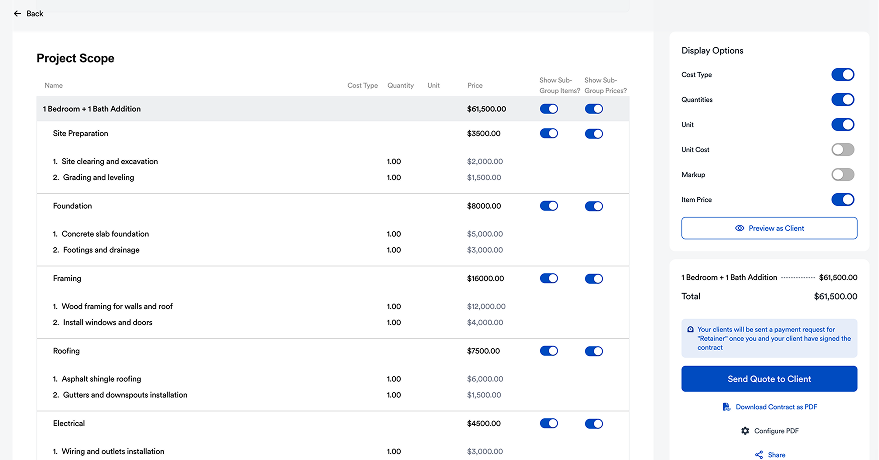
Budget tracking is another major benefit. Job costs, change orders, invoices, and purchase orders are easier to monitor when they live in a connected system. Instead of learning about a cost issue after it has already snowballed, office staff can spot potential problems earlier and act before they affect margin.
Document control also matters. Construction projects generate a lot of paperwork, including contracts, permits, drawings, approvals, and closeout records. When these files are organized in one place, office teams can answer questions faster and reduce the risk of using the wrong version.
For growing contractors, this kind of organization is especially valuable because it supports better handoffs. A project manager, administrator, and estimator can all understand the current status without digging through different systems. That saves time and makes the company feel more professional to everyone involved.
The real value: one source of truth
The phrase “single source of truth” gets used a lot, but in construction it has a very practical meaning. It means the field and office are working from the same facts. The same schedule, the same drawings, the same approval status, the same budget picture.
When that happens, decisions get easier. A superintendent can check the latest plan before starting work. An office manager can confirm whether a change order has been approved. A project manager can see which tasks are slipping and take action before the delay gets worse.
This shared visibility also improves trust. Field teams do not feel like they are being blamed for problems that started in the office, and office teams do not have to operate in the dark while waiting for updates. Everyone has a clearer view of what is happening and what needs attention next.
That kind of alignment may sound simple, but in practice it can change the tone of an entire project. Less back-and-forth means less frustration. Faster answers mean less idle time. Better records mean fewer disputes. Over time, those gains add up to smoother jobs and happier clients.
What to look for in a platform
Not all software is built with real construction workflows in mind. Some tools look polished but do not actually fit the way contractors operate. The most useful platforms tend to share a few qualities.
First, they are easy to use in the field. If a superintendent cannot update a task in a minute or two, the tool will probably not get used consistently. Mobile access matters because jobsites are not desks.
Second, they connect core workflows. Scheduling, documentation, communication, budgeting, and task tracking should work together instead of acting like separate islands. When data moves automatically across the system, teams waste less time duplicating work.
Third, they should scale with the business. A contractor may start with a few active jobs, then quickly grow into a much busier operation. Software should support that growth without forcing the team to rebuild its process from scratch.
Finally, the platform should help with accountability. Good software makes it easy to see who owns a task, what is overdue, and what has been approved. That level of visibility keeps projects moving and makes follow-up much more straightforward.
Where Eano Pro fits in
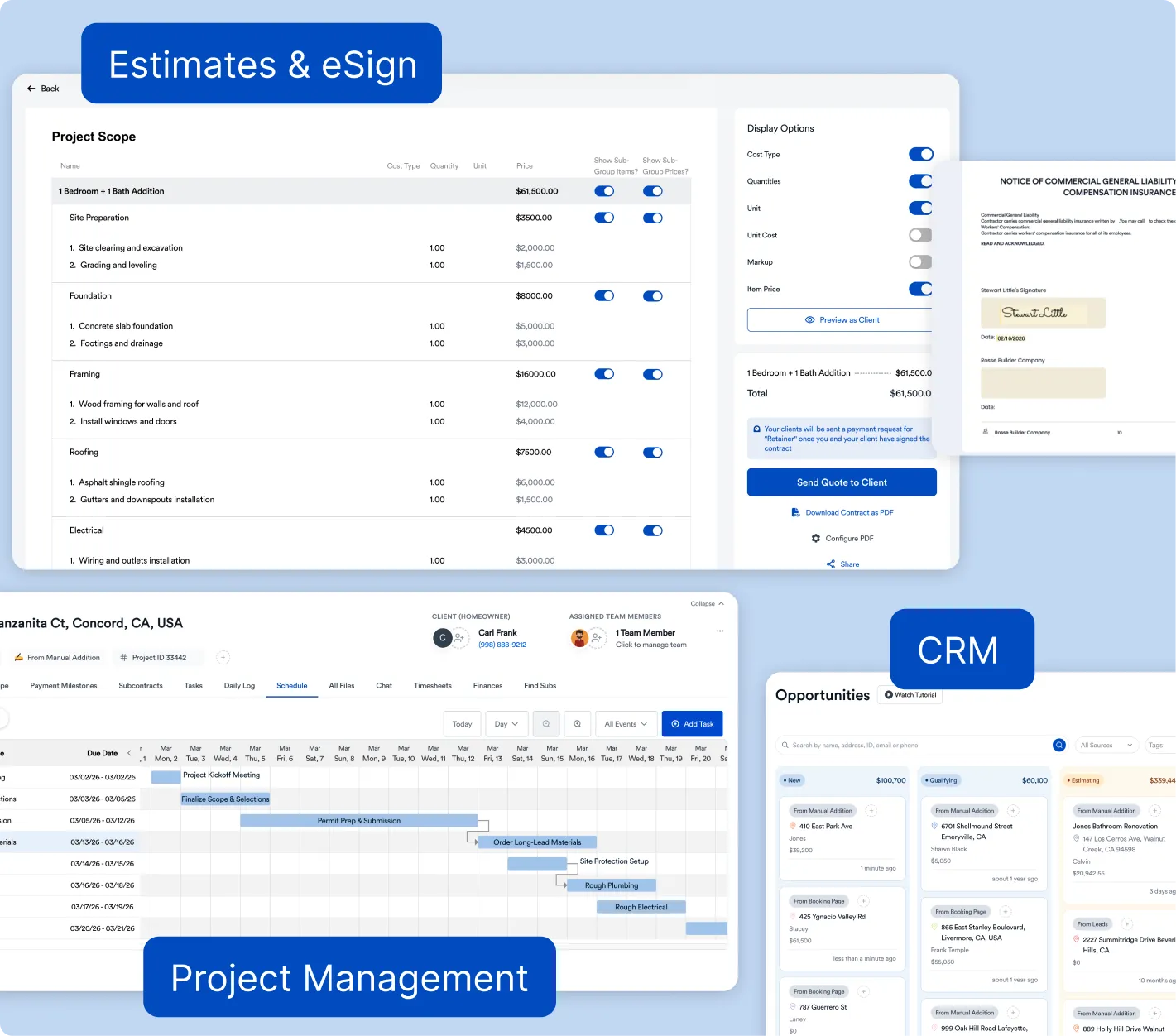
For contractors looking to improve coordination without creating extra admin work, Eano Pro is designed to bring the field and office together in a more practical way. It supports job tracking, communication, document organization, and workflow visibility so teams spend less time chasing information and more time building.
That matters because many contractors do not need more software noise. They need a system that keeps the essentials organized and easy to act on. Eano Pro helps simplify those daily handoffs between the people on the ground and the people managing the project behind the scenes.
For small and mid-sized teams in particular, that kind of support can make a noticeable difference. The field gets faster answers. The office gets cleaner records. Leadership gets better oversight. And the project, ideally, feels less chaotic from start to finish.
How better coordination affects clients
Clients may never see the software, but they feel the results. When field and office teams are aligned, questions get answered faster, schedules are communicated more clearly, and change orders are easier to explain. That builds confidence.
Homeowners and commercial clients alike want to know that someone is in control. They do not want to hear conflicting updates from different people. When the team has one organized system, the client experience becomes smoother and more consistent.
That consistency is also good for referrals. Projects that finish with fewer surprises and fewer disputes tend to leave a better impression. In a business where reputation drives future work, that is a major advantage.
Final thoughts
Construction management software is not just about digitizing paperwork. It is about helping field and office teams work together with less confusion and more confidence. When the right information is available to the right people at the right time, projects tend to run more smoothly.
The contractors who get the most from these tools are usually the ones who treat them as part of the workflow, not an extra layer on top of it. They use the software to create clarity, speed up communication, and reduce the little breakdowns that lead to bigger problems later.
If you are searching for a better way to keep your team aligned, it is worth looking closely at what each platform does for the people who use it every day. The strongest option is usually the one that helps both sides of the business do their jobs with less friction and more confidence.