Contractor Estimate Form Generator
Contractor Estimate Forms - Ready in seconds
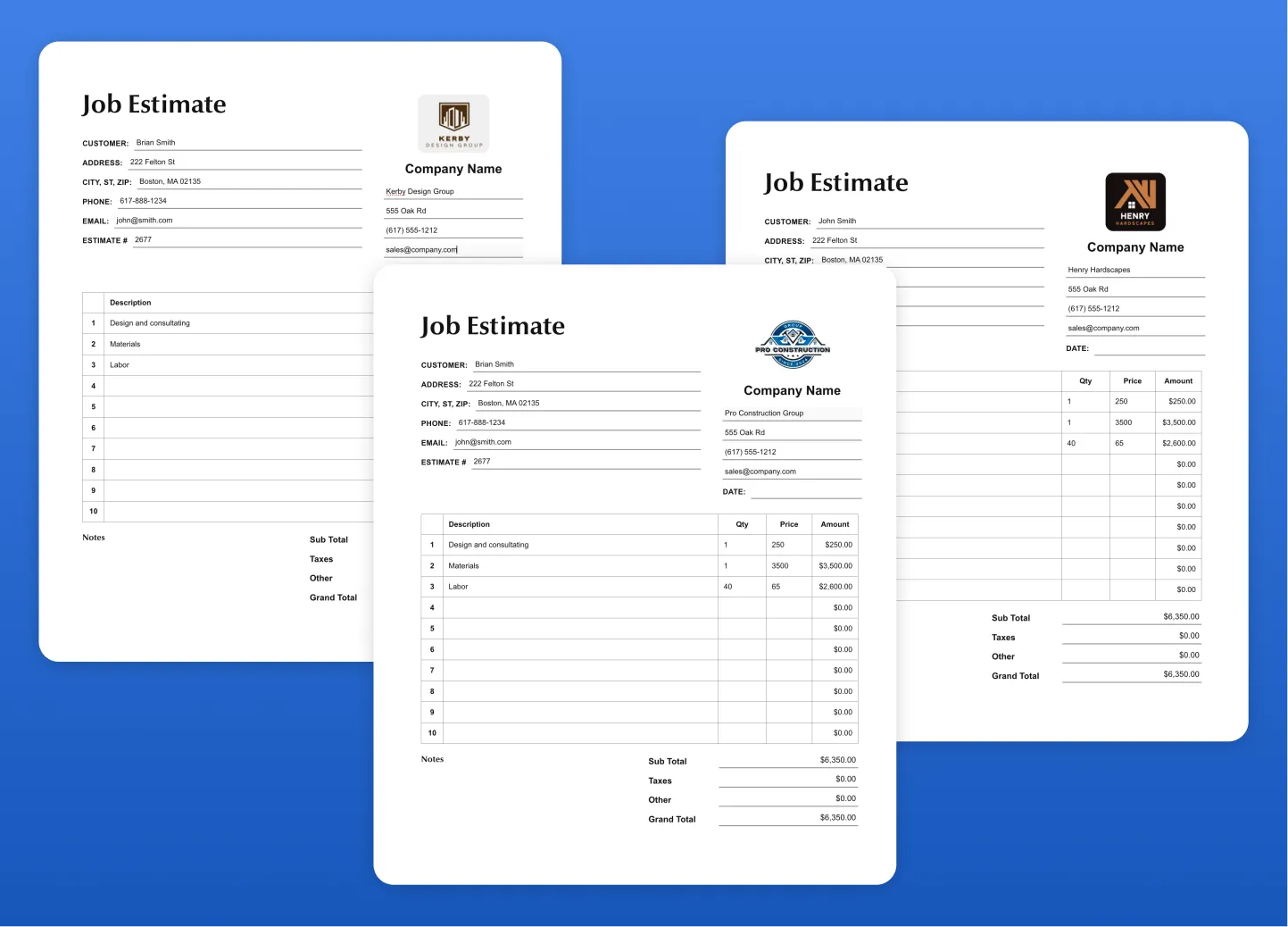
Fill out clean, client-ready estimate forms in minutes. Customize your form with your logo, business details, and line items—or generate blank estimate sheets you can print and fill out on-site. Whether you're quoting a full remodel or jotting down quick job costs, this contractor estimate form gives you flexibility without the hassle.
Generate your contractor estimate form
Job Estimate
| Description | Qty | Price | Amount |
|---|
Notes
This Contractor Estimate Form is designed for real-world jobsite use—whether you're preparing a detailed bid in advance or writing up a quick estimate in the field.
How to customize the job estimate form
Start by adding your business details, including your company name, phone number, email, and address. Upload your logo to instantly brand your estimate and present a more professional image to your clients. The form updates in real-time so you can see exactly what your final document will look like.
From there, you can either:
- Add line items digitally with descriptions, quantities, and pricing to generate a complete estimate
- Leave the fields blank and print multiple copies for handwritten estimates on-site
Advantages of the job estimate form
The structured layout ensures your estimates stay organized, with clearly defined sections for customer information, job details, pricing breakdown, and totals. It also includes space for notes, taxes, and signatures—so everything needed to move forward with a job is captured in one place.
How to share the job estimate form
Once complete, simply print the form or save it as a PDF to email directly to your client. This makes it ideal for contractors who need flexibility—whether you're working from a laptop in the office or filling things out from the back of a truck.
If you're currently using basic spreadsheets or handwritten notes, this template helps standardize your process, improve presentation, and reduce back-and-forth with clients.
And when you're ready to take things further, tools like Eano Pro can help you turn estimates into full proposals, automate calculations, and manage projects end-to-end—all starting from the same workflow.