
Cut Sheets for Contractors: What They Are and How to Use Them
If a plumber needs the rough-in dimensions for a shower valve, an electrician needs the voltage requirements for an appliance, or your purchasing team needs the exact model number of a fixture, the answer shouldn't be buried in an email thread. That's exactly what a construction cut sheet is designed to prevent.
A cut sheet is a manufacturer or supplier document that summarizes the specifications of a particular product or piece of equipment. Contractors use cut sheets to verify products before ordering, coordinate installation requirements between trades, support the submittal process, and give field crews the technical information they need to install the right product correctly.
Cut sheets can cover everything from plumbing fixtures and HVAC equipment to windows, appliances, electrical components, flooring, doors, and finish materials.
What Is a Cut Sheet in Construction?
A construction cut sheet is a product-specific document containing the technical information contractors, architects, engineers, subcontractors, and suppliers need to evaluate or install a product.
Depending on the product, a cut sheet may include:
- Manufacturer and product name
- Model or part number
- Product dimensions
- Materials and finishes
- Available colors
- Rough-in dimensions
- Installation requirements
- Electrical requirements
- Plumbing connections
- Weight and structural requirements
- Performance ratings
- Applicable standards or certifications
- Warranty information
- Compatible accessories
Manufacturers commonly publish these documents as PDFs on their websites. They may call them cut sheets, product data sheets, specification sheets, technical data sheets, or spec sheets depending on the manufacturer and trade.
The important part isn't the terminology. It's that everyone involved in the job can identify the exact product being used and the requirements for installing it.
Cut Sheet Example: A Bathtub
Consider a bathroom remodel where the homeowner selects a specific bathtub.
Telling the team to install a “72-inch Kohler tub” isn't enough information. The plumber, framer, electrician, purchasing team, and installer may each need different details about that same product.
A manufacturer cut sheet might tell them:
A good cut sheet therefore does more than identify a product. It becomes a coordination document between everyone responsible for buying, preparing for, and installing it.

Cut Sheet vs. Spec Sheet vs. Submittal vs. Shop Drawing
Construction terminology can get confusing because these documents overlap.
Here's the simplest way to think about them:
The biggest distinction is between a cut sheet and a submittal.
A cut sheet is usually one of the documents that can go into a submittal. The submittal is the larger review and approval process.
For example, a subcontractor might submit the proposed air-conditioning unit for approval. The submittal package could contain the manufacturer's cut sheet showing its model number, dimensions, capacity, power requirements, connections, and performance data.
Autodesk describes product data as a common part of construction submittals, alongside shop drawings, samples, colors, finishes, and other material information. Procore similarly identifies equipment cut sheets as one of the formats commonly included in submittals.
Why Contractors Use Cut Sheets
The real value of a cut sheet becomes obvious when several trades have to coordinate around the same product.
Imagine a kitchen remodel with a built-in refrigerator.
Before installation:
- The cabinetmaker needs the appliance dimensions and required clearances.
- The electrician needs its electrical requirements.
- The plumber may need the location of the water connection.
- The purchasing team needs the exact model and finish.
- The installer needs manufacturer installation instructions.
- The homeowner wants confirmation that the approved model is actually what's being ordered.
Without a shared source of product information, every handoff creates another opportunity for a mistake.
That's particularly expensive in construction. Research conducted by FMI for Autodesk found that construction professionals spent more than five hours per week searching for project information, including revised drawings and material cut sheets. The same research attributed 48% of U.S. construction rework to poor communication and poor project data.
The takeaway isn't that a cut sheet magically prevents rework. It's that accurate, accessible product information is an important part of preventing avoidable mistakes.
When Should You Collect Cut Sheets?
Don't wait until installation day.
For products that affect other work, contractors should ideally collect and review cut sheets before procurement and before the affected trades complete their rough-in work.
A practical workflow looks like this:
1. Identify products that require coordination
Prioritize equipment and materials where the exact selection affects dimensions, utilities, framing, finishes, or another trade.
Common examples include:
- Plumbing fixtures
- Appliances
- HVAC equipment
- Electrical fixtures and equipment
- Windows and doors
- Cabinets
- Specialty hardware
- Roofing products
- Flooring
- Waterproofing systems
- Finish materials
2. Get the manufacturer's current cut sheet
Whenever possible, obtain product information directly from the manufacturer or an authorized supplier rather than relying on an old PDF saved from another project.
Product specifications can change.
3. Confirm the exact model
A manufacturer may sell dozens of nearly identical variations.
Check the model or SKU, dimensions, finish, configuration, handedness, voltage, capacity, and other project-specific options.
For example, don't file a generic cut sheet for a bathtub series if your project requires the right-hand-drain version of a specific model.
4. Review it against the project
The cut sheet tells you what the product requires. Your plans and specifications tell you what the project requires.
Compare the two.
Check dimensions, performance requirements, connections, clearances, finishes, code requirements, and any other relevant specifications before ordering.
5. Submit it for approval when required
On projects with a formal submittal process, product information may need approval from the architect, engineer, owner, or another responsible party before procurement or installation.
An approved submittal isn't the same thing as simply having a manufacturer's cut sheet saved to your computer.
6. Make the approved information available to the field
Once a product has been approved or selected, the people installing and coordinating around it need access to the same information.
That means your plumber shouldn't be working from one PDF while your project manager has a newer version sitting in an email attachment.
How to Organize Construction Cut Sheets
The best system is usually the simplest one your team will consistently use.
For a smaller residential project, you might organize cut sheets by trade:
01 – Plumbing
02 – Electrical
03 – HVAC
04 – Appliances
05 – Doors & Windows
06 – Cabinets
07 – Finishes
For a larger project, you may want to organize documentation around CSI divisions, submittal packages, or your company's existing project structure.
Whatever system you use, filenames should also make documents identifiable without opening them.
Instead of:
Kohler-document-29384.pdf
use something like:
Primary-Bath-Kohler-Tub-K1257-RH.pdf
A useful filename can include the location + manufacturer + product + model number.
Cut Sheet Best Practices for Contractors
A folder full of PDFs isn't necessarily good documentation. The information also needs to be current, identifiable, and available to the right people.
A few practices make cut sheets significantly more useful:
Use exact model numbers. Similar products can have completely different rough-ins, dimensions, capacities, or electrical requirements.
Keep approved and unapproved products separate. Field crews should be able to tell which product is actually going into the project.
Watch revisions. If a product changes, replace or clearly supersede the old documentation rather than leaving two versions floating around.
Attach product information to the project. Avoid relying on one person's email inbox as your document management system.
Give field teams access. A perfect cut sheet sitting on an office computer isn't particularly useful when someone needs a dimension onsite.
Collect critical information early. Appliances, plumbing fixtures, HVAC equipment, windows, doors, and similar products can affect work performed weeks or months before the product itself gets installed.
Cut Sheets for Residential Contractors
Formal submittal workflows are common on commercial projects, but cut sheets are just as useful for residential contractors.
You don't necessarily need to create a formal submittal register for every kitchen remodel.
Instead, cut sheets can become part of your product-selection and project documentation process.
For example, imagine you're remodeling a primary bathroom. The homeowner approves a vanity, faucets, shower system, tub, toilet, lighting, and tile.
For each selection, your project documentation can record:
- Manufacturer
- Product
- Model or SKU
- Color or finish
- Quantity
- Supplier
- Product link
- Product photo
- Cut sheet or technical documentation
- Approval status
- Relevant installation notes
Now the estimator, project manager, purchasing team, subcontractors, and homeowner are all working from the same selections.
That's much more useful than trying to reconstruct product decisions from text messages three months later.
Managing Product Information in Eano Pro
This is also where construction project management software can help.
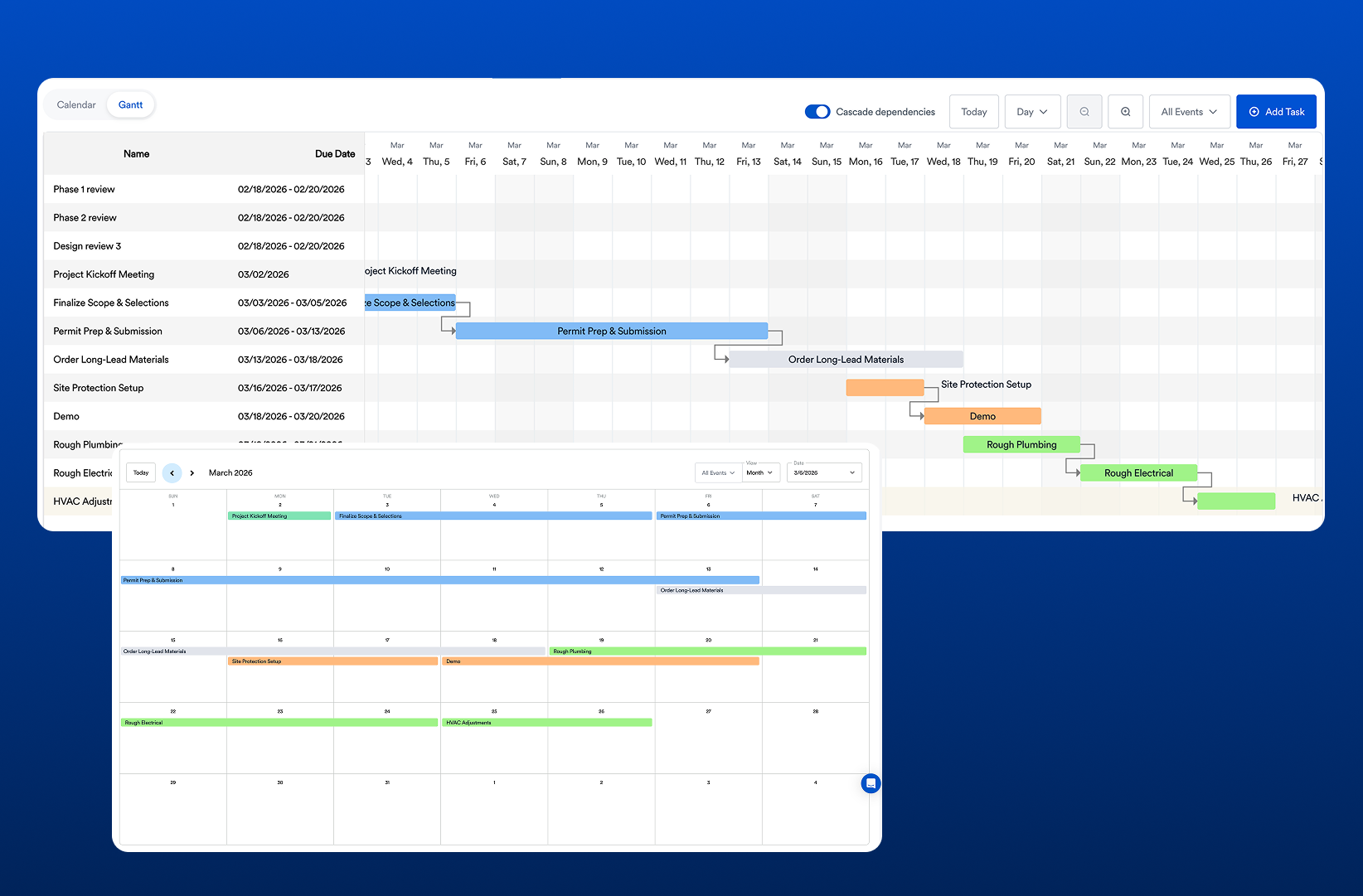
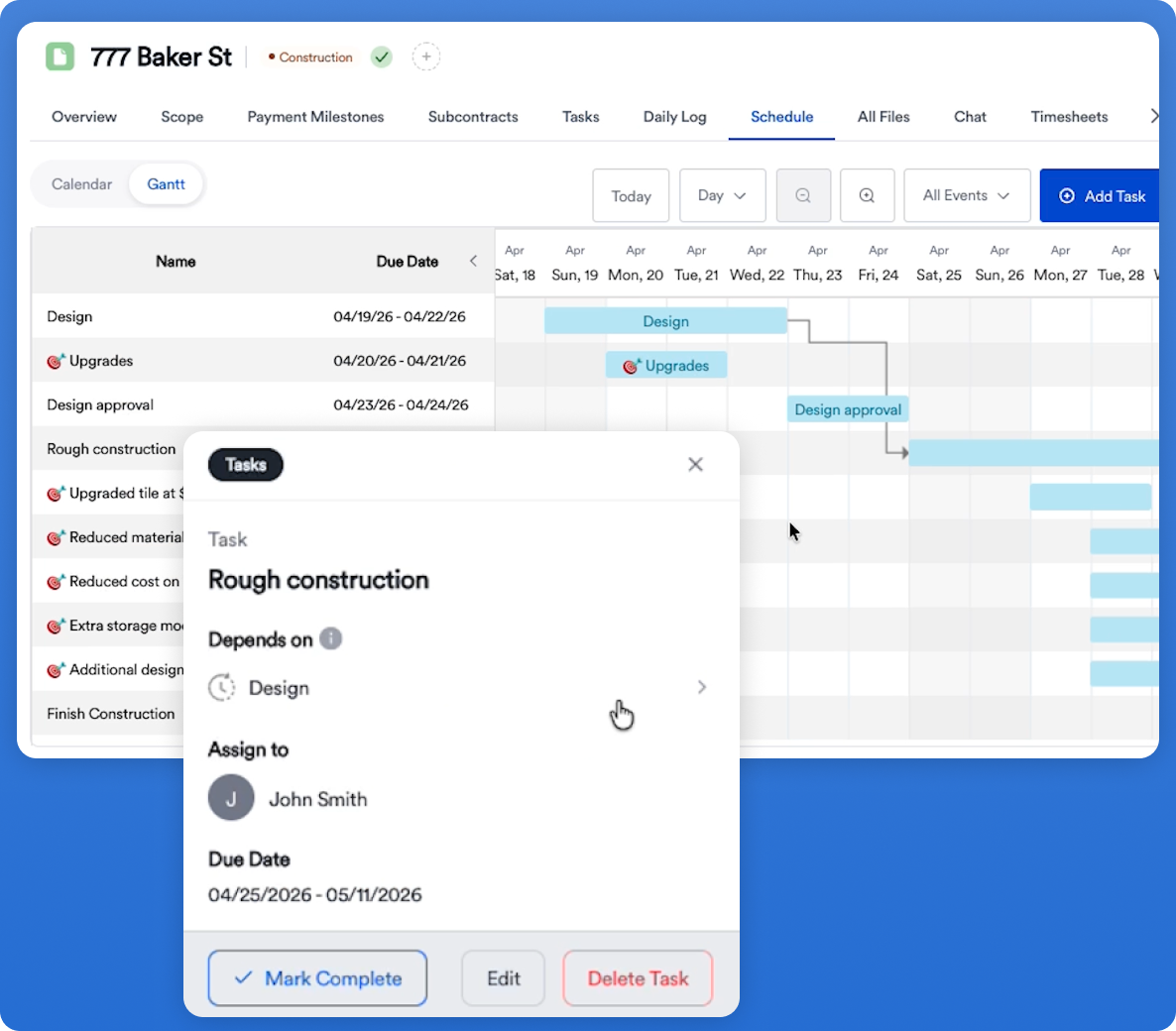
Eano Pro gives contractors a central place to keep project information rather than scattering documentation across email threads, local folders, text messages, and paper files.
Product information can stay associated with the job so the people managing the project have a consistent place to find it.
Eano Pro also integrates product information from The Home Depot into the estimating workflow, allowing contractors to add product descriptions and photos to estimates. That can be particularly useful during the earlier selection and estimating stages when you're communicating product options to a homeowner.
There is an important distinction, though: retailer product information isn't always a substitute for a manufacturer's technical cut sheet.
If your plumber needs exact rough-in requirements or your electrician needs electrical specifications, use the manufacturer's current technical documentation.
Think of the two as serving different purposes:
Product catalog information helps with estimating, selections, pricing, and client communication.
Manufacturer cut sheets provide the technical information needed for coordination, approval, and installation.
Keeping both connected to an organized project workflow gives contractors a much more complete product record.
A Simple Cut Sheet Checklist
Before treating a product selection as ready for procurement or installation, check:
- Correct manufacturer
- Exact model/SKU
- Correct size or configuration
- Correct finish/color
- Dimensions verified
- Rough-in requirements reviewed
- Electrical/plumbing requirements reviewed
- Installation clearances reviewed
- Plans/specifications checked
- Required approvals received
- Current cut sheet saved
- Field team can access it
For complicated products, add the relevant subcontractor to the review before ordering. Five minutes spent verifying a specification is considerably cheaper than discovering the wrong rough-in after finishes are installed.
Bringing It All Together: Simplify Your Workflow with Eano Pro
.webp)
Construction projects are complex, but your documentation doesn’t have to be. By embracing efficient organization and digital tools, you can make cut sheets for contractors a seamless part of your workflow.
Eano Pro’s construction management software is purpose-built for contractors who value speed, clarity, and control over their project paperwork. Our platform empowers you to collect, organize, and share cut sheets with your team—so you spend less time chasing details and more time building.
Eano Pro also integrates with a live product catalog from The Home Depot, so you can grab product descriptions and photos and insert them into estimates with a click of a button. This has a huge advantage to save time and spec products that you know are in-stock. For purposes of informing the client on options and basic descriptions, this serves well.
.webp)
The Bottom Line
A construction cut sheet is a product-specific document containing the technical information needed to evaluate, coordinate, purchase, or install a building product or piece of equipment.
For contractors, the value is straightforward: the right product information reaches the right person before the work happens.
You don't need a complicated documentation process to get that benefit. Start by collecting current manufacturer cut sheets for products that affect other trades, identify them by exact model number, confirm them against the project requirements, and keep the approved information somewhere your office and field teams can actually find it.
Want to see how Eano Pro can simplify your documentation process? Book a demo today.